7.4. Firmware Updates
When ACOM issues a new firmware version, the user can upload it in the eBox device. The new firmware is
issued as a file, for example eBox_FW V1.3.1928 - 29.06.2021.BIN.
The latest firmware versions for our products are available at www.acom-bg.com free of
charge.
Firmware Update procedure:
• Download a new firmware (*.bin file) from www.acom-bg.com;
• Log-in to eBox with an administrator authentication level (see Section 4.2 Login and
Authentication);
• Make sure that the amplifier is switched OFF. If the amplifier is powered ON, send a
command to power it OFF before to proceed;
• From a menu Settings
Device
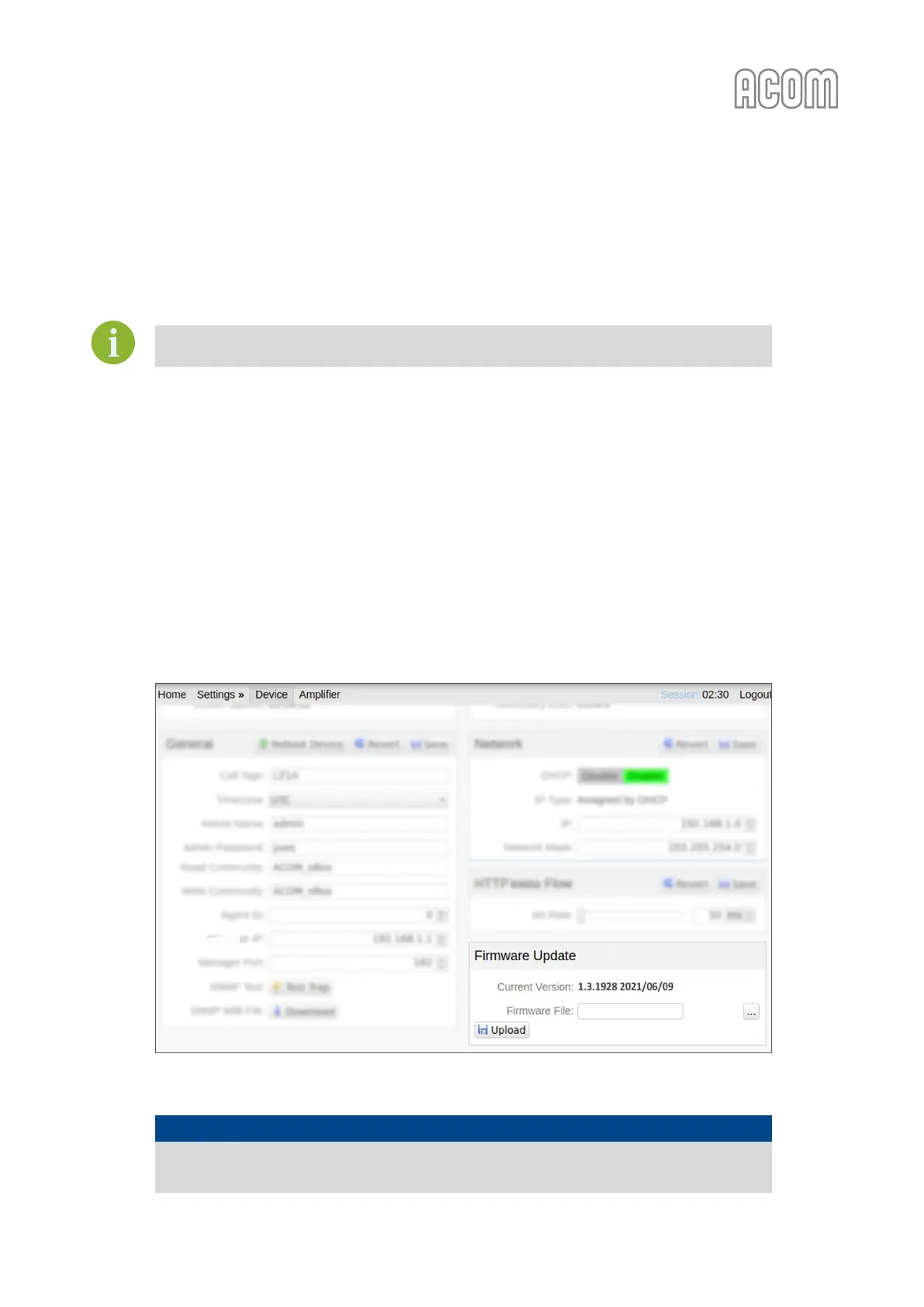
Firmware Update panel select a new firmware file (click on
Firmware File field);
• Press Upload button located in Firmware Update panel (see Figure 7-1 Firmware update);
• Wait to finish the procedure. The eBox is ready for use.
Figure 7-1 Firmware update
Figure 7-1 Firmware update
NOTICE
Do not interrupt Firmware Update procedure. If you interrupt procedure, it may result
in inoperative device (not covered under warranty).



 To Next Page