4.2. Login and Authentication
Authentication is required for amplifier remote control through the ACOM eBox web interface or to
change/set the eBox device settings.
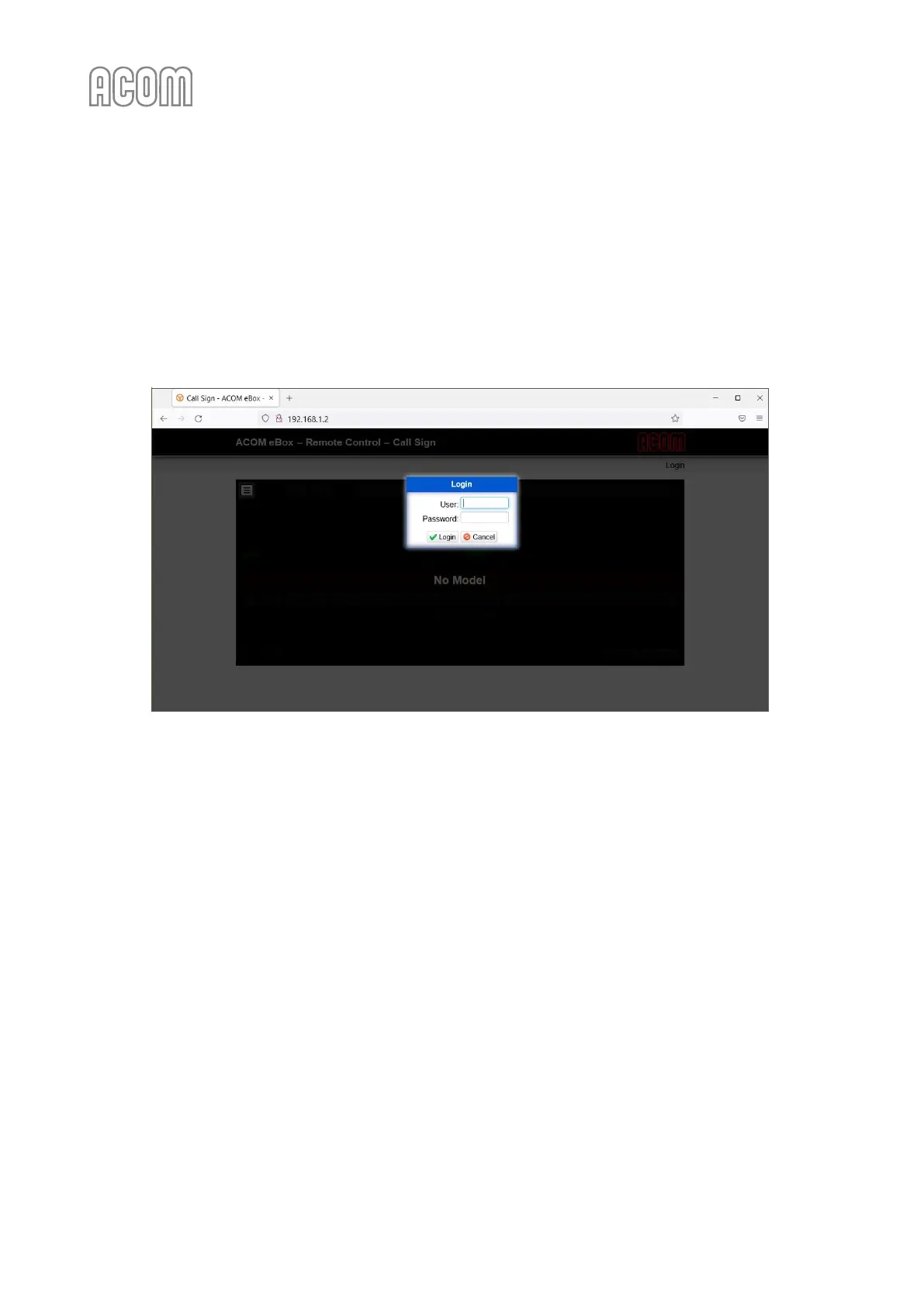
To log-in, please, click on Login link (see Figure 4-1 eBox web-interface access, Pos. (2)). The Login window will
pop-up (see Figure 4-3 eBox Login page).
Figure 4-3 eBox Login page
Figure 4-3 eBox Login page
There are two levels of authentication (access levels) - User and Administrator. For your daily work with
the device, it is recommended to use the User level.
To access the eBox web-interface you need the following default data (factory settings):
• User authentication level
- User name: user
- Password: pass
• Administrator authentication level
- User name: admin
- Password: pass
The User authentication level has full access to the Settings
Amplifier menu (amplifier controls - Power
on/off, Changing bands, Selecting visible measurements, etc.), however its rights to the Settings
Device
menu are limited only to reviewing the eBox device and network status, setting up the interface refresh
rate and set up the average and peak adjustments.
The Administrator authentication level has full access to all settings of the device.



 To Next Page