6.2. Operating with ACOM 600S, 700S, or 1200S amplifier
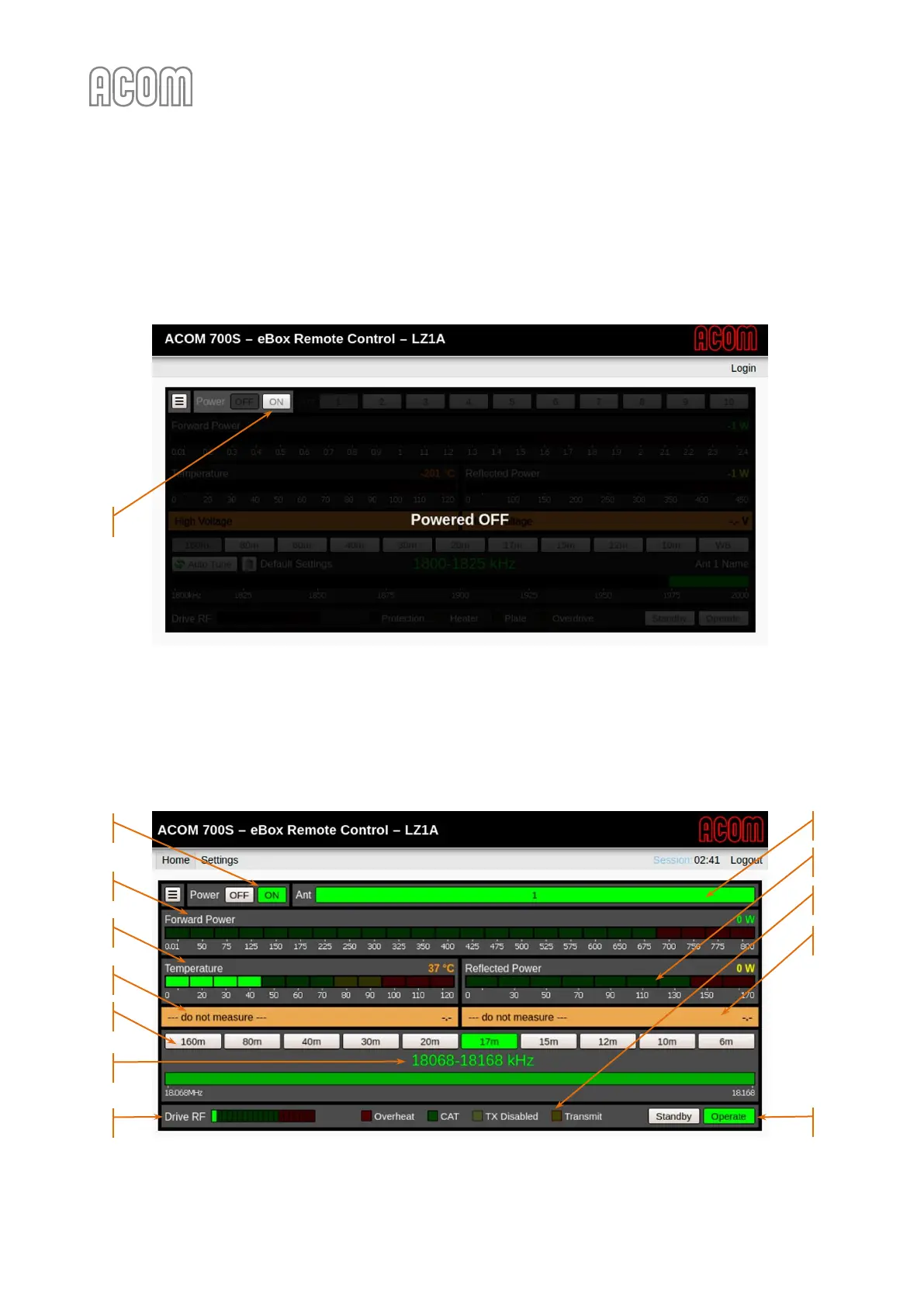
After successful log-in (as User, see Section 4.2 Login and Authentication), the first step is to turn on the
power supply of the amplifier using Power ON button (see Figure 6-4 Power On of the ACOM 700S, Pos. (1)).
Figure 6-4 Power On of the ACOM 700S
Figure 6-4 Power On of the ACOM 700S
The amplifier initialization and starting procedures are executed. The initialization and starting lasts a few
seconds and after that a main screen will appear (see Figure 6-5 Operating of eBox with ACOM 700S).
Figure 6-5 Operating of eBox with ACOM 700S
Figure 6-5 Operating of eBox with ACOM 700S



 To Next Page