• Forward Power
• Reflected Power
• High Voltage
• Plate Current
• Screen Voltage
• Screen Current
• Grid Bias Voltage
• Grid Current
• Mains Voltage
• Filament Voltage
• Front Tube Fil Current
• Rear Tube Fil Current
• Front Tube Temperature
• Rear Tube Temperature
• Plate RF Voltage
• DC Power Input
• Drive RF Power
• Power Gain
• Last Frequency used
• Load (Antenna) VSWR.
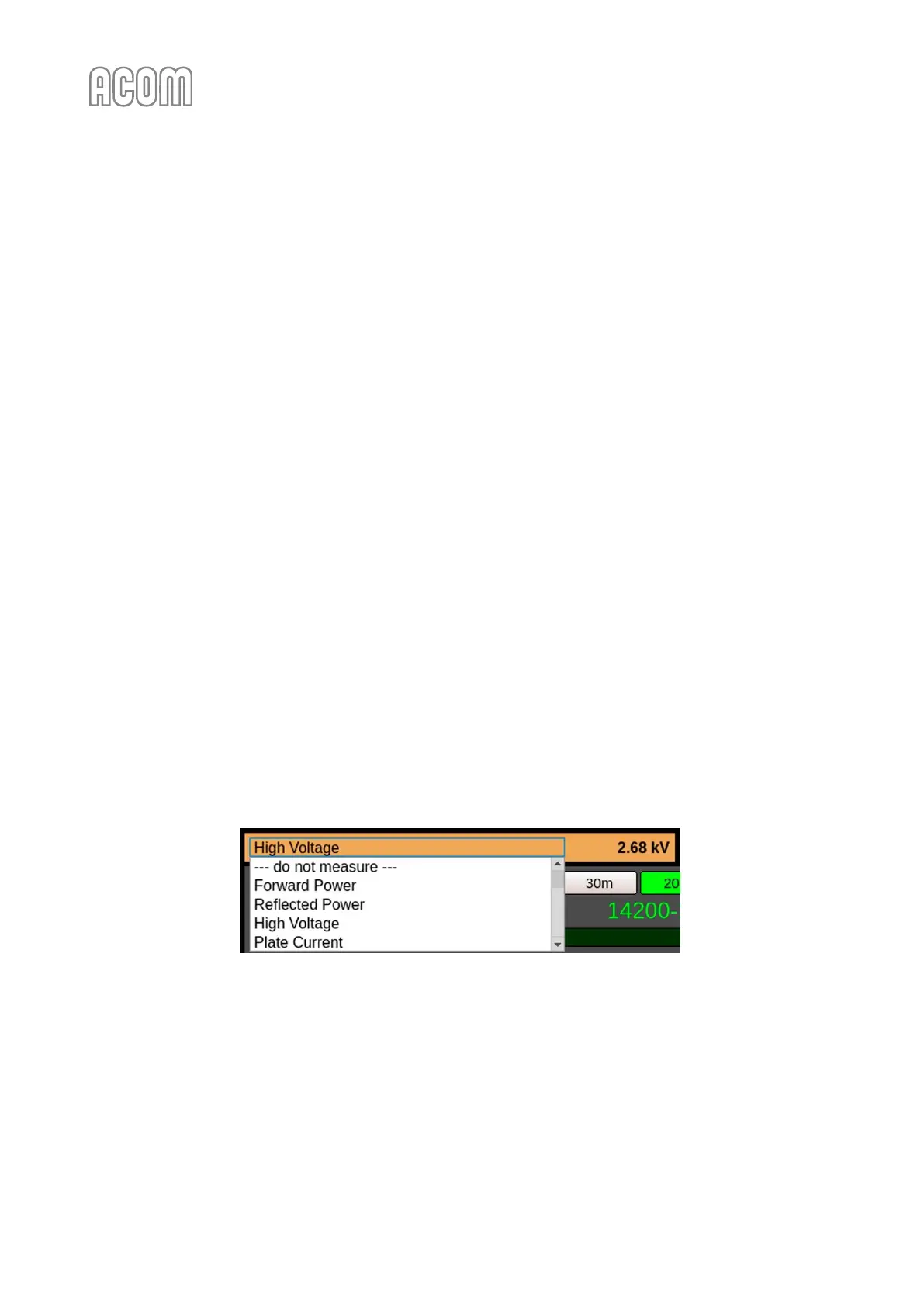
By default, High Voltage is being displayed. To select another parameter, click over the panel (parameter
name) and choose the desired one from the scrollable list (see Figure 6-3 eBox with ACOM 2000A - Parameter
1 selection).
Figure 6-3 eBox with ACOM 2000A - Parameter 1 selection
Figure 6-3 eBox with ACOM 2000A - Parameter 1 selection
g) Parameter 2 of 2
Please, see Figure 6-2 Operating of eBox with ACOM 2000A, Pos. (g).
It is used analogously to Parameter 1, by default displays Mains Voltage.
h) Band
Please, see Figure 6-2 Operating of eBox with ACOM 2000A, Pos. (h).
A set of ten buttons for direct selection of a frequency band 160 m - 10 m.



 To Next Page