1. GENERAL INFORMATION
Congratulations on purchasing of our exclusive eBox Ethernet Remote Control device.
ACOM is pleased that you have chosen one of our products, and we will endeavor to provide you with the
information and support you need to enjoy your purchase for many years.
We urge you to read all of the following materials before you embark on operating your new ACOM eBox
Ethernet Remote Control device.
1.1. Introduction and Description
This manual explains:
• Installation
• Operation and
• Maintenance
of the ACOM eBox Ethernet Remote Control device.
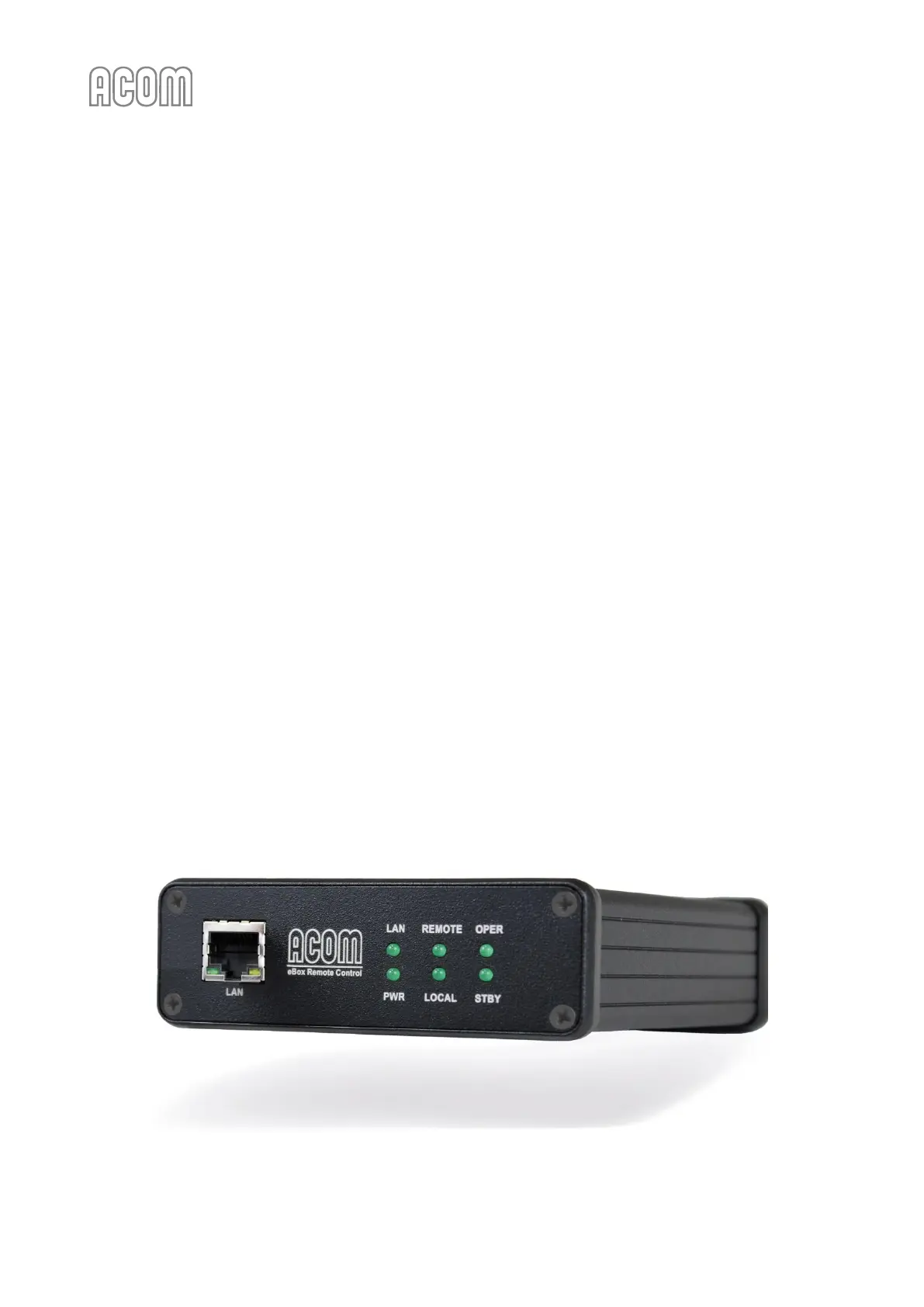
ACOM eBox is an active Ethernet network device which allows you to access and control remotely the
ACOM power amplifiers via your local network or over the Internet. Of course, you have to connect eBox
to the amplifier via a special cable, first (1.3 Equipment Supplied).
The ACOM eBox is specifically designed and developed for remote control exclusively of the following
ACOM power amplifiers:
• ACOM 600S
• ACOM 700S
• ACOM 1200S and
• ACOM 2000A with its own RCU (Remote Control Unit).



 To Next Page