Link Status Check
Restart AdaptrumTVBD, select CLIENT unit, Connect
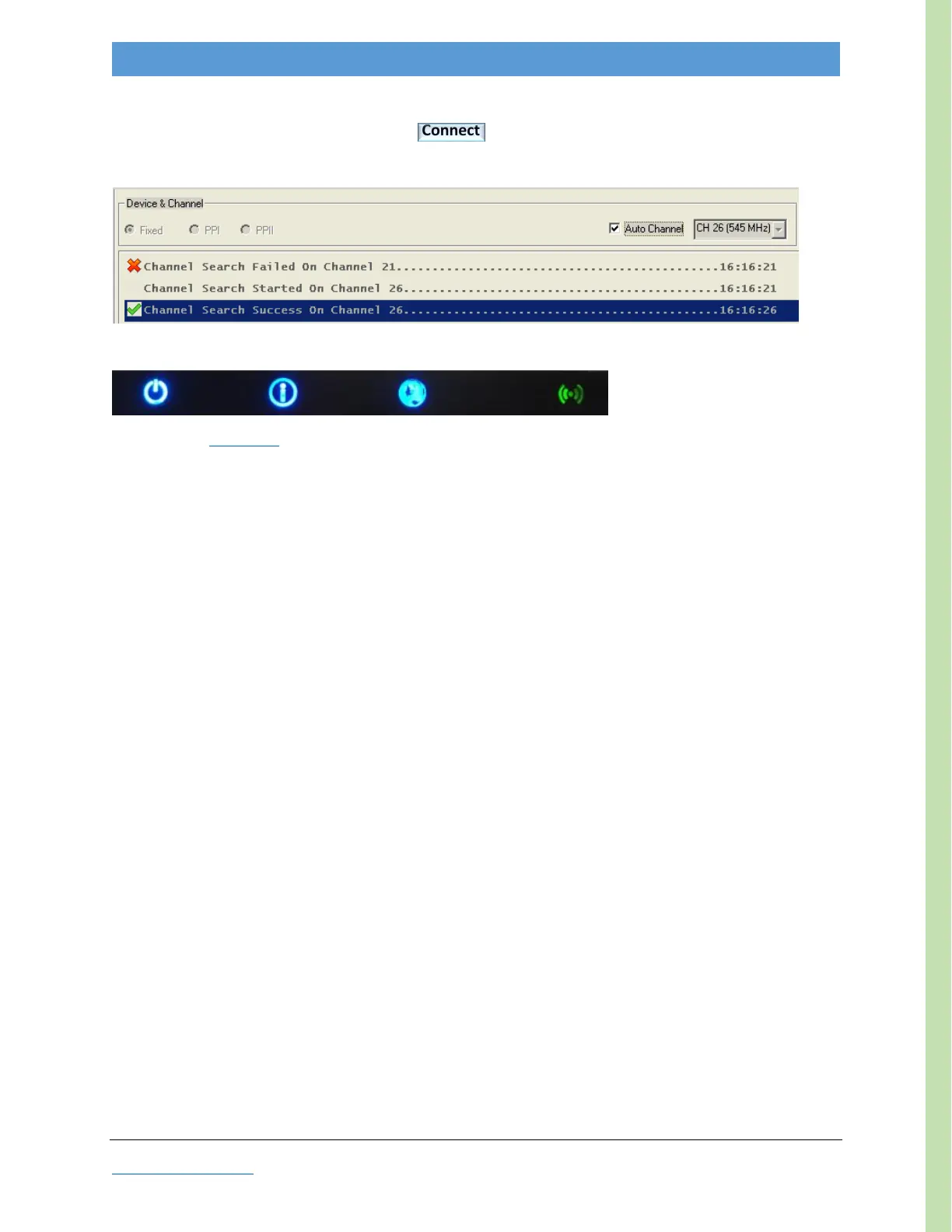
After GUI opens, check Auto Channel and wait for Channel Search Success on one of the selected channels
Your CLIENT should now be linked with the BASE, as indicated by the Link LED (3
rd
-from left) illuminated (blue)
Now check the Link Status. (See Appendix Checking Link Status.)



 To Next Page