AIMB-286 User Manual 100
6.1 Introduction
The 8th Gen Intel Core i processors are embedded with an integrated graphics con-
troller. You need to install the VGA driver to enable the function.
Optimized integrated graphic solution: Intel Graphics Flexible supports versatile dis-
play options and a 32-bit 3D graphics engine. Dual independent displays include
enhanced display modes for widescreen flat panels for, extended, twin, clone and
dual display modes, and optimized 3D support delivers an intensive and realistic
visual experience.
6.2 Windows 10 VGA Driver Installation
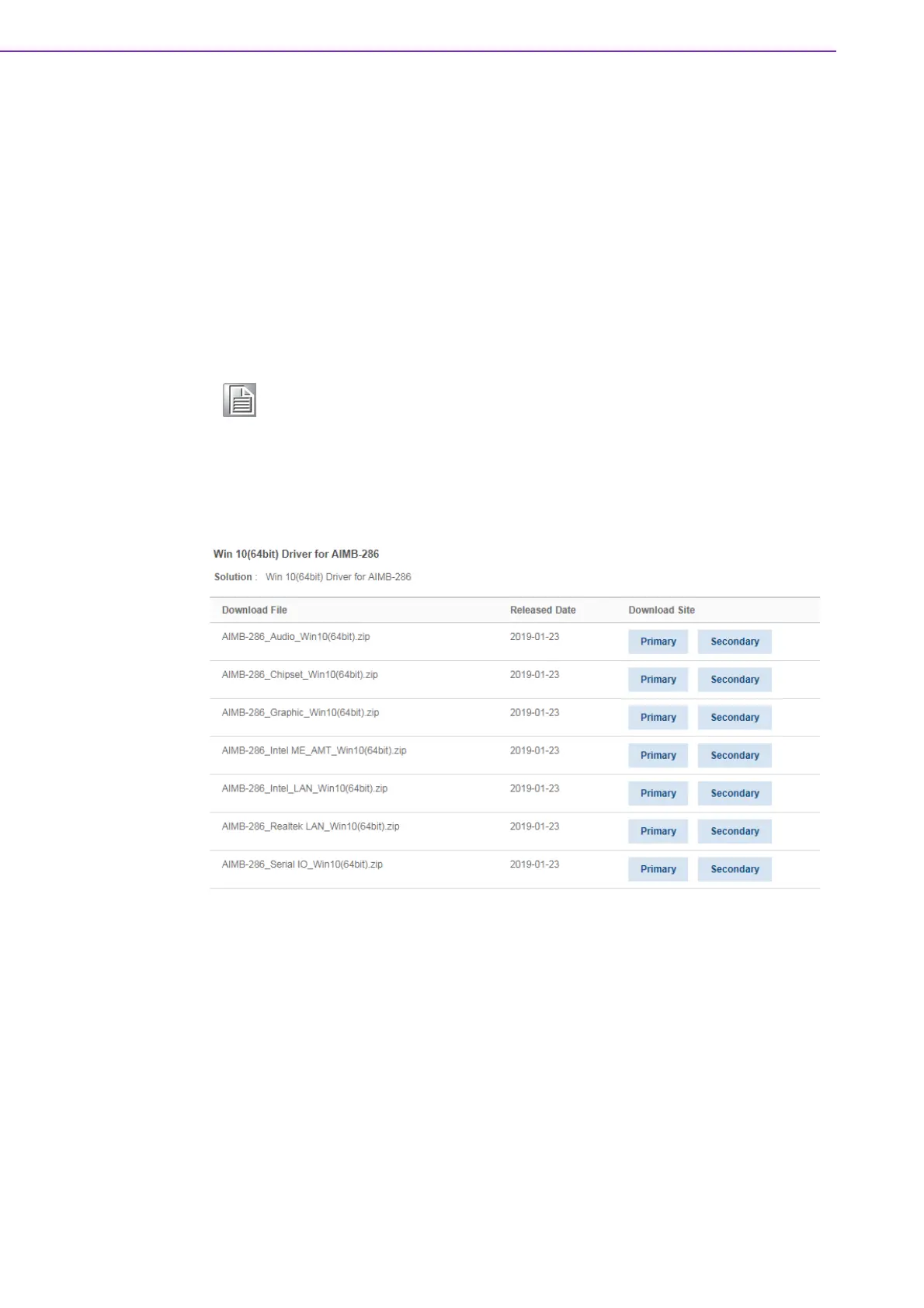
Download the driver from website on your computer. Navigate to the "AIMB-
286_Graphic_Win10(64bit)" folder and click "setup.exe" to complete the installation
of the drivers for Windows 10.
Note! Before installing this driver, make sure the CSI utility has been installed
in your system. See Chapter 5 for information on installing the CSI util-
ity.














 To Next Page