65 AIMB-286 User Manual
Chapter 3 BIOS Operation
Storage [UEFI]
Video [UEFI]
Other PCI device [UEFI]]
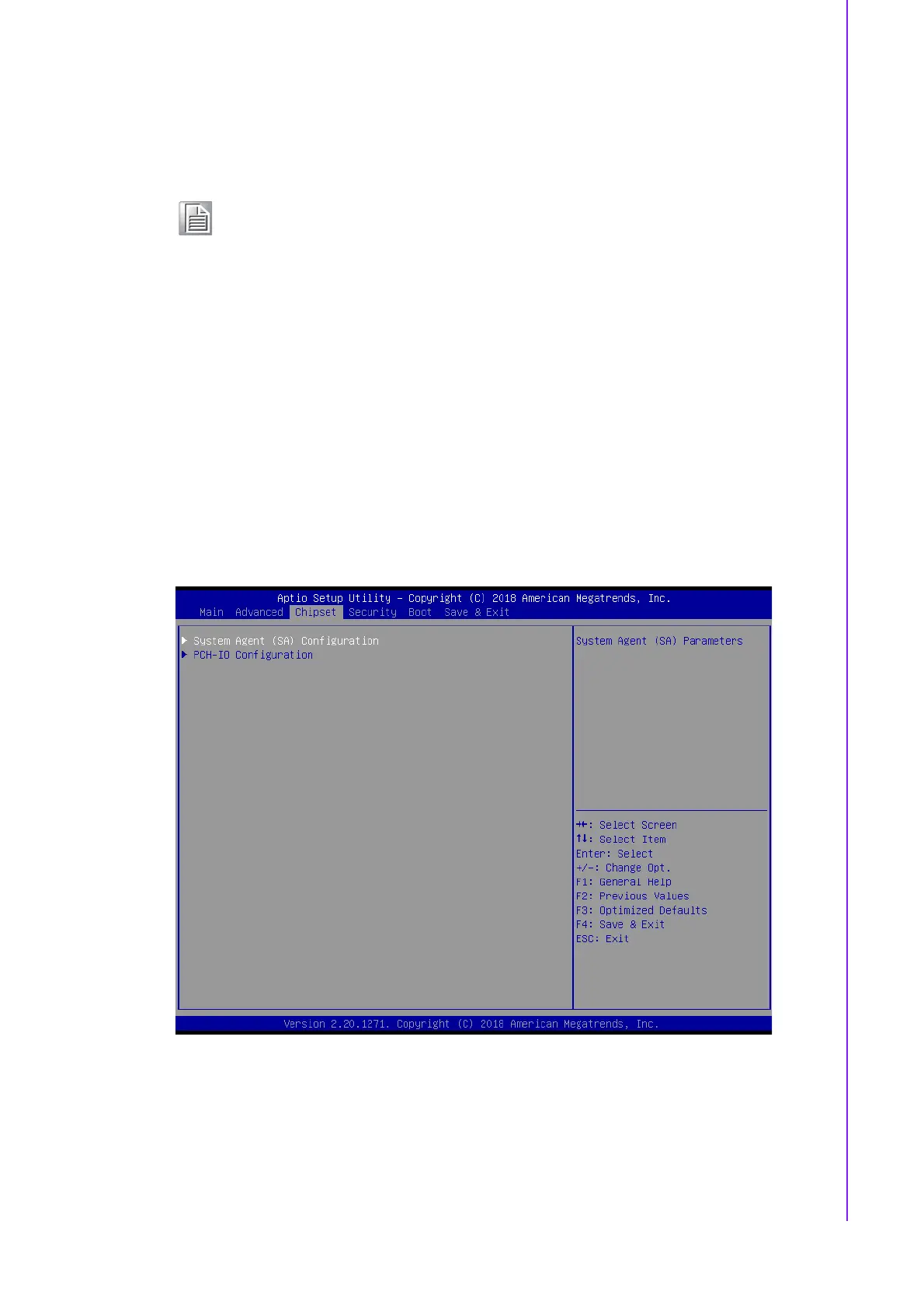
3.2.3 Chipset Configuration Setting
Select the chipset tab from the BIOS setup screen to enter the Chipset Setup screen.
Users can select any item in the left frame of the screen, such as PCI express Con-
figuration, to go to the sub menu for that item. Users can display a Chipset Setup
option by highlighting it using the <Arrow> keys. All Chipset Setup options are
described in this section. The Chipset Setup screens are shown below. The sub
menus are described on the following pages.
Note! If your HDD or other boot device is installed as Legacy mode, it may
cause a blue screen crash. There are 2 ways to solve this:
1. Re-install your OS as UEFI Mode
2. Change all of settings above as "Legacy"
* Boot option filter-> Legacy Only
* Network -> Legacy
* Storage -> Legacy
* Video -> Legacy
* Other PCI devices -> Legacy














 To Next Page