17 AIMB-286 User Manual
Chapter 2 Connecting Peripherals
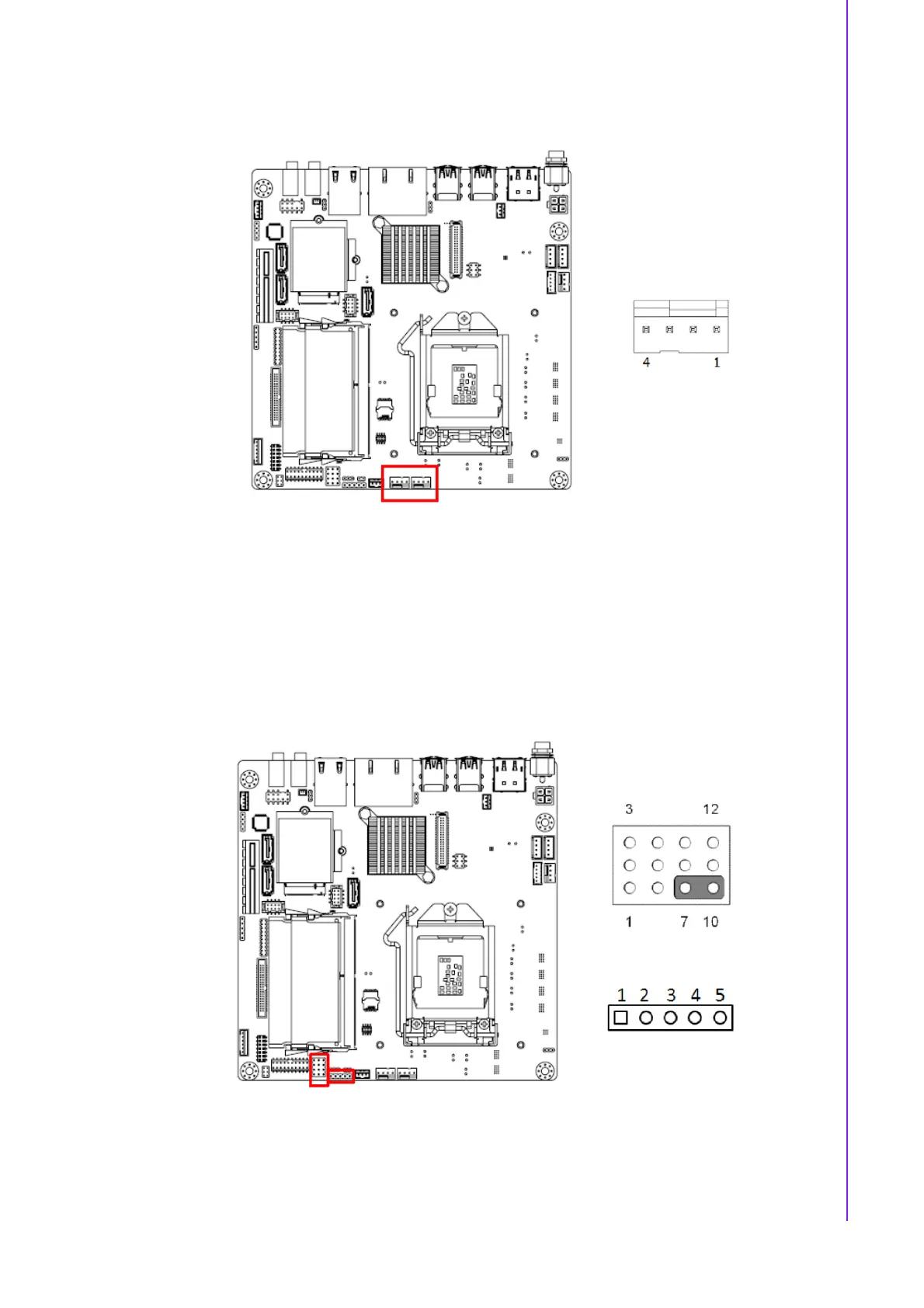
2.7 System FAN Connector (SYSFAN1/2)
If a fan is used, this connector supports cooling fans of 500 mA (6 W) or less.
2.8 Power Switch/HDD LED/SMBUS/Speaker Pin
Header (JFP1) & Power LED and Keyboard Lock
Pin Header (JFP2)
There are several headers for monitoring and controlling the AIMB-286.
2.8.1 ATX soft power switch (JFP1/PWR_SW)
If your computer case is equipped with an ATX power supply, you should connect the
power on/off button on your computer case to (JFP1/ PWR_SW), for convenient
power on and off.














 To Next Page