AIMB-286 User Manual 102
7.1 Introduction
The AIMB-286 has three Gigabit Ethernet LANs via dedicated PCI Express x1 lanes
(Realtek 8111G (LAN1/2) and Intel i211AT (LAN3)) that offer bandwidth of up to 500
MB/sec, eliminating the bottleneck of network data flow and incorporating Gigabit
Ethernet at 1000 Mbps.
7.2 Features
Integrated 10/100/1000 Mbps transceiver
10/100/1000 Mbps triple-speed MAC
High-speed RISC core with 24-KB cache
On-chip voltage regulation
Wake-on-LAN (WOL) support
PCI Express X1 host interface
7.3 Installation
The AIMB-286’s Realtek 8111G (LAN1/2) and Intel i211AT (LAN3) Gigabit integrated
controllers support all major network operating systems. However, the installation
procedure varies from system to system. Please find and use the section that pro-
vides the driver setup procedure for the OS you are using.
7.4 Windows® 10 Driver Setup (Realtek 8111G &
Intel i211AT)
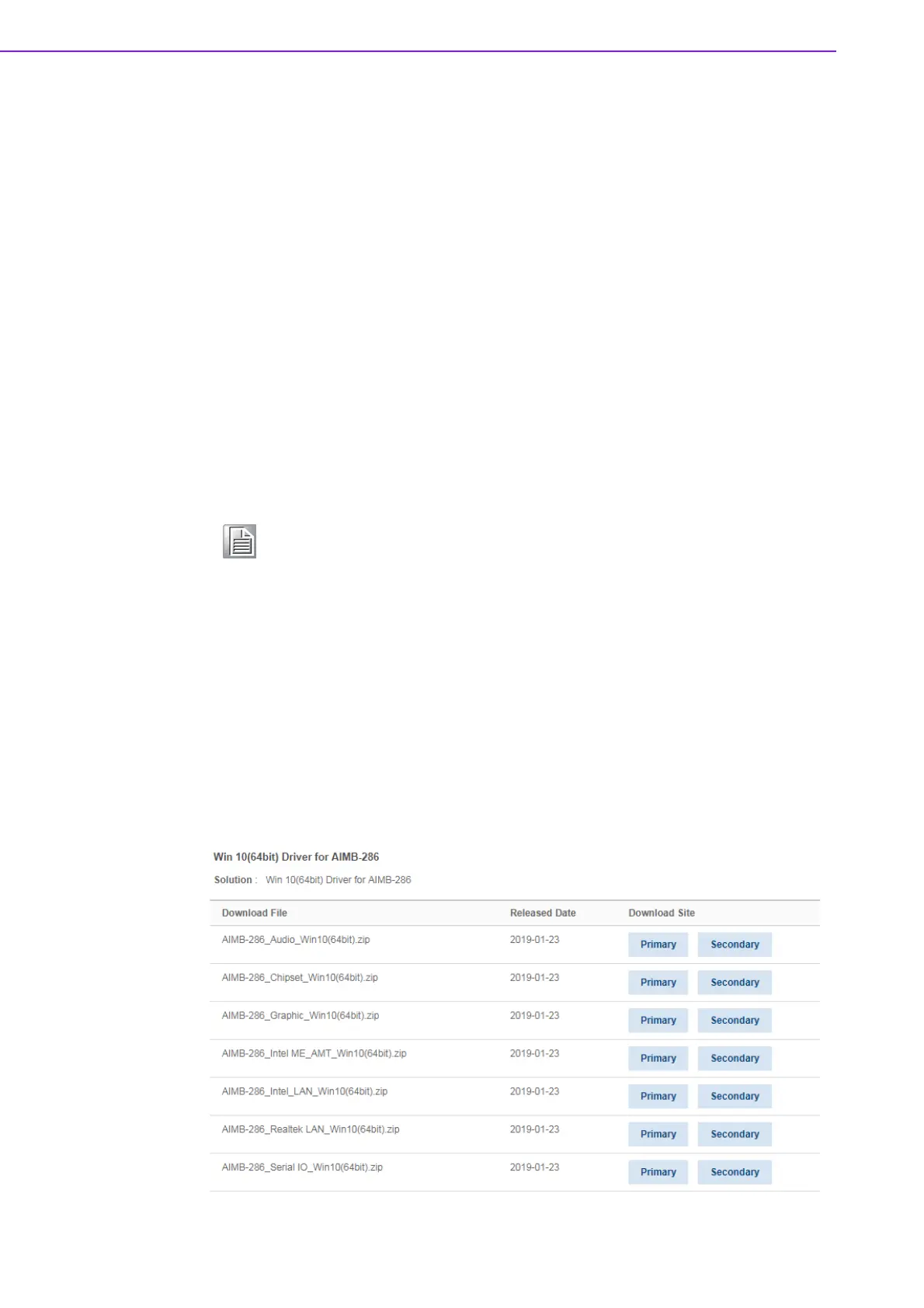
Download the driver from support website on your computer and decompressed the
file. Select the "Autorun" then navigate to the directory for your OS.
Note! Before installing this driver, make sure the CSI utility has been installed
in your system. See Chapter 5 for information on installing the CSI util-
ity.














 To Next Page