FWA-3260 User Manual v02_20160302.docx Copyright 2014 Advantech Co. Ltd. All rights reserved. Page 32
Table 8: Front elements
2.4.1.1 LED details
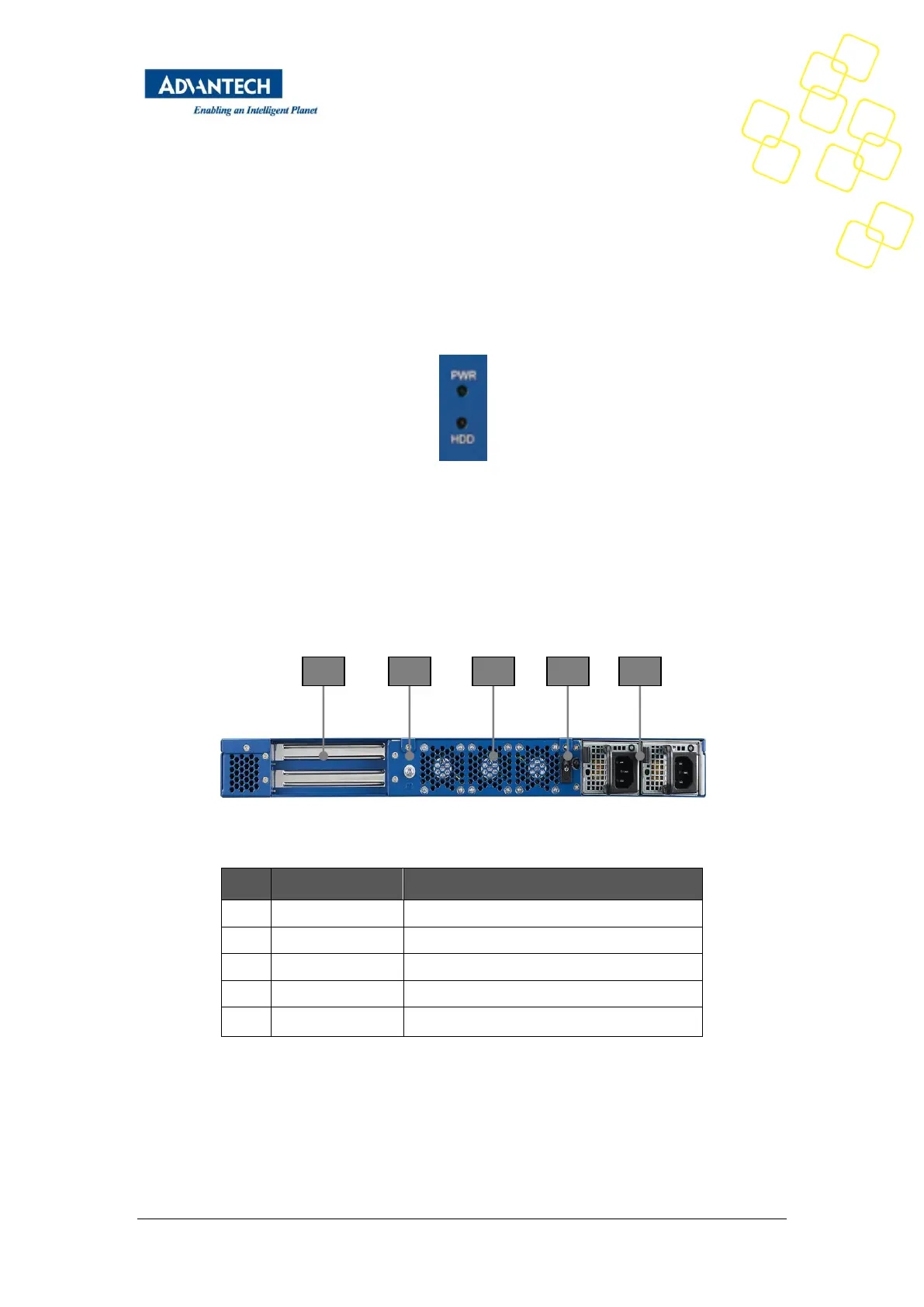
Two LEDs are provided at the front for signalling important system status at location F2 and
F3.
Figure 11: Front LEDs
The PWR LED is a green indicator which is lit when the unit is powered. The HDD activity LED
is amber and indicates hard disk and M.2 activity.
2.4.2 Rear Elements
Figure 12: System Rear View
1 PCIEx8 for Add on card as default option
3 Rear system fan exhaust
AC Power connector (2 skus with single and
redundant PSU options)
Table 9: Rear elements



 To Next Page