FWA-3260 User Manual v02_20160302.docx Copyright 2014 Advantech Co. Ltd. All rights reserved. Page 73
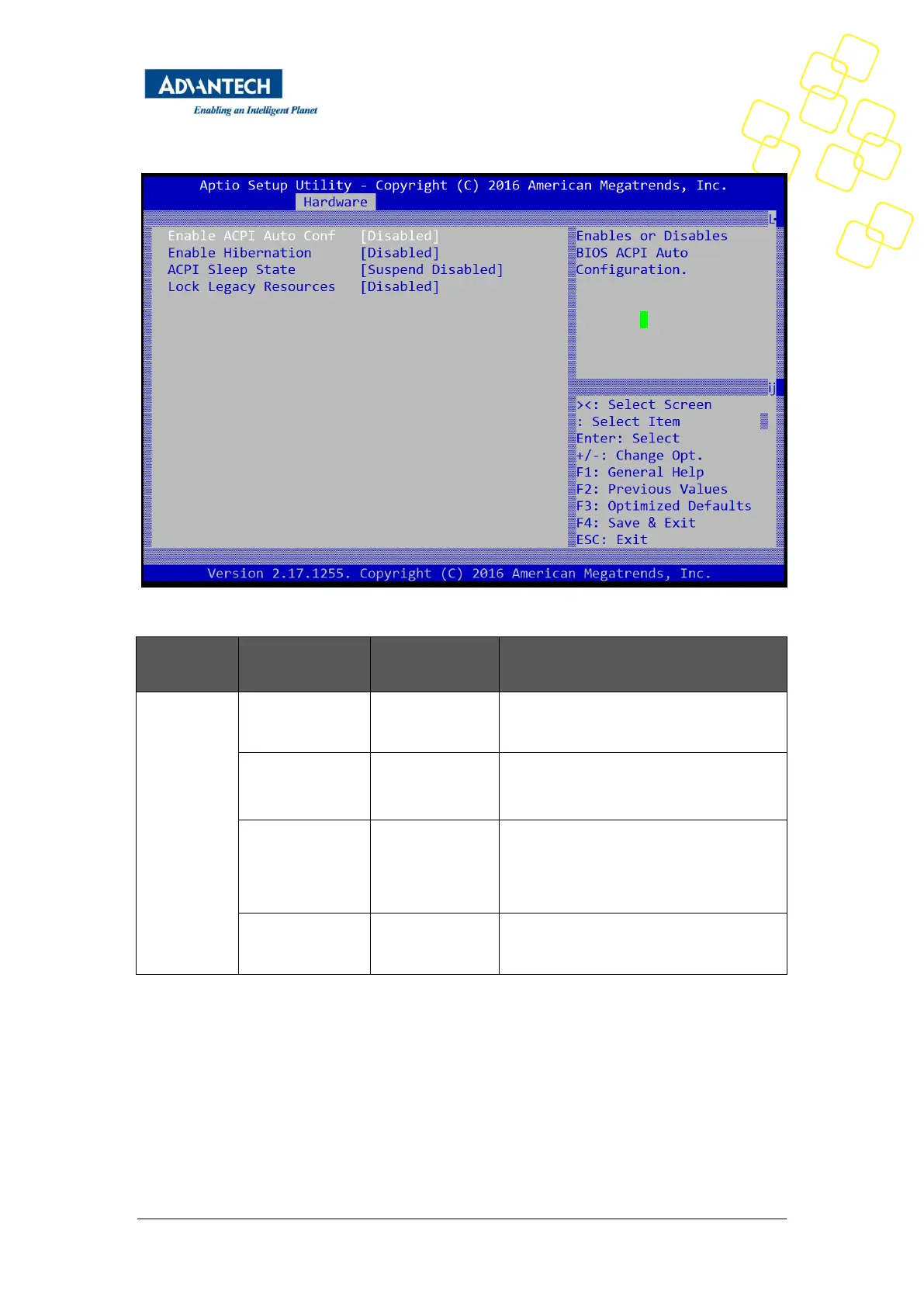
Figure 41: Hardware Setup: ACPI configuration
Enable ACPI Auto
Configuration
Enable or disable BIOS ACPI auto
configuration
Enable the system ability to hibernate
(OS/S4 sleep state), this option may be not
effective with some O.S
Suspend
Disabled
S1 (CPU Stop
Clock)
Select the highest ACPI sleep state the
system will enter when the SUSPEND
button is pressed.
Enable lock of legacy resources
Table 39: Hardware Setup: ACPI configuration Menu Items
3.2.3.8 Runtime Error logging
This sub-menu contains settings for the Runtime error logging configuration.



 To Next Page