FWA-3260 User Manual v02_20160302.docx Copyright 2014 Advantech Co. Ltd. All rights reserved. Page 54
3.2.2 Platform Setup Menu
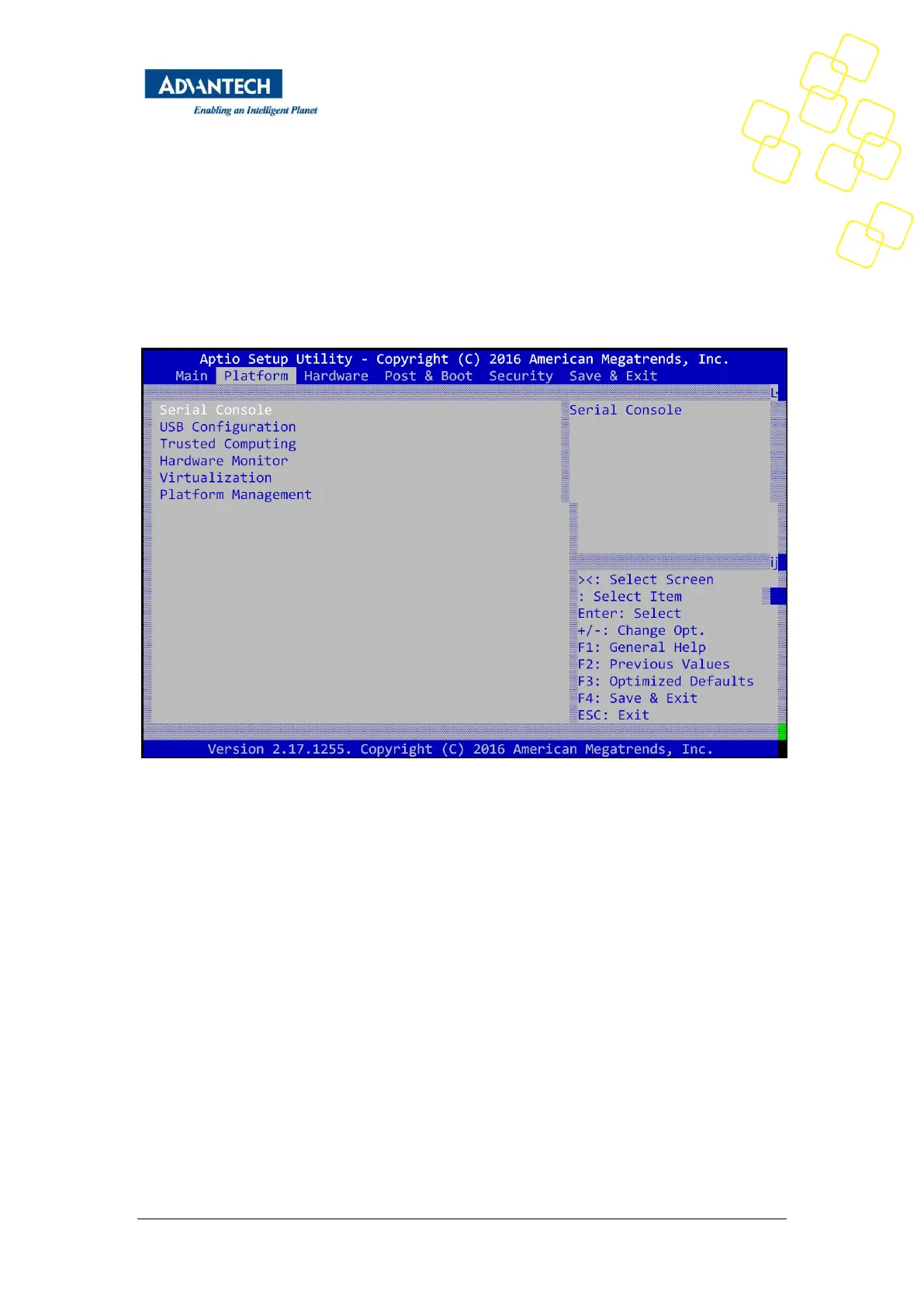
Select the Platform tab from the FWA-3260 setup screen to enter the Platform Setup screen.
Users can select any of the items in the left frame of the screen, such as the Trusted
Computing Configuration, to go to the sub menu for that item. Users can display an Platform
BIOS Setup option by highlighting it using the <Arrow> keys.
The Platform BIOS Setup screen is shown below. The sub menus are described on the
following pages.
Figure25: Platform Setup Main screen
3.2.2.1 Serial Port Console Redirection
This sub menu allows you to change the settings used for the serial console.
Note that the serial console is always using COM1 which is connected to the front panel.



 To Next Page