FWA-3260 User Manual v02_20160302.docx Copyright 2014 Advantech Co. Ltd. All rights reserved. Page 79
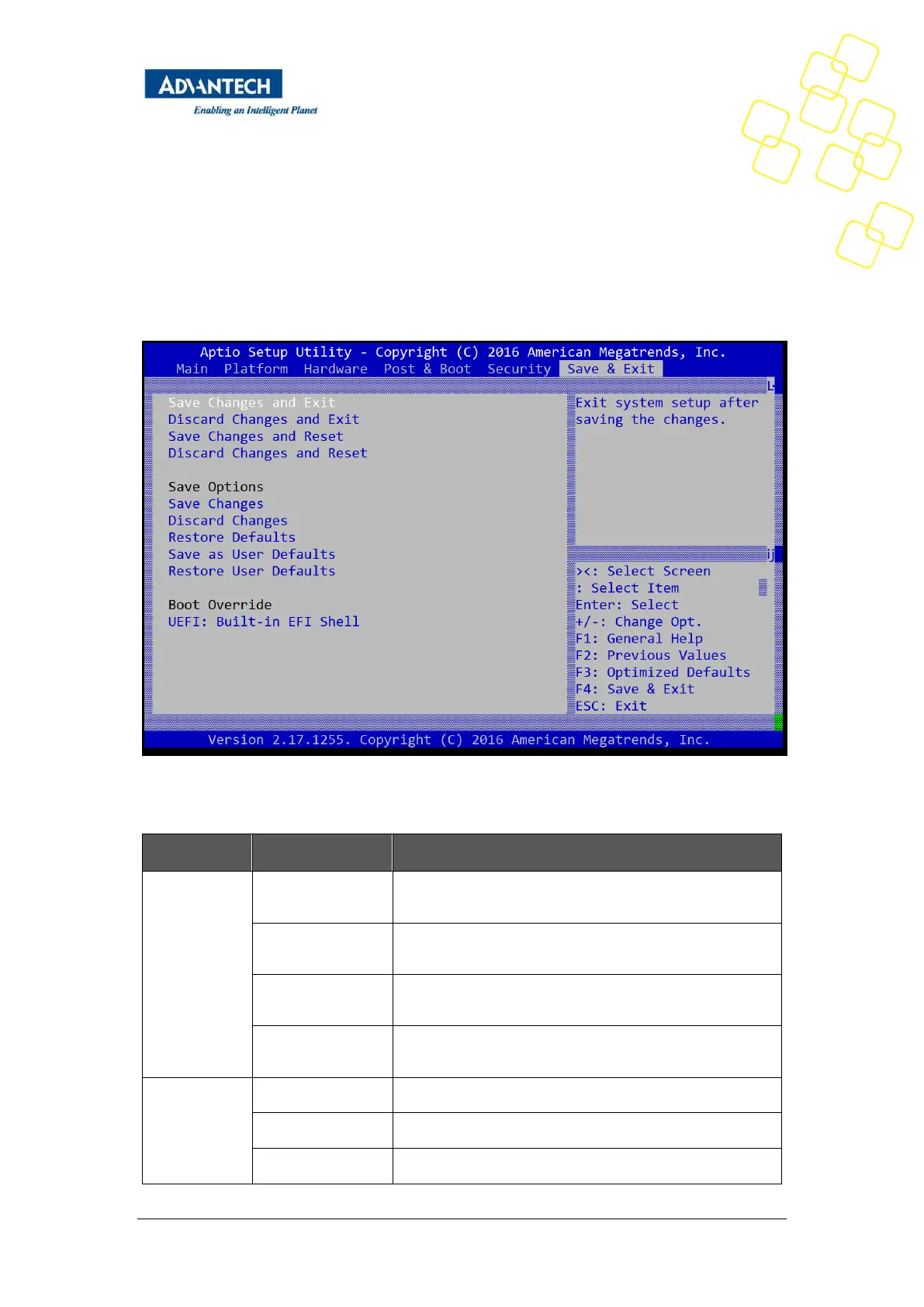
3.2.7 Save & Exit Menu
The FWA-3260 BIOS allows users to store BIOS configuration results as “User Defaults.”
Users can select “Save as User Defaults” to record all changes which had been made in
previous pages as the default setting for further use.
Figure 46: Save & Exit Menu
Exit setup after saving the changes. Does not update User
defaults.
Exit setup without saving any changes.
Reset system after saving the changes. Does not update
User Defaults.
Discard Changes
and Reset
Reset system without saving the changes.
Save Changes made so far to any of the setup options.
Discard Changes made so far to any of the setup options.
Restores the BIOS factory defaults to all the setup options.



 To Next Page