FWA-3260 User Manual v02_20160302.docx Copyright 2014 Advantech Co. Ltd. All rights reserved. Page 61
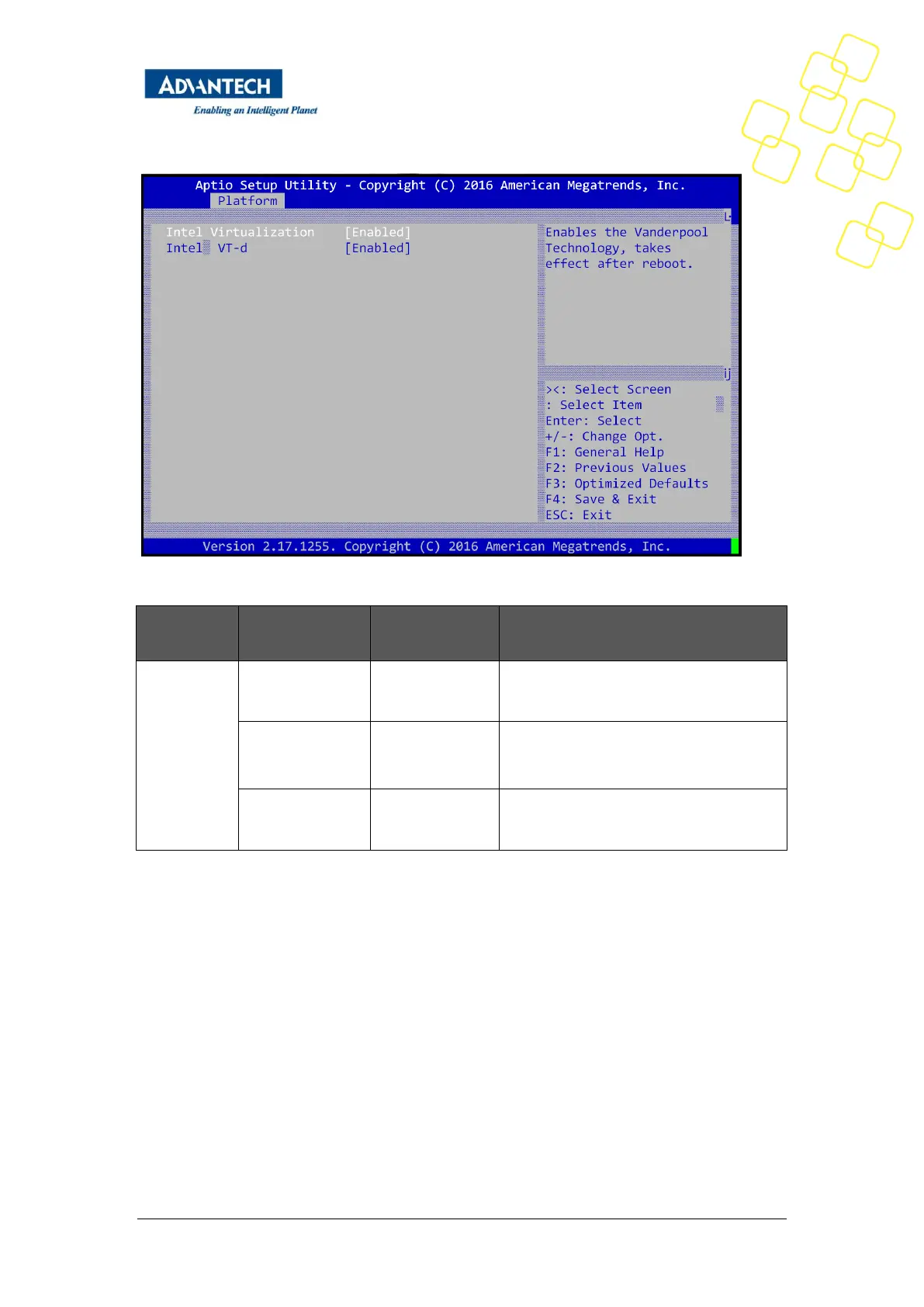
Figure 31: Platform Setup: Virtualization
Enable/Disable Intel Virtualization
Technology , take effect after reboot
Enable/disable Intel Virtualization
Technology for Directed I/O (VT-d) by
reporting the I/O device
This item will be hidden and enable it by
default setting for get better performance
Table 30: Virtualization Menu
3.2.2.6 Platform Management
This sub menu allows you to change the settings used for related CPU utilization setting.
The default configuration for CPU was optimized setting for getting better performance for
networking, so it is not recommend to change it.



 To Next Page