VP-8-V2 and VP-16-V2 Series Encoder
·
User Manual
44
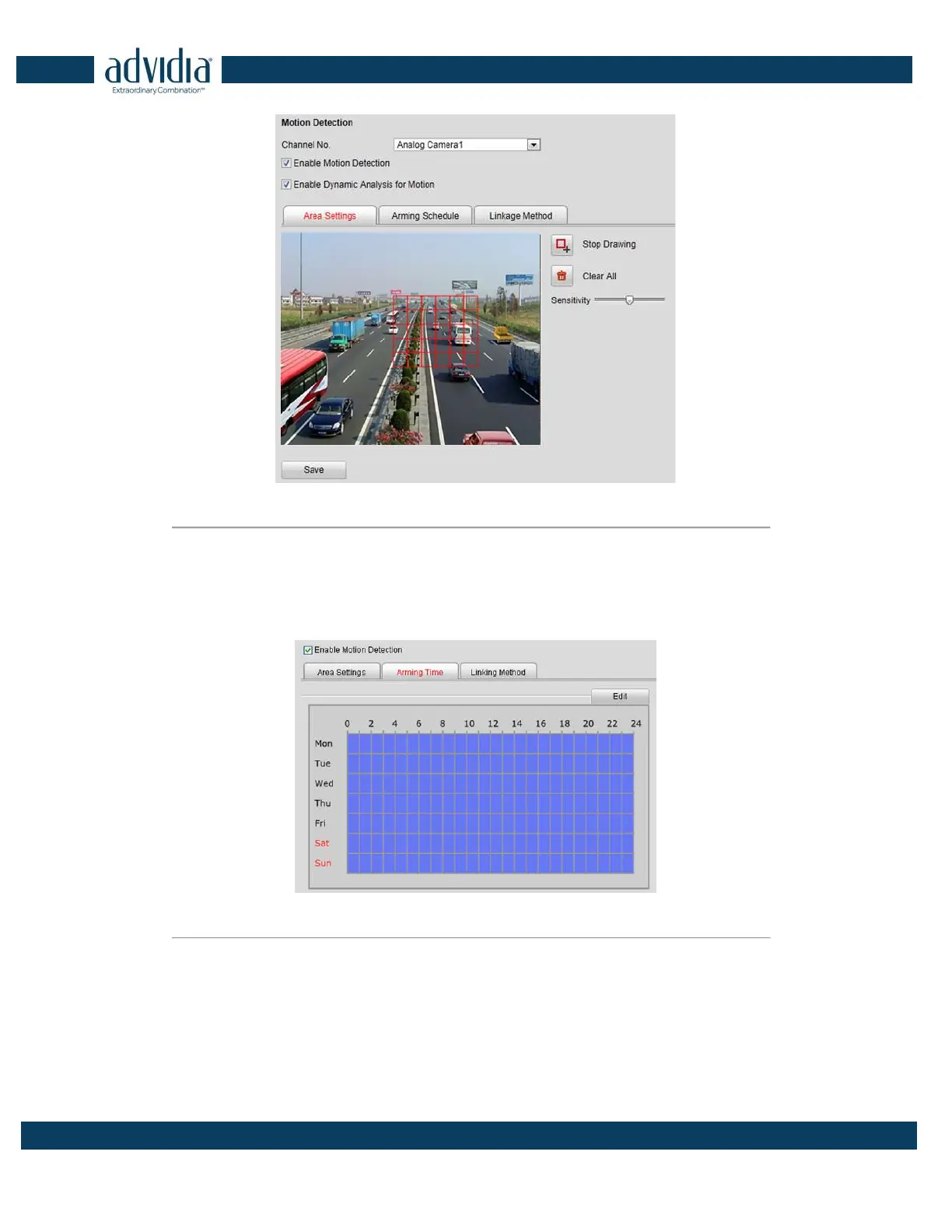
Figure 5. 10 Motion Detection-Area Settings
(8) Click Save button to save the settings.
2. Set the Arming Schedule for Motion Detection
Steps:
(1) Click the Arming Time tab.
Figure 5. 11 Motion Detection-Arming Time Settings
(2) Click the Edit button to edit the arming schedule.



 To Next Page