VP-8-V2 and VP-16-V2 Series Encoder
·
User Manual
52
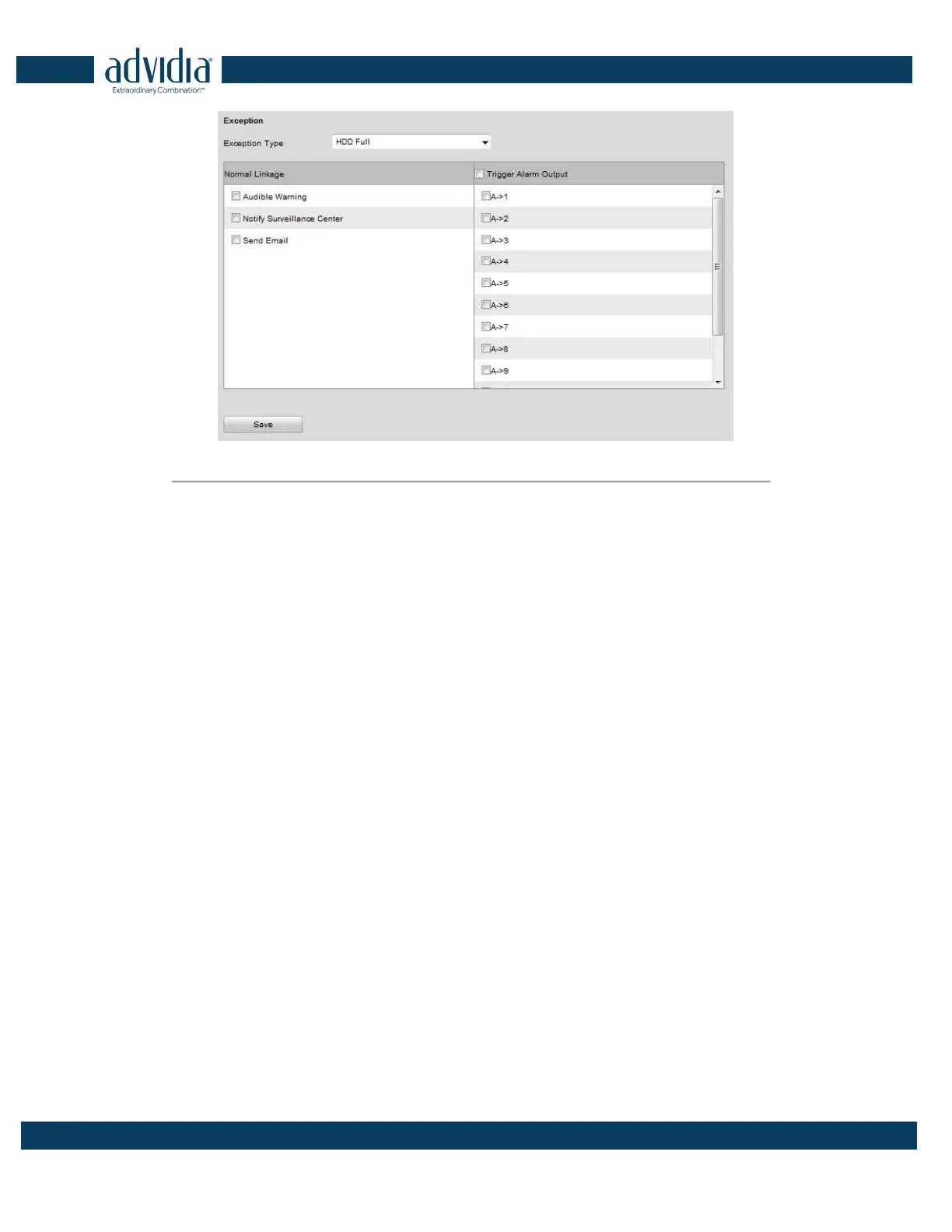
Figure 5. 22 Handling Exceptions
3. Click Save to save the settings.
5.4 Configuring Privacy Mask
Purpose:
Privacy Mask enables you to cover certain areas on the video of the channel to prevent your privacy from live
viewing and recording.
Steps:
1. Click Configuration>Remote Configuration>Camera Settings>Privacy Mask to enter the privacy mask
settings interface.
2. Select the camera to configure privacy mask.
3. Check the checkbox of Enable Privacy Mask to enable this function.



 To Next Page