VP-8-V2 and VP-16-V2 Series Encoder
·
User Manual
48
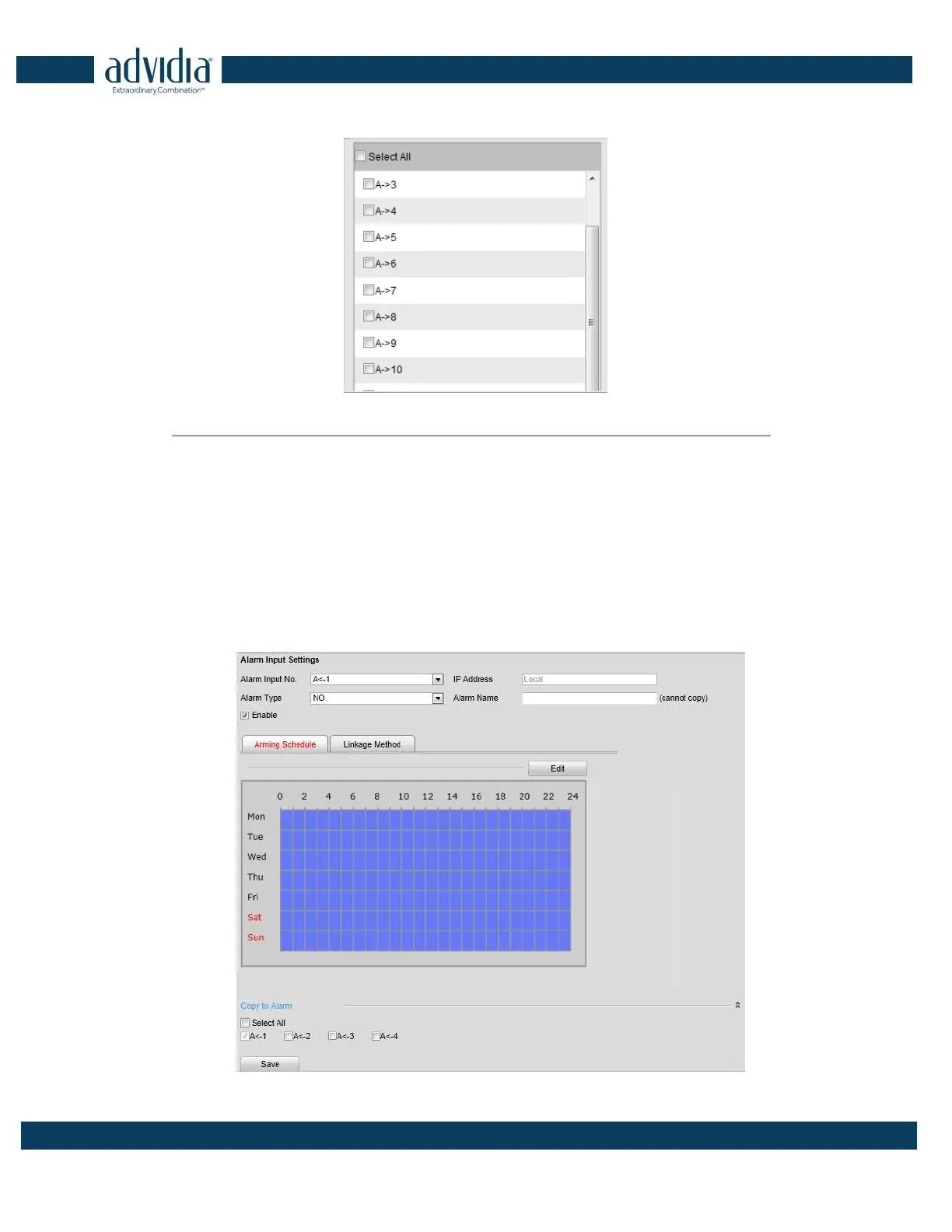
(4) Select the channel you want to trigger recording when a motion detection event occurs.
Figure 5. 17 Motion Detection-Alarm Linked Recording
(5) Click OK to save the settings of linking method motion detection.
5.3.4 Configuring External Alarm Input
Steps:
1. Click Remote Configuration> Alarm Settings> Alarm Input to enter the Alarm Settings interface.
2. Choose the alarm input number and the Alarm Type. The alarm type can be NO (Normally Open) and NC
(Normally Closed).



 To Next Page