VP-8-V2 and VP-16-V2 Series Encoder
·
User Manual
47
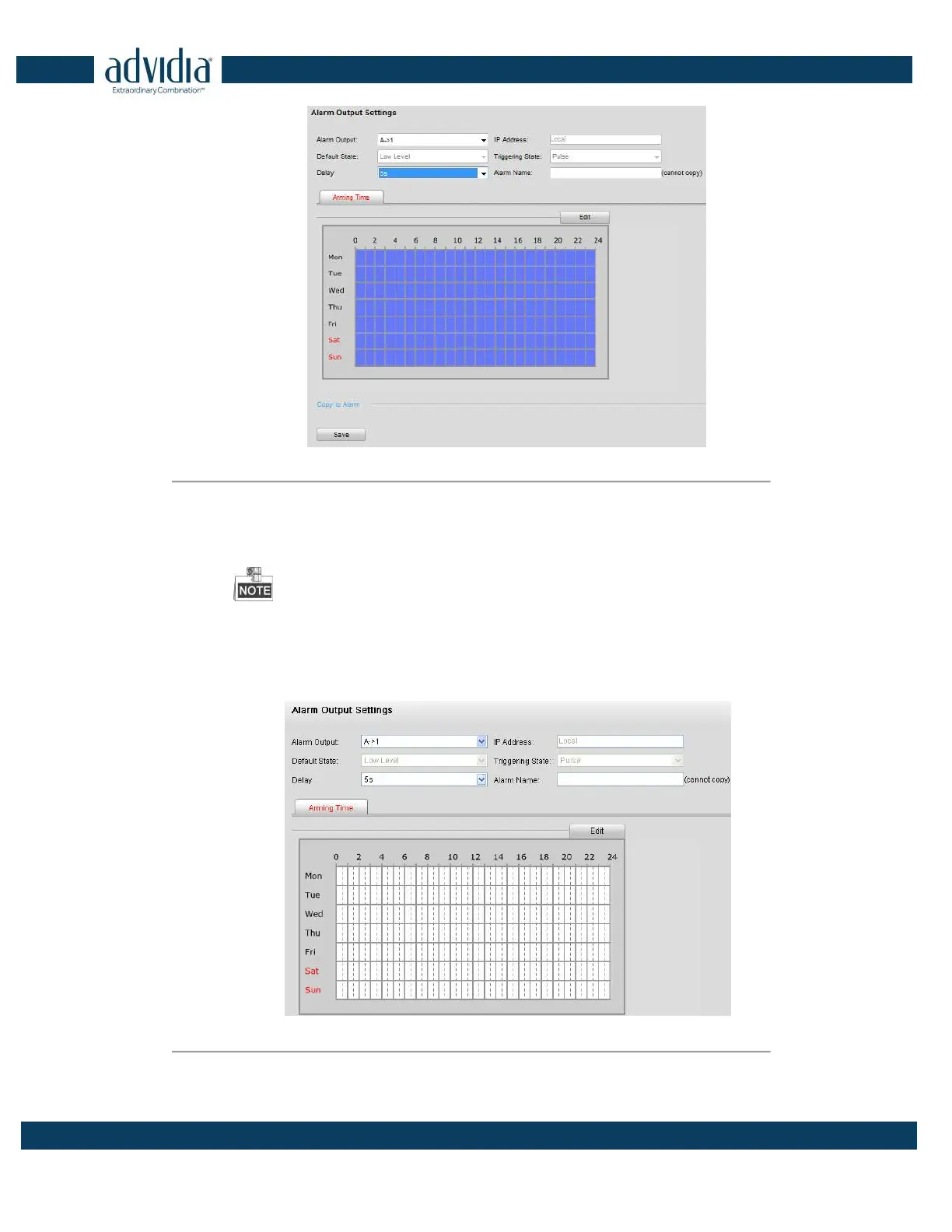
Figure 5. 15 Motion Detection-Alarm Output Settings
2) Select one alarm output channel in the Alarm Output drop-down list.
3) The Delay time can be set to 5sec, 10sec, 30sec, 1min, 2min, 5min, 10min or Manual. The Delay
refers to the time duration that the alarm output remains in effect after alarm occurs.
If you choose Manual, you need to manually disable the alarm output.
4) Click Edit to enter the Edit Schedule Time interface. The time schedule configuration is the same
as the Setting of the Arming Schedule for Motion Detection. Refer to Step 2 Set the Arming Schedule
for Motion Detection in Section Configuring Motion Detection.
Figure 5. 16 Motion Detection-Alarm Output Settings
5) Return to the Alarm Output Settings interface and click Save to save the settings.



 To Next Page