VP-8-V2 and VP-16-V2 Series Encoder
·
User Manual
54
Chapter 6 Managing User Accounts
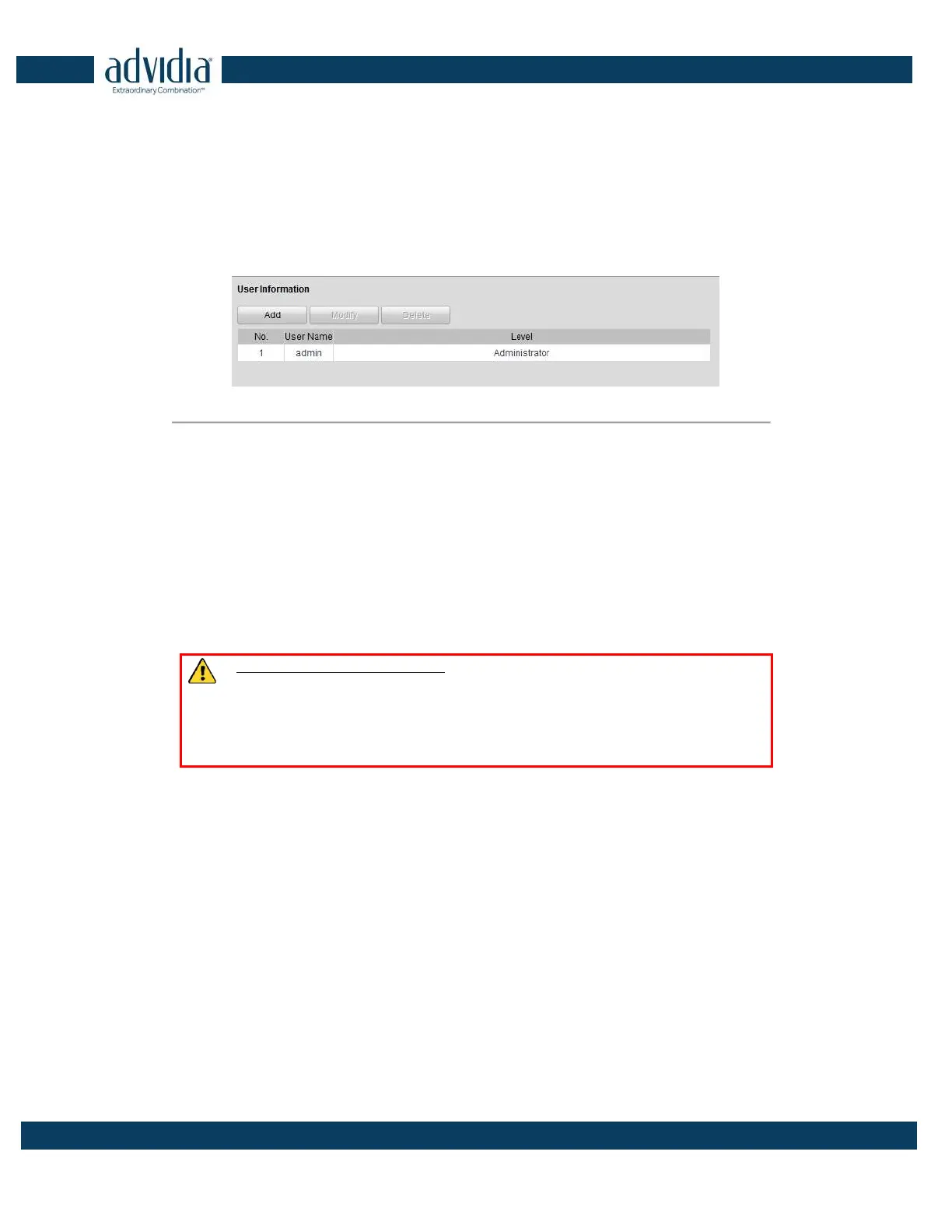
Click Remote Configuration>Remote Configuration>User Management to enter the User Information interface:
Figure 6. 1 User Information Interface
The admin user is allowed to create normal users. And up to 31 users can be created. .
1.1 Adding a User
Steps:
1. Click Add to enter the Add user interface.
2. Edit the User Name.
3. Select the Level to Operator or User.
4. Set the Password, and confirm the same password.
STRONG PASSWORD RECOMMENDED– We highly recommend that you create a strong password
of your own choosing (using a minimum of 8 characters, including upper case letters, lower case letters,
numbers, and special characters) in order to increase the security of your product. We recommend that
you reset your password regularly, especially in the high security system, resetting the password monthly
or weekly can better protect your product.



 To Next Page