VP-8-V2 and VP-16-V2 Series Encoder
·
User Manual
53
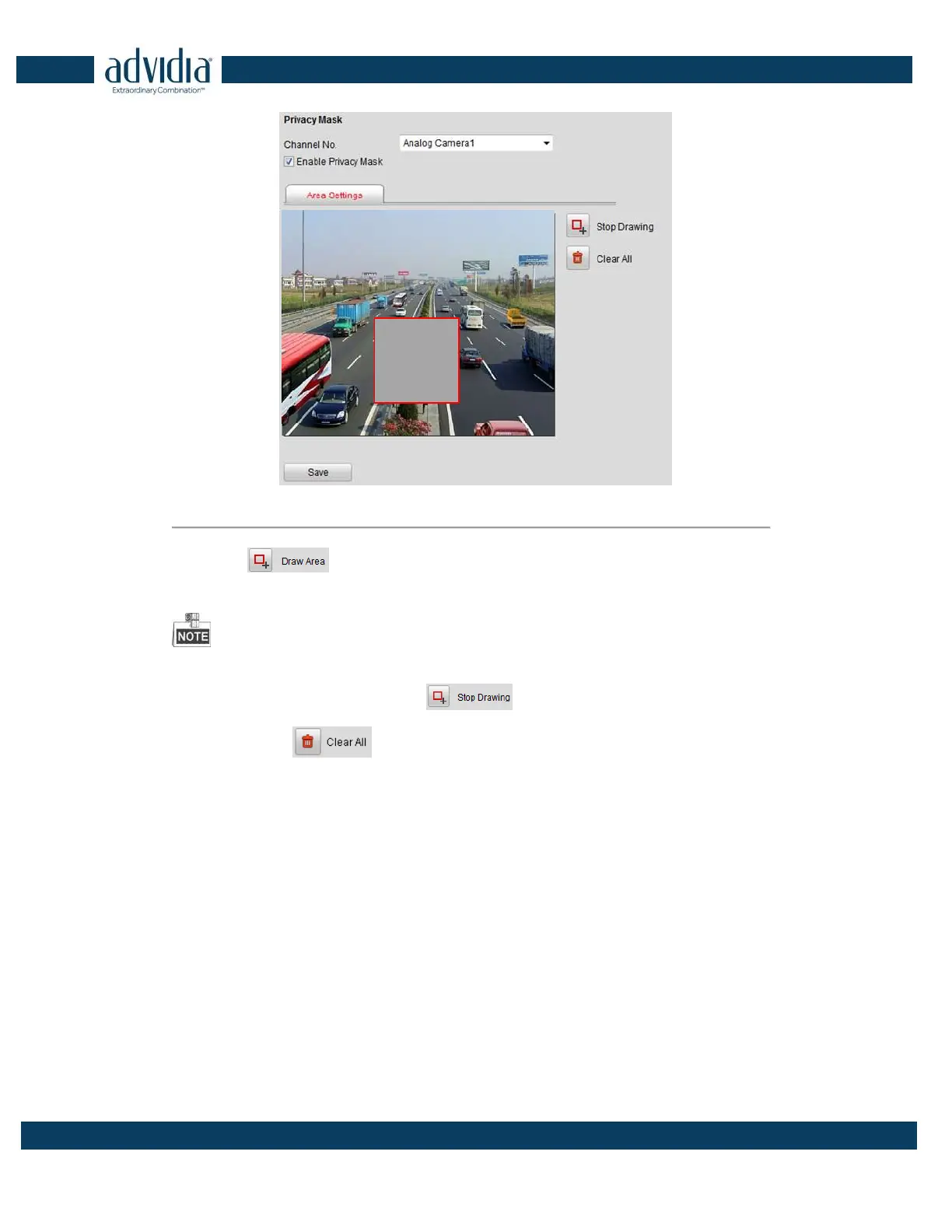
Figure 5. 23 Privacy Mask Settings Interface
4. Click the button.
5. Draw the mask area by clicking and dragging the mouse in the live video image.
Up to four privacy mask areas can be configured.
6. When finishing the area setting, click the button to finish drawing.
You can click the button to clear all of the areas you set without saving it.
7. Click Save to save the settings



 To Next Page