4
108 AhnLab TrusGuard Installation Guide
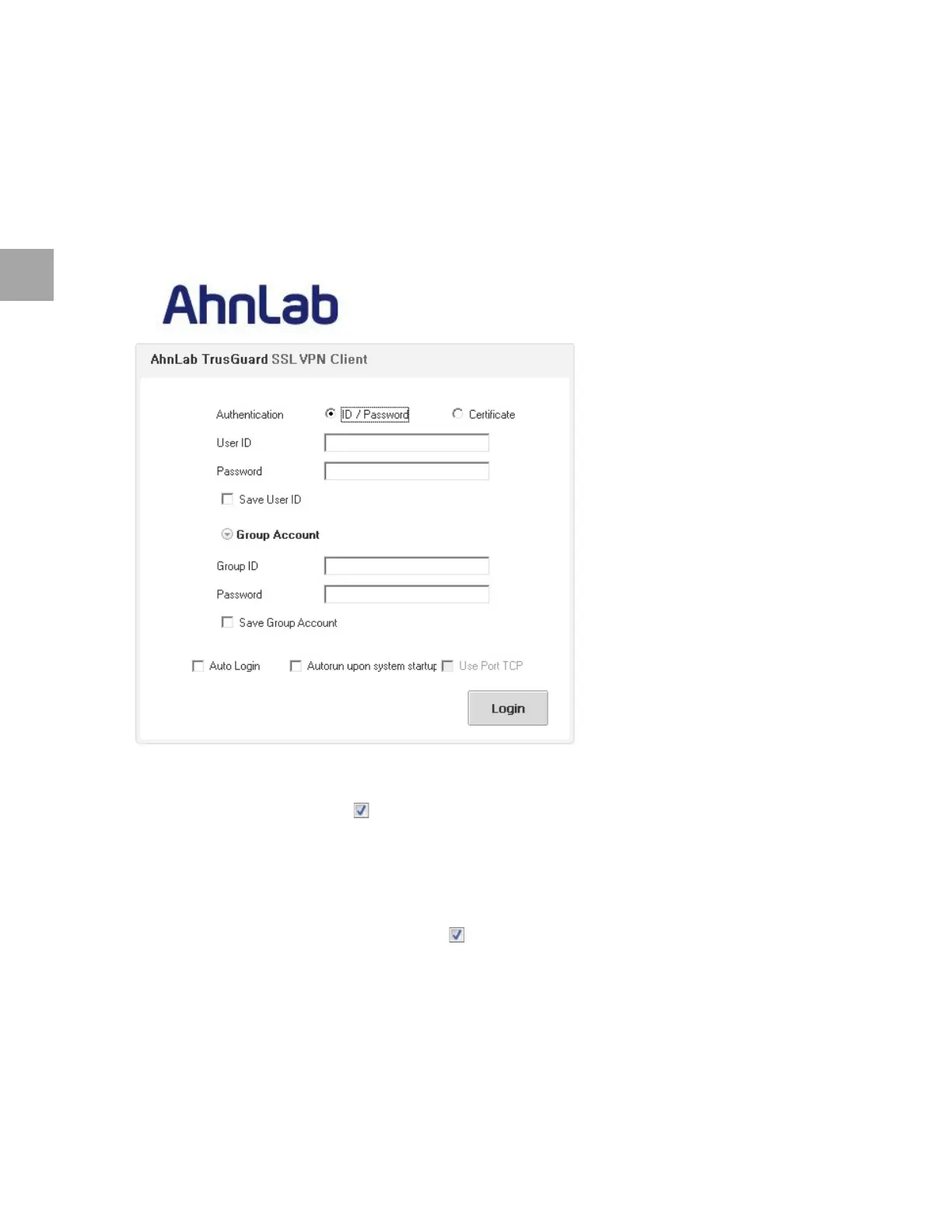
Step 2: Enter Login Information
SSL VPN supports ID/Password authentication and certificate authentication. Select/Enter the
information needed for authentication and click Login.
When the
login window appears, select the Authentication method (ID/Password, Certificate).
Login with ID/Password
Enter your user information, and click Login.
Select the Save ID checkbox
( ) to save the login ID.
En
ter the Group ID and Password.
Required w
hen authenticated by separate authentication server.
Ignore when usi
ng authentication account managed by TrusGuard.
Select the Save Group Account checkbox
( ) to save the Group ID and Password.
Login with Certificate
To log in with a certificate, you need:
Pa
ssword issued to you
Certific
ate



 To Next Page