Figure 3-4 ANET Web Configuration Tool “System Overview”
3.3.4 Configuring basic properties
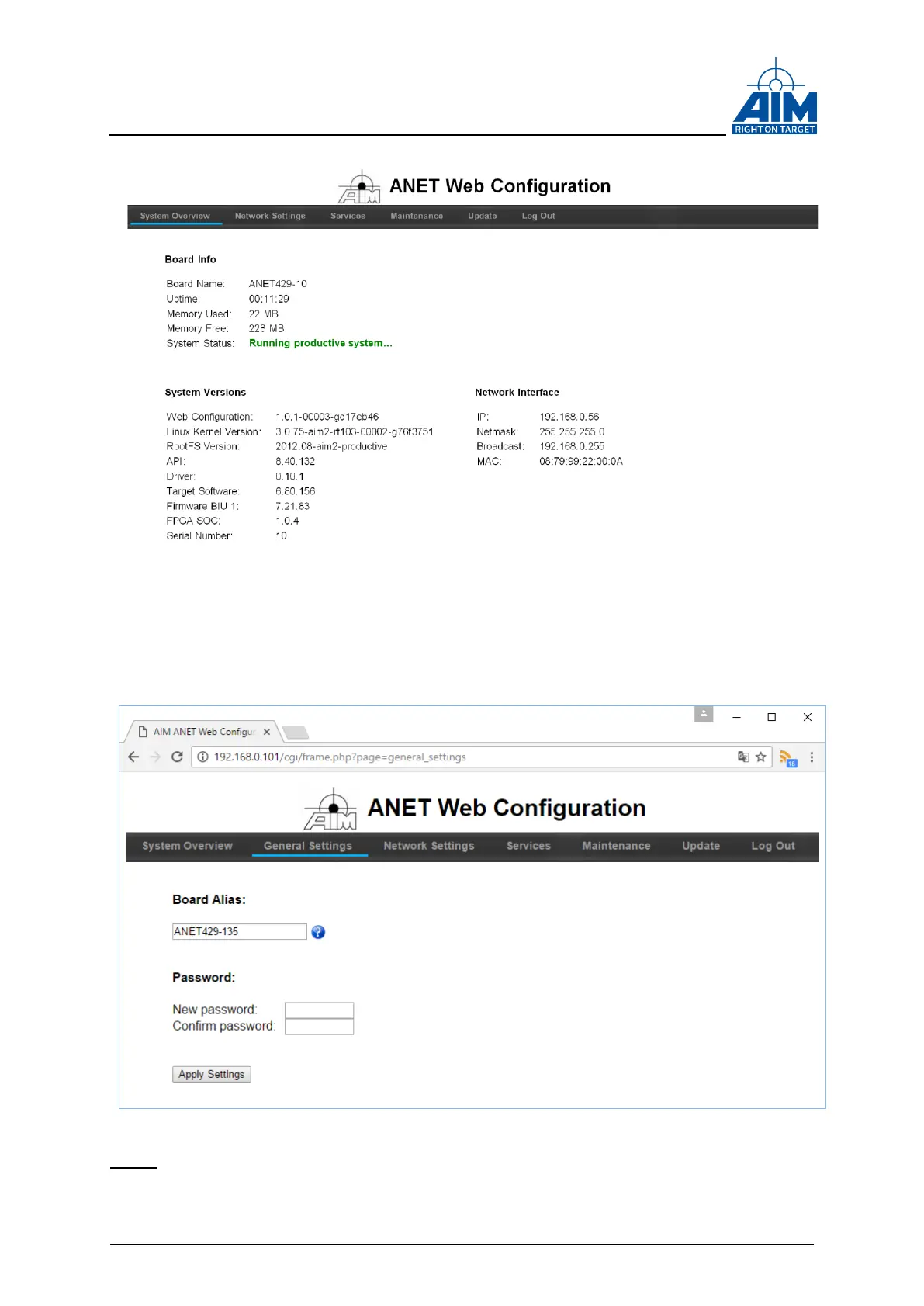
Click on the ‘General Settings’ tab in the navigation bar. You can now set an alias name
for the device or change the password for configuration access:
Figure 3-5 ANET Web Configuration Tool “General Settings”
Note: When changing the alias name the ANET429 can’t be accessed by the former
alias name anymore. Make sure to adapt your applications to the new alias name.
The default alias is ANET429-<x>, x= Serial Number.



 To Next Page