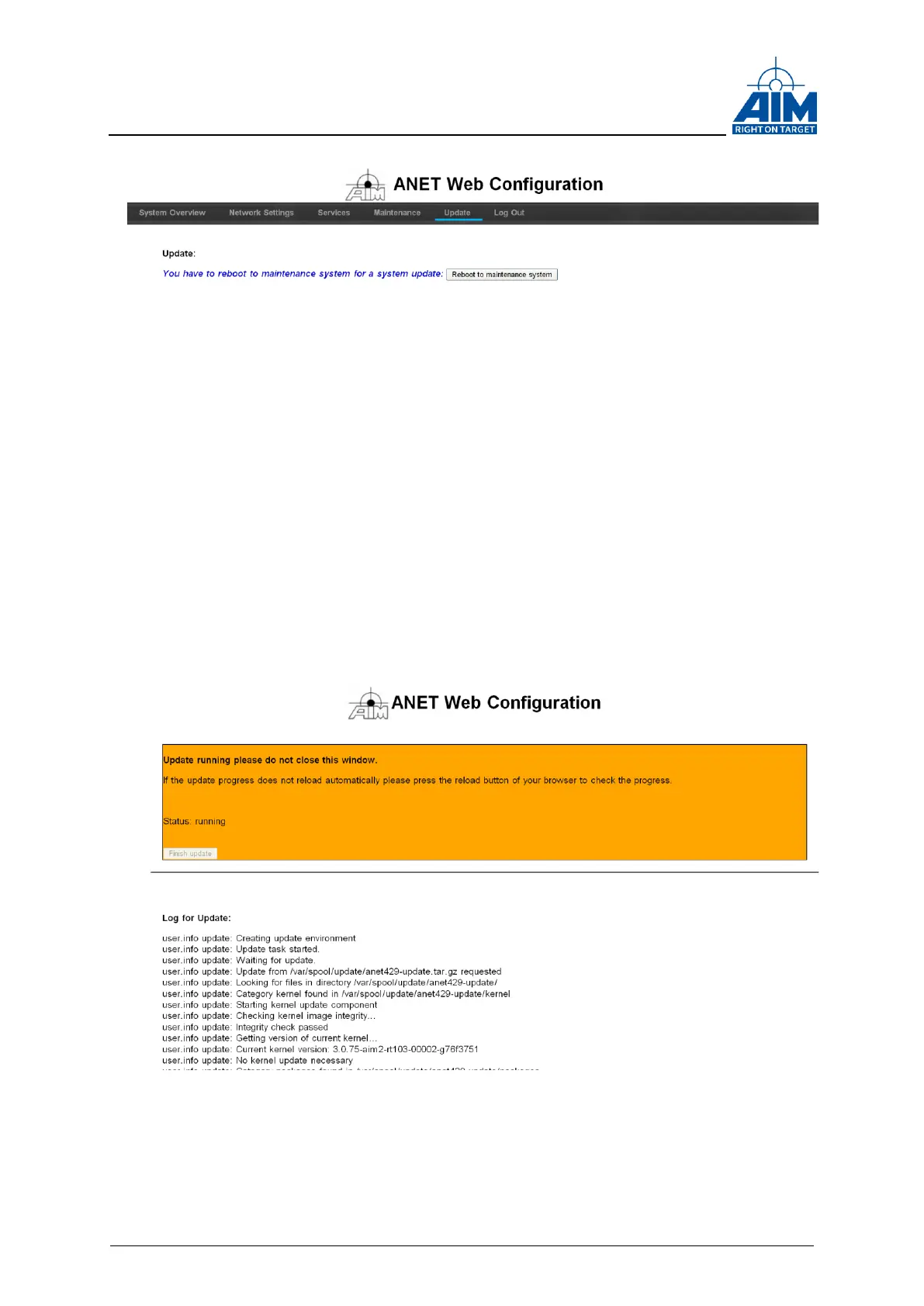
Figure 3-10 ANET Web Configuration Tool “Update tab”
During the update is in progress the update status is shown, don’t close the Web
Browser when the update is running.
Figure 3-11 ANET Web Configuration Tool “Update is running”
If the update has been finished successfully the status should look like shown below.
Press “Finish Update” button to finish the update and to download the Log-File.
In case any errors have been occurred during the update, the update log can be useful
for the factory for further investigations.



 To Next Page