4. Using Arinc 429 Functionality
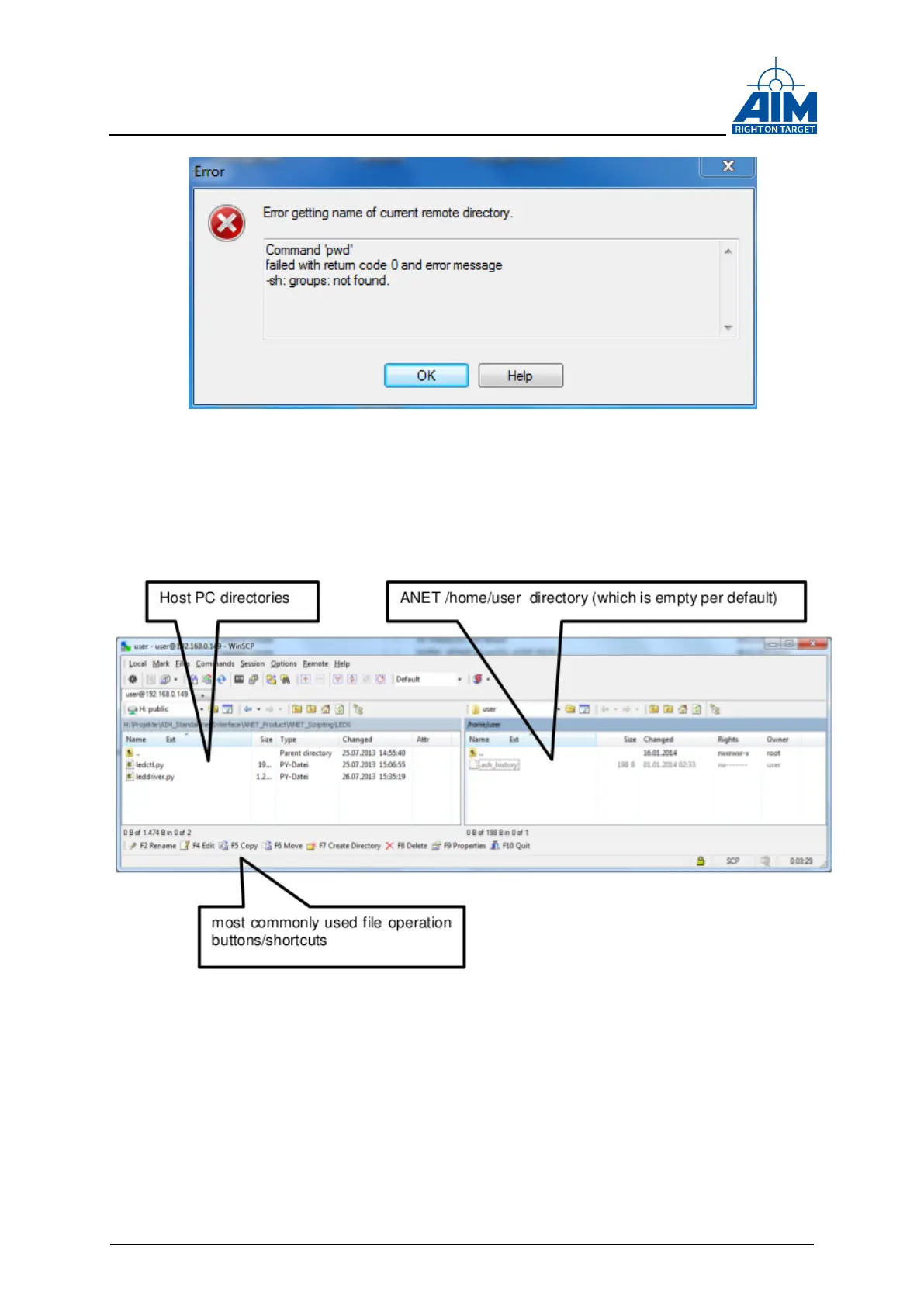
Figure 4-10 Remote directory not found error
In case of a successful SCP connection, the WinSCP GUI is opened and will show the
ANET /home/user directory on the right side of the window (see Figure 4-11).
Figure 4-11 WinSCP remote/local directory window
To copy files from the Host PC to the ANET, the source files need to be selected in the
left box and copied e.g. via F5 key press to the ANET target on the right side (see
Figure 4-12).



 To Next Page