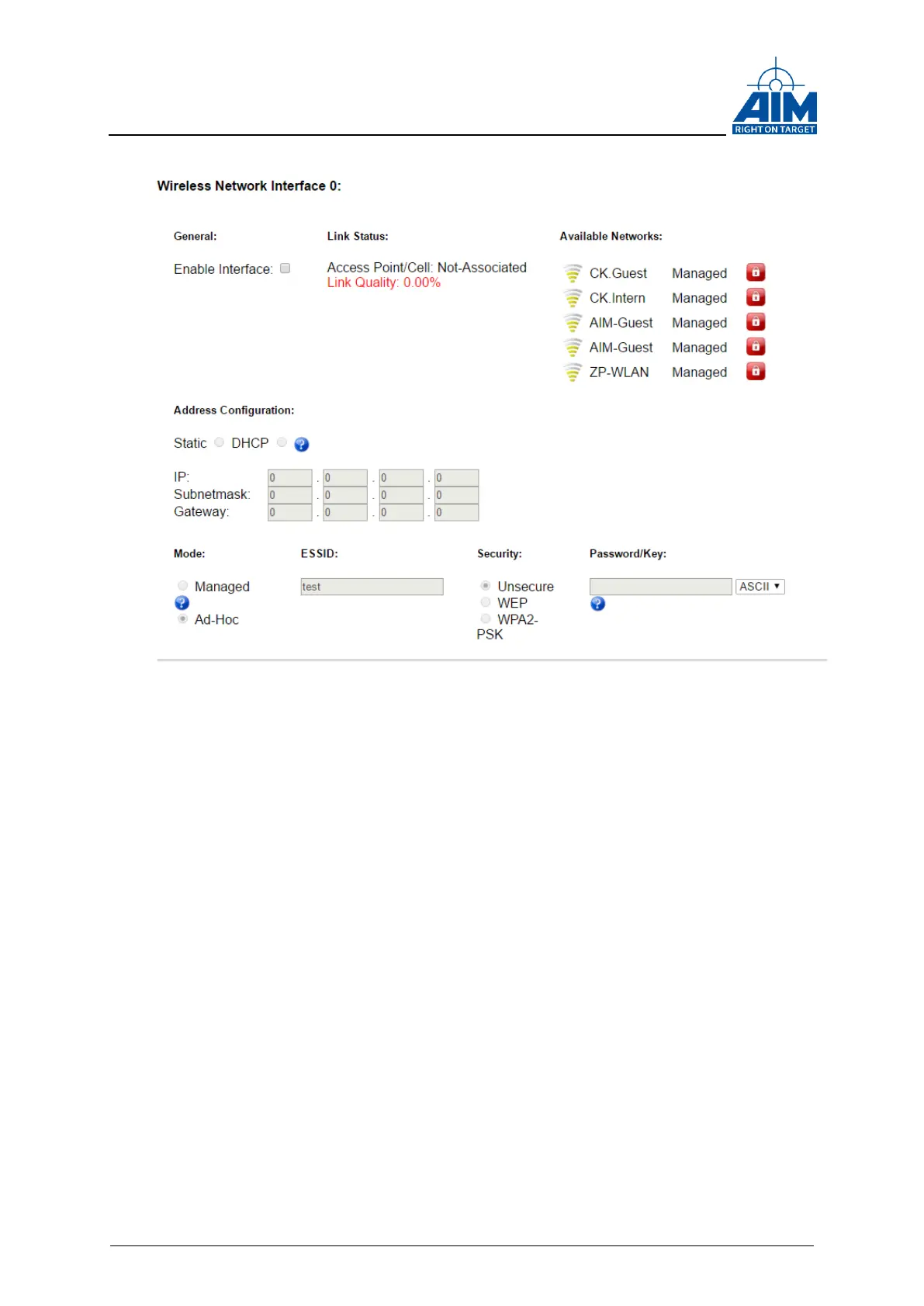
Figure 3-7 ANET Wireless Network Device Configuration
Example: Setting up a wireless access point on Windows 8.x devices
Devices running with a Microsoft Windows 8.x Operating System and featuring a Wi-Fi
device can be used to create a wireless access point. The ANET429 device can join this
network. So it is possible to control the ANET429 device with the Windows based host
device over the wireless connection.
The setup of the wireless access point needs to be done via the Windows ‘netsh’
command interpreter since the setup is no longer possible via the Windows 8.x GUI due
to network safety reasons.
Following steps outline the necessary ‘netsh’ commands for the setup and configuration
of a hosted network on a Windows 8.x based host.
Open a Windows command shell (‘cmd’) in Administrator mode!
Type ‘netsh’ to get the ‘netsh>’ prompt
Change to subsystem by typing ‘wlan’ to get the ‘netsh wlan>’ prompt
setup the hosted network via the following input at the ‘netsh wlan>’ prompt:



 To Next Page