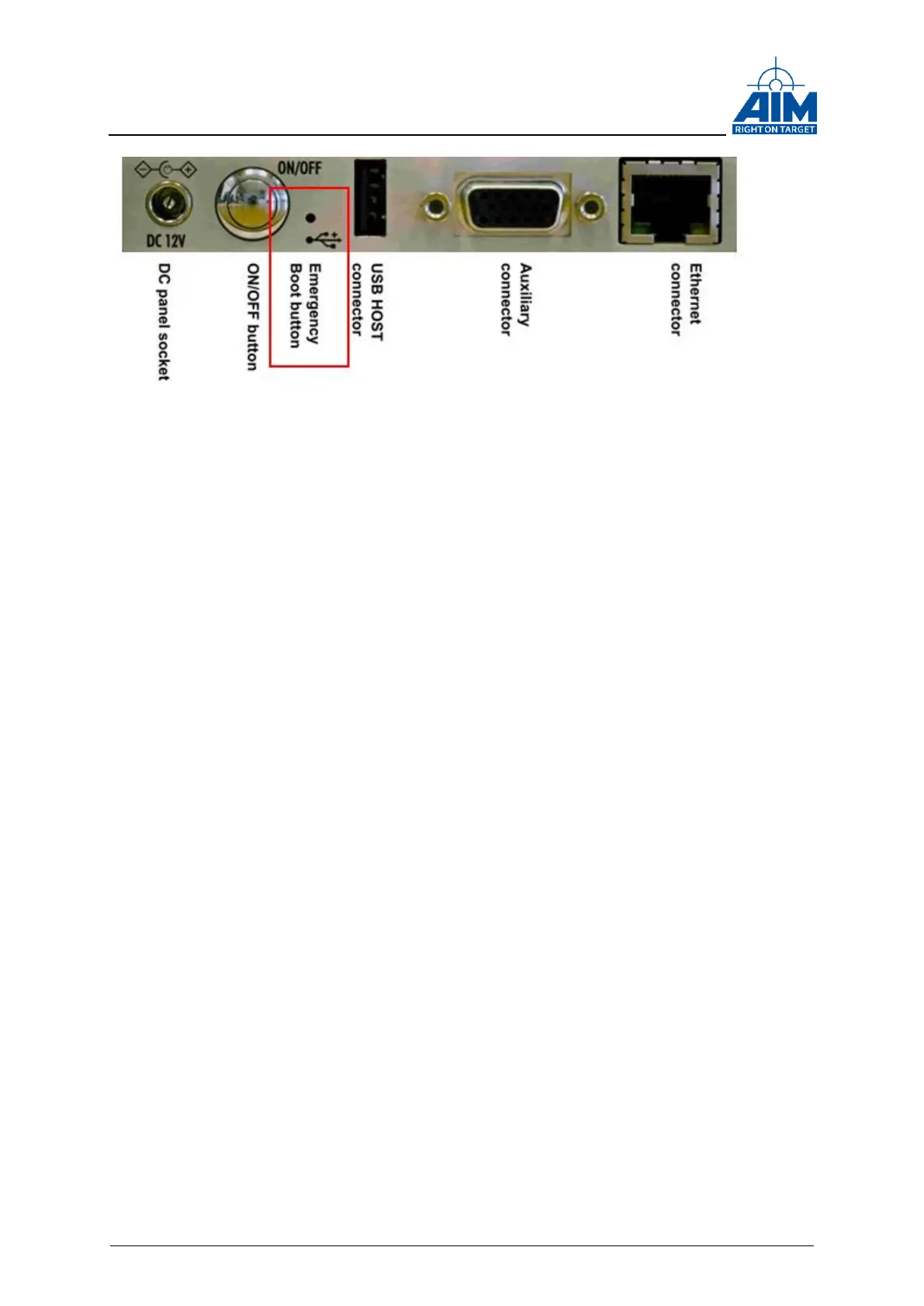
Figure 3-14 Emergency Button
The emergency system can be used to start up the device whenever the normal system
start up does not work. It can be used to reset the device to factory settings or perform
software updates.
Press the emergency button while powering on the device, e.g. with a paper-clip, in
order to boot the ANET429 into the emergency mode. The emergency mode boot is
indicated by a red blinking LED. When booting into the emergency mode, the device will
start up with its default factory settings, e.g. user name, password and IP address. You
are able to connect to the ANET429 device with your web browser now.



 To Next Page