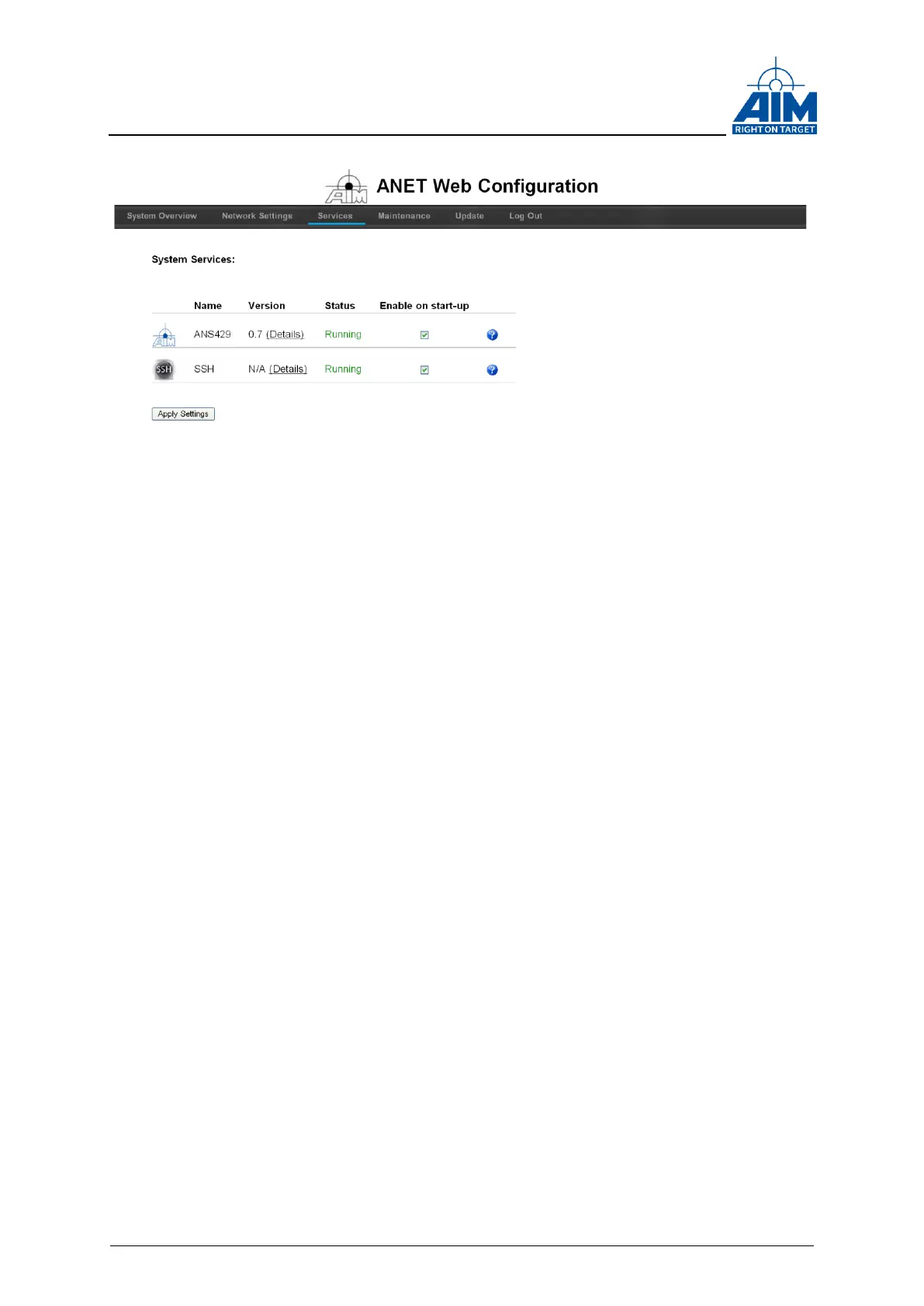
Figure 3-8 ANET Web Configuration Tool “Services”
3.3.7 Check System Log-Files
Click on the Maintenance tab in the navigation bar (see Figure 3-9 ANET Web
Configuration Tool “Maintenance”
“System Logs” provides the system Log-Files in different file formats. The System
Status Log-Files are available in the HTML-, Plain- (ASCII-Text file) or XML-Format.
Note: For viewing the XML Log-Files a XML-Editor is necessary.
3.3.8 Re-Boot or Shutdown over Ethernet
Click on the Maintenance tab in the navigation bar (see Figure 3-9 ANET Web
Configuration Tool “Maintenance”).
It is possible to reboot or shutdown (power down) the module over Ethernet using the
Reboot or Shutdown function in this Tab.



 To Next Page