Note: It is recommended to change the password (default = “aim”) when using the
ANET429 module the first time.
3.3.5 Configuring the Network Settings
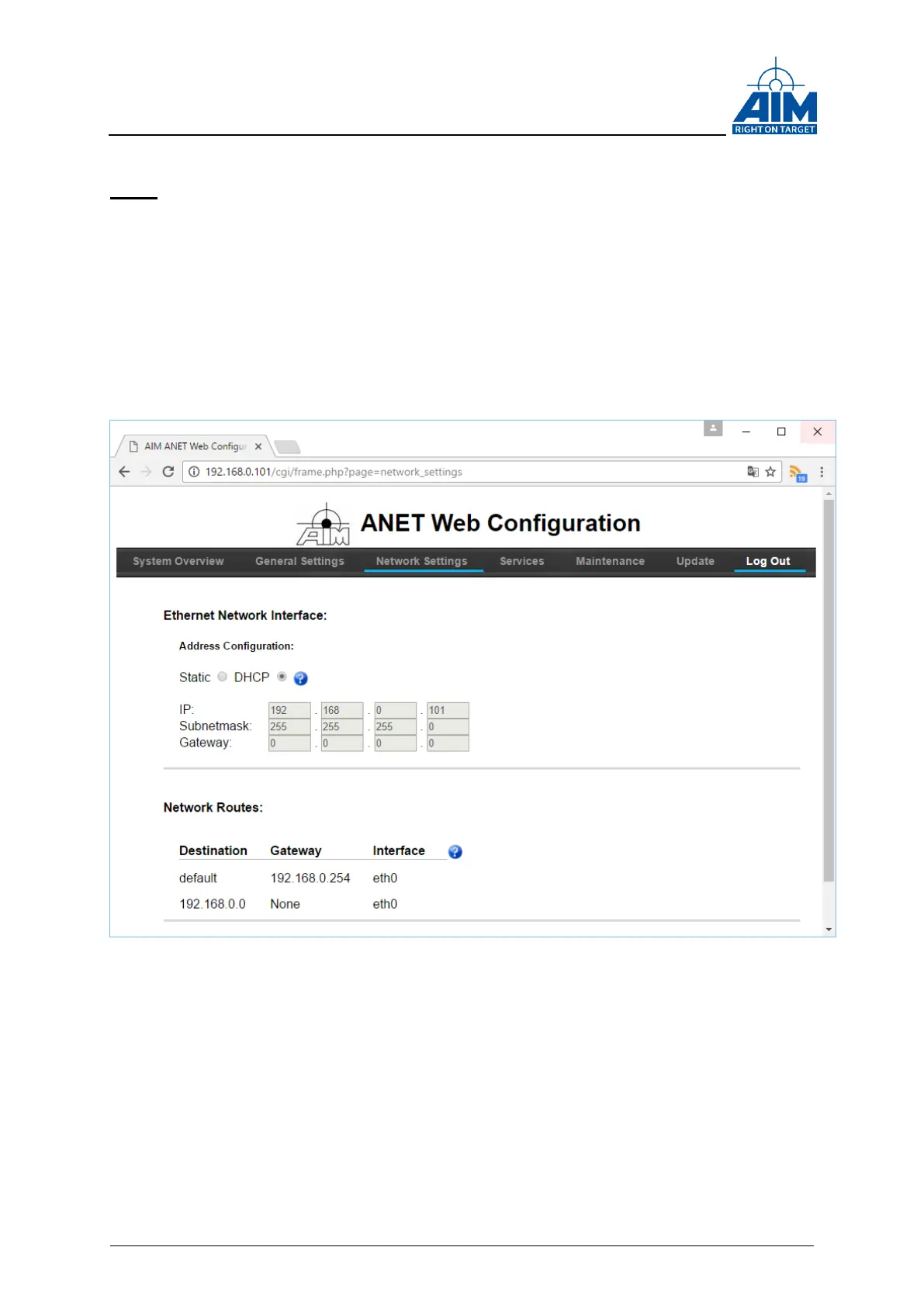
Click on the Network Settings tab in the navigation bar. You will now see a page where
you can set either a static or dynamic (DHCP) IP address. When selecting static
configuration, you will also be able to enter the subnetmask and default gateway for
your network:
Figure 3-6 ANET Web Configuration Tool “Network Settings”
3.3.6 Configuring Wireless Network Interfaces
The ANET429 device offers support for an USB based Wi-Fi network device in order to
connect the ANET429 to a wireless network.
From the time when the Wi-Fi USB device is attached to the USB port of the ANET429,
the Network Settings tab will show an additional section that allows configuring the Wi-
Fi device (See Figure 3-7 ANET Wireless Network Device Configuration).



 To Next Page