FS2 v2.1r1 www.aja.com
102
In addition, the following front panel CONFIG screens can affect SNMP alarm messaging:
• 5.0 Power Supply Alarm (see page 51).
• 6.1 & 6.2 Video Format Alarm (see page 51).
•7 Reference Alarm (see page 51).
Front Panel Octet Value
Entry Procedure
Set the octets (numbers between periods) values as follows:
1. Push ADJ
UST momentarily to enter edit mode.
2. Turn SE
LECT to select the octet you want to edit, indicated by blinking.
3. Turn AD
JUST to enter the new value.
• If you need to revert to the previo
us setting (undo changes), push SELECT.
4. Push ADJ
UST momentarily to save and activate the new setting.
• If you want to revert to the d
efault value, hold down ADJUST for 4 seconds.
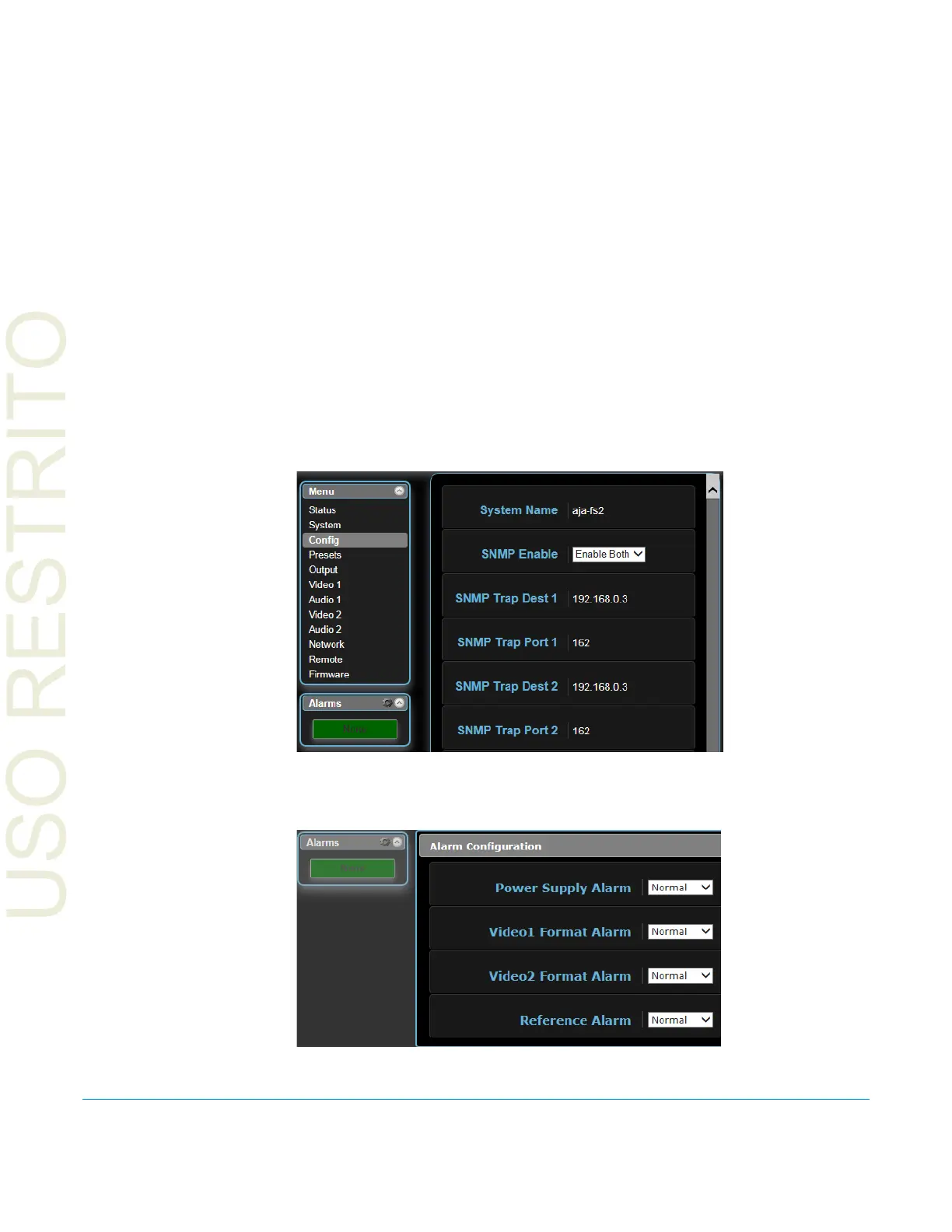
Web Browser SNMP direct configuration settings are available on the Config screen of the web browser
interface.
Figure 12. Web Browser Config Screen SNMP Parameters
Clicking on the Alarms gear icon opens a windo
w that permits setting alarm messaging.
Figure 13. Web Browser Alarm Configuration Window



 To Next Page