FS2 v2.1r1 www.aja.com
99
• Embedded Audio Out (see “2 Embedded Audio Out” on page 80)
• Audio Follow Video (see “3 Audio Follow Video” on page 80)
• Audio Signal Gen (see “4 Audio Signal Gen” on page 81)
• Audio Delay (mS) (see “Audio Delay Controls” on page 81)
• Audio Out Levels (see “Audio Output Level Controls” on page 82)
• Audio Out Phase (see “Audio Output Phase Controls” on page 83)
• Dolby Framer (see “Dolby Framer Controls” on page 83)
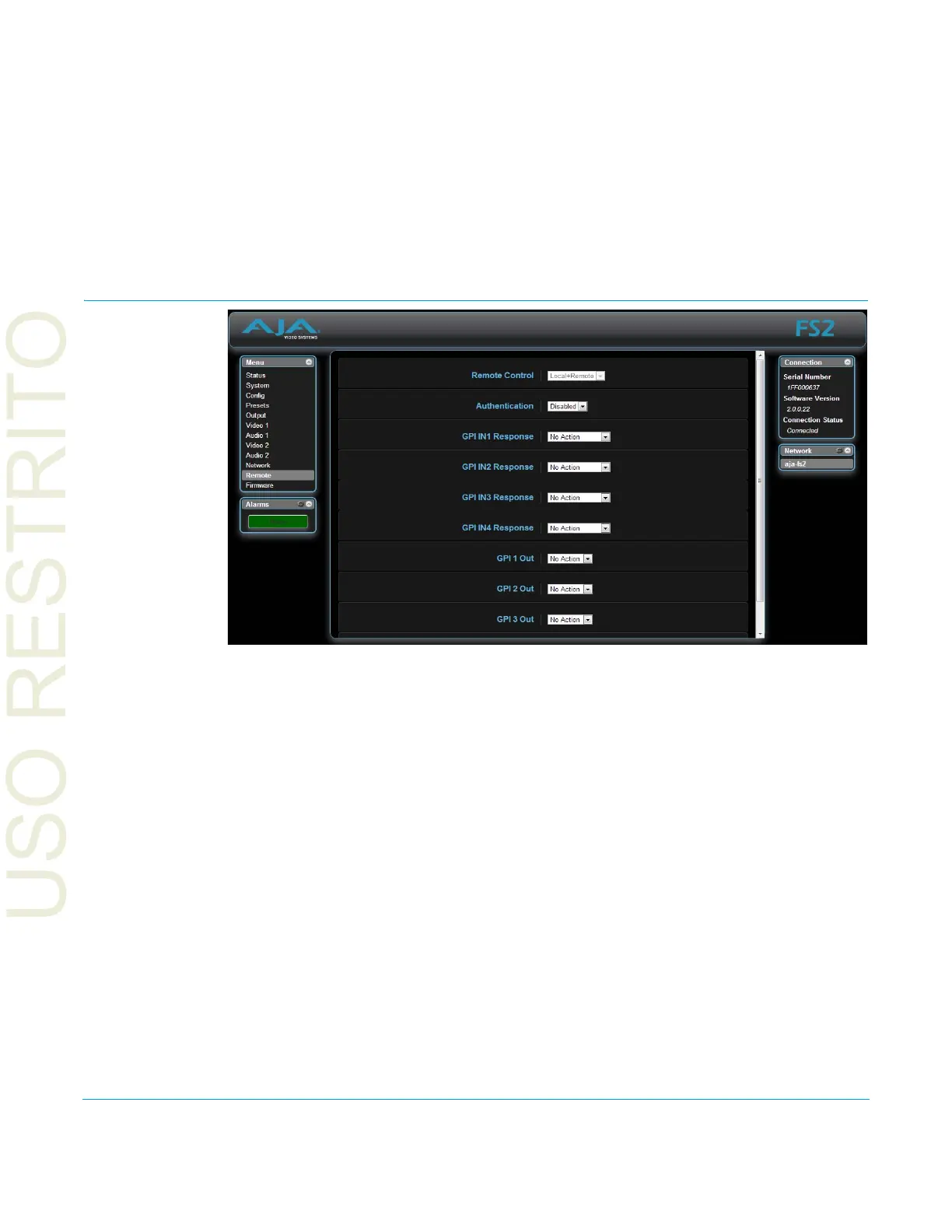
Remote Screen
The REMOTE screen contains parameters that affect how the FS2 is controlled. Control
options include the front panel, a remote computer running a browser, and GPI inputs
and outputs.
NOTE: The Remote Menu Group parameters available on the front panel interact with the browser
par
ameters available on an attached computer, and vice versa. For example, the Remote
Control parameter can only be changed from the front panel, and when set to Local Only will
deactivate all browser remote control parameters.
See “REMOTE Menu Group” on page 46 for detailed information about FS2 remote control
options.



 To Next Page