FS2 v2.1r1 www.aja.com
41
• Set factory default value—Push and hold ADJUST for 4 seconds to set the parameter to
its factory default value.
• Save changes—
Parameter value changes are saved within a few seconds. For multiple
values, such as IP addresses, push ADJUST momentarily (less than 4 seconds) to save or
take parameter changes.
The remainder of this chapter presents menu examples followed by complete
de
scriptions of the Menu Groups and Parameter Menus.
Menu Operation Examples
The following examples demonstrate typical menu operation. After this section, each
Menu Group is described in detail.
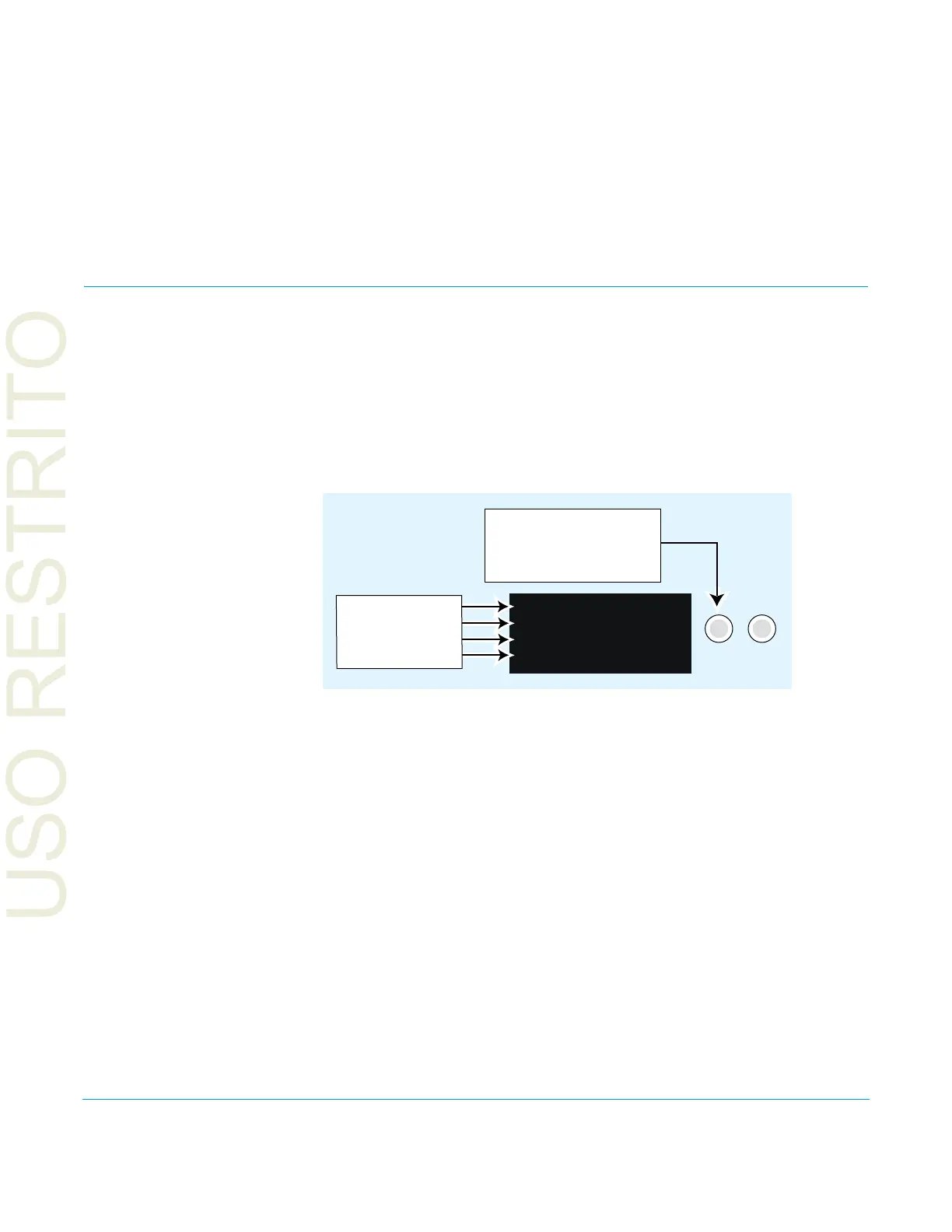
Status Pages These steps explain how to surf the STATUS menus.
1. Press the ST
ATUS Menu Group button.
2. Turn the SE
LECT knob forward and backward to display the Status pages. The display
scrolls through the pages as you turn the knob. The Status displays simply show the
status of important FS2 operational parameters.
Simple Menus:
Config Format
Alarm Filters
These steps explain how to surf and change simple menus, such as the Power Supply
Alarm Filters.
1. Press the CO
NFIG Menu Group button.
2. Turn the SELECT k
nob to access menu 5 Pwr Supply Alarm. The default alarm setting is
Normal.
3. Turn the AD
JUST knob one click clockwise to change the setting to Suppress, which
turns off the alarm so that it will never come on.
4. Turn the SELECT k
nob clockwise again to access menu 6.1 Vid1 Format Alarm.
Changing menus confirms the new Pwr Supply Alarm setting.
5. Now change the Vi
d1 setting, using the ADJUST knob.
Press STATUS button and
turn SELECT knob to scroll
through Status pages.
Settings cannot be changed.
SELECT ADJUST
IN1 SDI1 1080i59
OUT1 525i59 AES/EBU
IN2 SDI2 1080i59
OUT2 525i59 AES/EBU
Current Settings
Current Settings
Current Settings
Current Settings



 To Next Page