FS2 v2.1r1 www.aja.com
43
Multiple Field
Parameters: IP
Address
These steps explain how to surf and change multiple field parameter menus, such as the
IP Address settings, where there are multiple fields to set within the value.
1. Press the CO
NFIG Menu Group button. The Config menus appear.
2. Turn the SELECT
knob clockwise to access the 2.1 IP Config menu. Turn the ADJUST
knob to change the setting to Static Addr. This setting allows you to manually set the
IP address in the following steps.
3. Turn the SELECT k
nob clockwise one click to access menu 2.2 IP Address. The current
IP address appears on the second line. For example: 10.2.42.8
4. Push the AD
JUST knob momentarily to highlight the first field, which is the octet
(group of numbers) to the left of the first period. The numbers blink to indicate they
are ready for editing.
5. Turn the AD
JUST knob to change the blinking field value.
6. Turn the SELECT
knob to highlight the next field, a group of numbers to the right of
the first period. The field will blink when they are ready for editing.
7. Turn the AD
JUST knob to change the blinking field value. For coarse adjustment of
wide-ranging values, hold down CONFIG and turn ADJUST.
8. Repeat this process of selecting fields and changing them until all fields have been
changed as desir
ed.
9. Push the AD
JUST knob quickly to confirm all settings. Alternatively, you can scroll
counterclockwise back through the fields, stopping on any of them to change them.
They must be blinking before they can be changed.
Other Actions • To begin editing the first field in the
parameter, push ADJUST momentarily.
• To confirm (save) edits, push the AD
JUST knob momentarily again. This saves the edits
and exits the edit mode.
• To undo edits to all of the fields before
the changes are confirmed, push the SELECT
knob. This returns all fields to their previous settings.
• To reset the entire parameter to the factory default value,
push in and hold down the
ADJUST knob for at least 4 seconds.
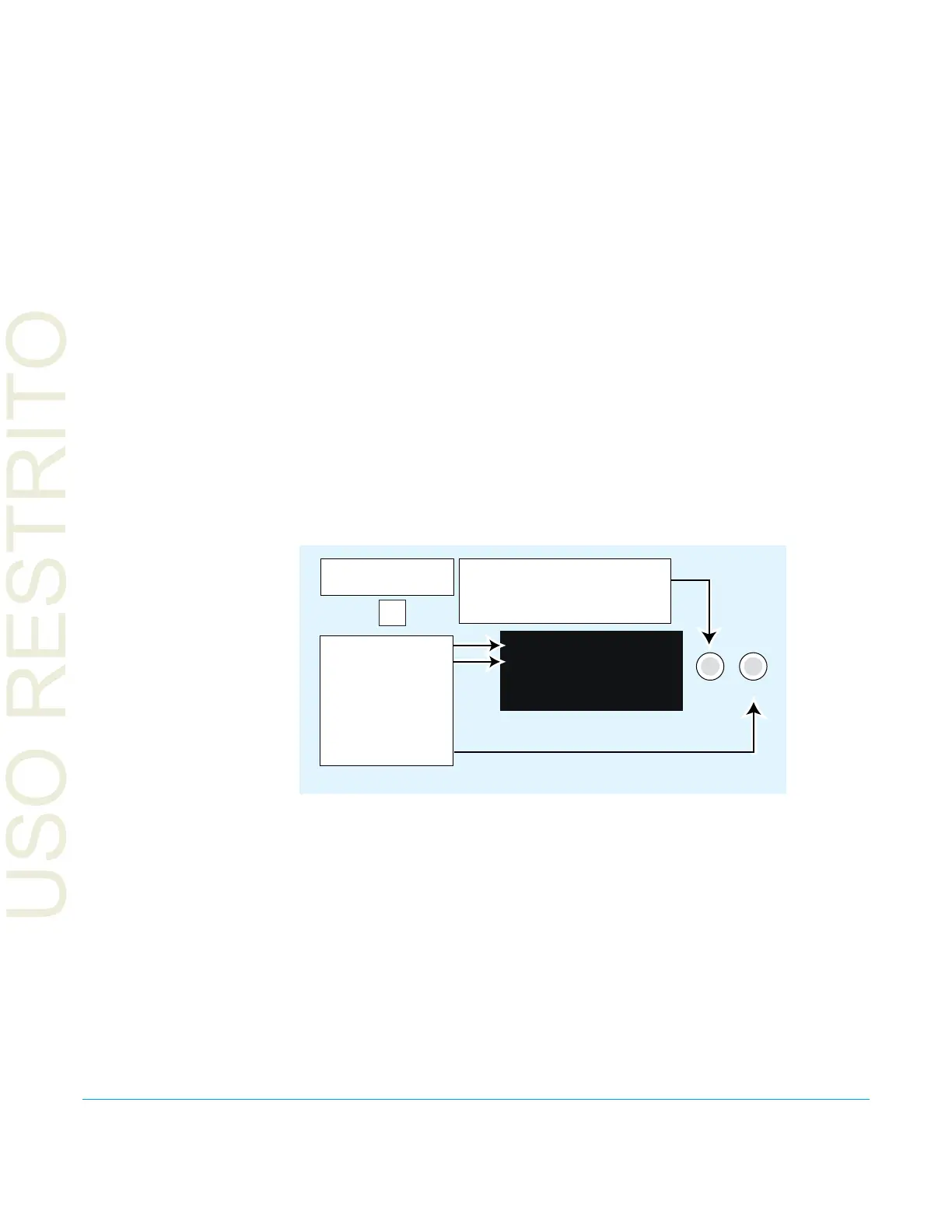
Tu r n SELECT to scroll to parameter
menu 50.2 IP Address.
When editing params, turn SELECT
to advance fields.
SELECT ADJUST
2.2 IP Address
192.168.0.2
Parameter Menu
Current Setting
Push ADJUST to
edit the first field.
Tu r n ADJUST
to change values.
Push again to save.
Select the CONFIG
Menu Group button
CONFIG



 To Next Page