52 User Guide EN Dansensor® MAP Mix Provectus
P/N 300862-K
11/2019
Mixer configuration
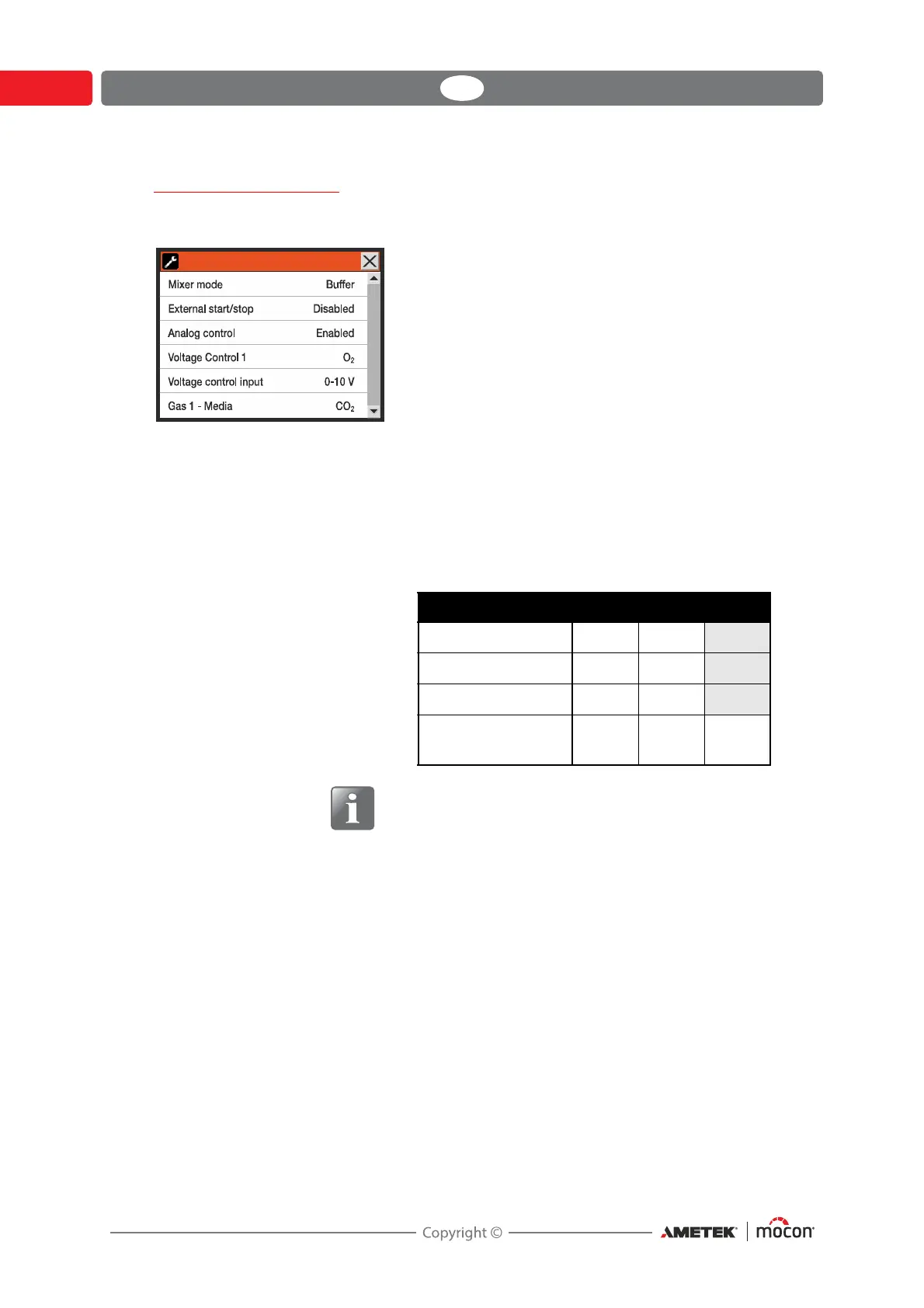
Selecting Mixer configuration from the General setup menu will display a screen where you
can configure the mixer.
Mixer mode Flow Flow mode
Buffer Buffer mode
MM8000 MAP Mix 8000 compatibility (2- and 3-gas mode)
In MM8000 mode all gas configurations have been
preset and therefore the GAS 1, 2, and 3 - Media
parameters are disabled.
Available gas configurations:
NOTE! Installation must match setting.
External start/stop Select whether or not mixer should be started/stopped via an
external signal.
When enabled the “Start” button in the main screen is disabled.
Analog control Disabled Analog control disabled.
Enabled Mix is controlled from the packaging machine via
analogue voltage signals (see below).
See also "I/O Cable" on page 21 for details.
For mixers in “MM8000” mode please refer to the
“MAP Mix 8000” User Guide for details.
Voltage Control 1 Select which gas is to be
controlled by the Voltage Control
1 input signal.
Voltage Control 2 Select which gas is to be
controlled by the Voltage Control
2 input signal.
Only applies to 3-gas mixers.
MM8000 mode Gas 1 Gas 2 Gas 3
MM8000 (CO
2
/N
2
) CO
2
N
2
MM8000 (N
2
/O
2
) N
2
O
2
MM8000 (CO
2
/O
2
) CO
2
O
2
MM8000 (3 gas
mode)
N
2
CO
2
O
2
Mixer configuration




 To Next Page