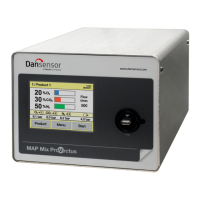
54 User Guide EN Dansensor® MAP Mix Provectus
P/N 300862-K
11/2019
Network setup
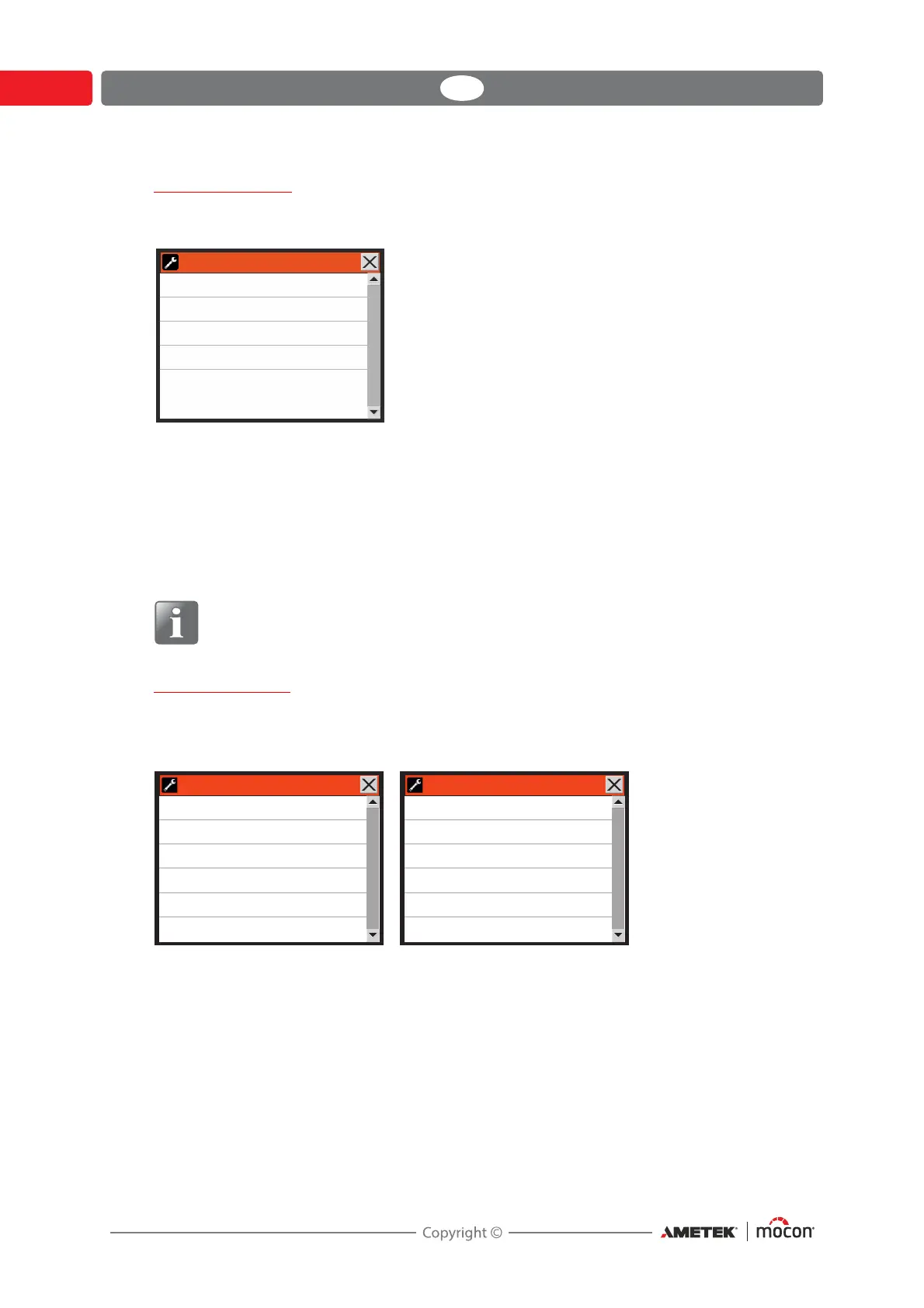
Selecting Network setup from the General setup menu will display a screen showing the
parameters for the Ethernet/LAN connection.
DHCP Ye s Using DHCP network address automatically received from a
DHCP
server on the network (default setting).
No User must set network address information manually
-IP address
-Subnet mask
-Default gateway
NOTE! Always consult your network administrator before making network settings,
as incorrect settings can result in reduced or no network activity.
Data log setup
Selecting Data log setup from the General setup menu will display a screen showing the
parameters for the data logging function.
Log interval Number of seconds between each data log entry.
Logging enabled No No logging of data
Ye s Logging of data enabled
Logging mode Last values Ring buffer of specified number of log entries.
Normally this is best setting for On-Line
equipment due to the continuous operation.
Until memory Logs data until memory is full, then stops logging
full until data has been exported and/or deleted.
Log last values Set number of log entries in the data log ring buffer
(Only appears when “Logging mode” is set to “Last values”)
Network setup
DHCP
IP address
Subnet mask
Default gateway
No
172.25.2.104
255.255.0.0
175.25.2.1
%BUBMPHTFUVQ %BUBMPHTFUVQ
-PHJOUFSWBM
-PHHJOHFOBCMFE
-PHHJOHNPEF
-PHMBTUWBMVFT
/FUXPSLMPHHJOH
TFD
:FT
-BTUWBMVFT
/P
/FUXPSLMPHHJOH
/FUXPSLMPHHJOHNPEF
4FSWFS*1
4FSWFS1PSU
"DLOPXMFEHF
%JTBCMFOFUXPSLFSSPST
:FT
$PNQBUJCMF
/P
/FUXPSLMPHHJOH/P /FUXPSLMPHHJOH:FT





 To Next Page