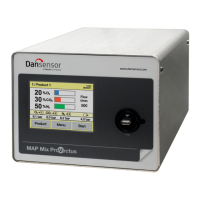
64 User Guide EN Dansensor® MAP Mix Provectus
P/N 300862-K
11/2019
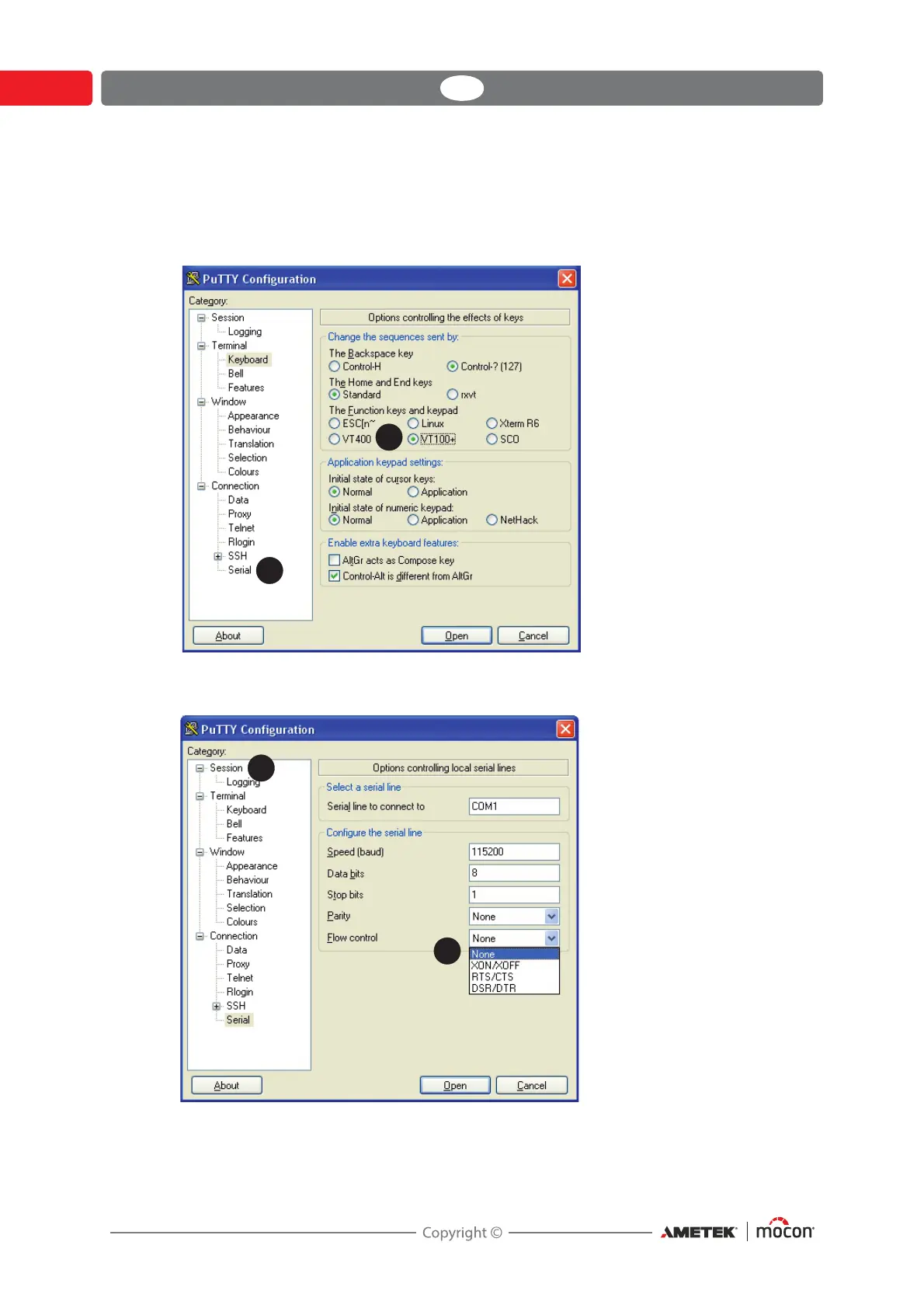
1. Select Serial connection type and specify the number of your computer’s COM-port to
which the device is connected. In the Speed field type 115200.
2. Select the Keyboard entry in the Category list.
3. Select VT100+ item.
4. Select Serial entry from the Category list.
5. In the Flow control drop down list select None.
6. Select the Session entry from the Category list.





 To Next Page