Configuring the System
Andover Controls Corporation 4-7
TOC
When you want to select a particular security level, hit the SPACE bar
and an (X) will appear to the left of the selection. When you are done
editing this User, TAB over to the Save box and hit ENTER. This new
User information will now be entered into the system.
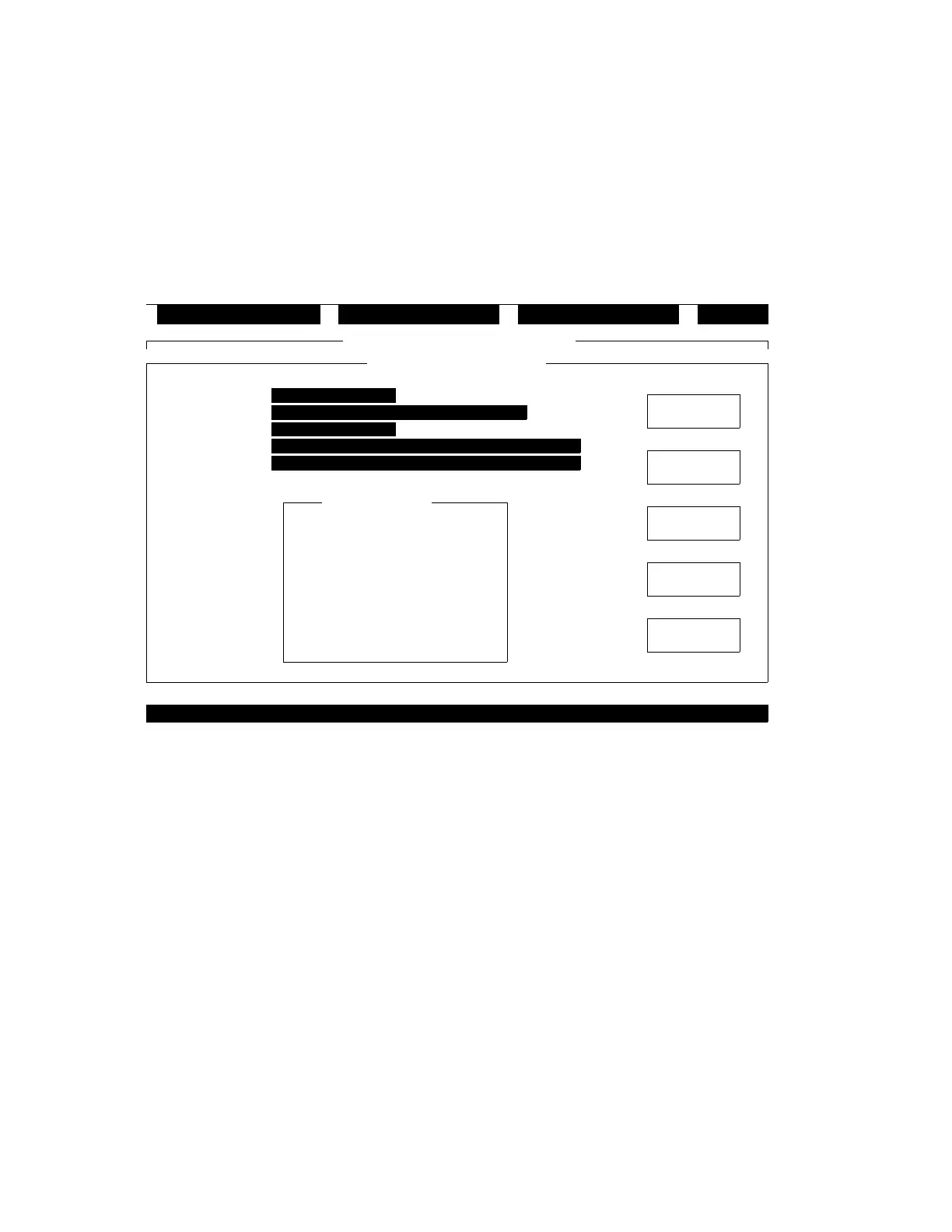
Figure 4-4 shows the User Window.
Figure 4-4. The User Window
iewV ditE onnectC ogoutL
Command Window - INFINITY1
User - INFINITY1 ACC
( ) View Only
( ) Acknowledge Alarms
( ) Change Values
( ) Enable/Disable
( ) Configure
( ) Program
(X) Administrate
( ) No Access
Full Name
Password
Login Program
Logout Program
User Name
ACC
ACC
Security Level
SAVE
SAVE AS
CANCEL
DELETE
TEACH
Technical Manuals Online! - http://www.tech-man.com



 To Next Page