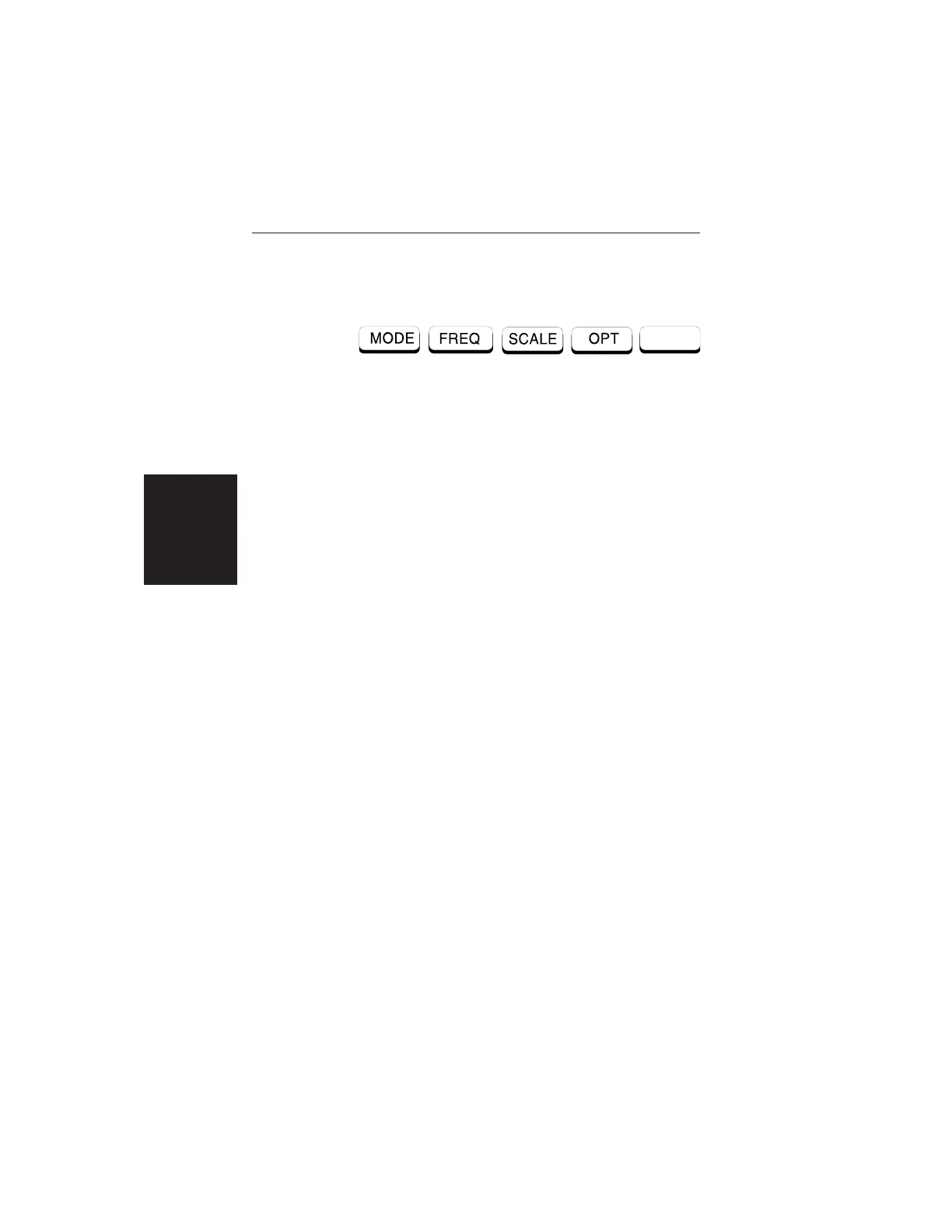
Main Menu At turn on, the Main Menu soft keys, below, are dis-
played, and the Marker status is shown in the mes-
sage area.
These soft keys provide the following menu selec-
tions:
q
MODE — Selects the type of measurement. Use
the Up/Down Arrow key and ENTER key to se-
lect the type of measurement in the FREQ, DTF,
and POWER MONITOR measurement modes.
q
FREQ — Selects the Frequency Menu, described
on page 2-11.
q SCALE —Selects the Scale Menu, described on
page 2-12.
q OPT — Selects the Option Menu, descibed on
page 2-13.
2-8
Chapter 2 Operation













 To Next Page