DTF
Main Menu
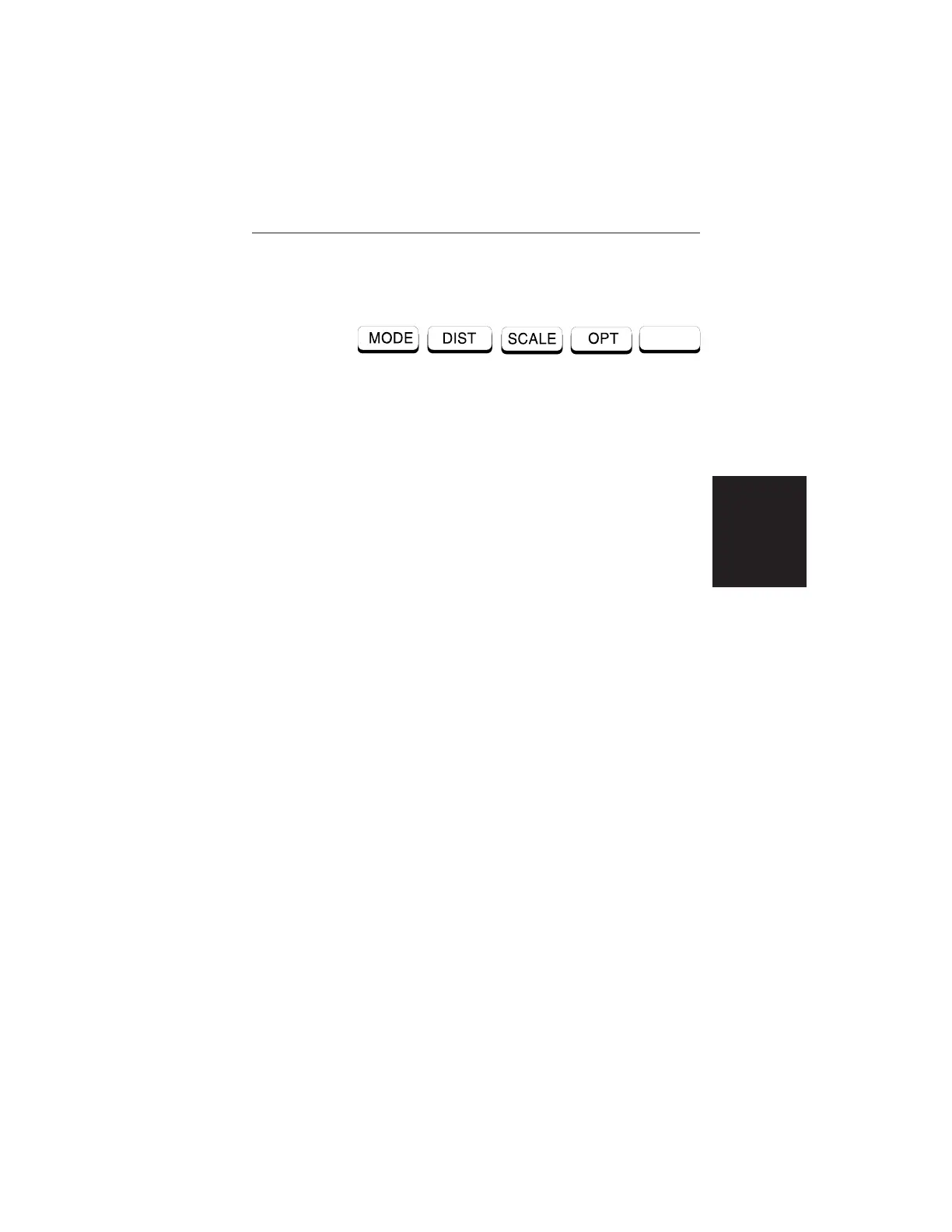
When the DTF measurement mode is selected, the
Main Menu soft keys, below, are displayed, and the
Marker status is shown in the message area.
These soft keys provide the following menu selec-
tions:
q
MODE — Selects the type of measurement. Use
the Up/Down Arrow key and ENTER key to se-
lect the type of measurement in the FREQ, DTF,
and POWER MONITOR measurement modes.
q
DIST — Selects the Distance Menu, described on
page 2-15.
q SCALE — Selects the Scale Menu, described on
page 2-12.
q OPT — Selects the Option Menu, described on
page 2-13.
2-9
Chapter 2 Operation













 To Next Page