Power
Monitor
Main Menu
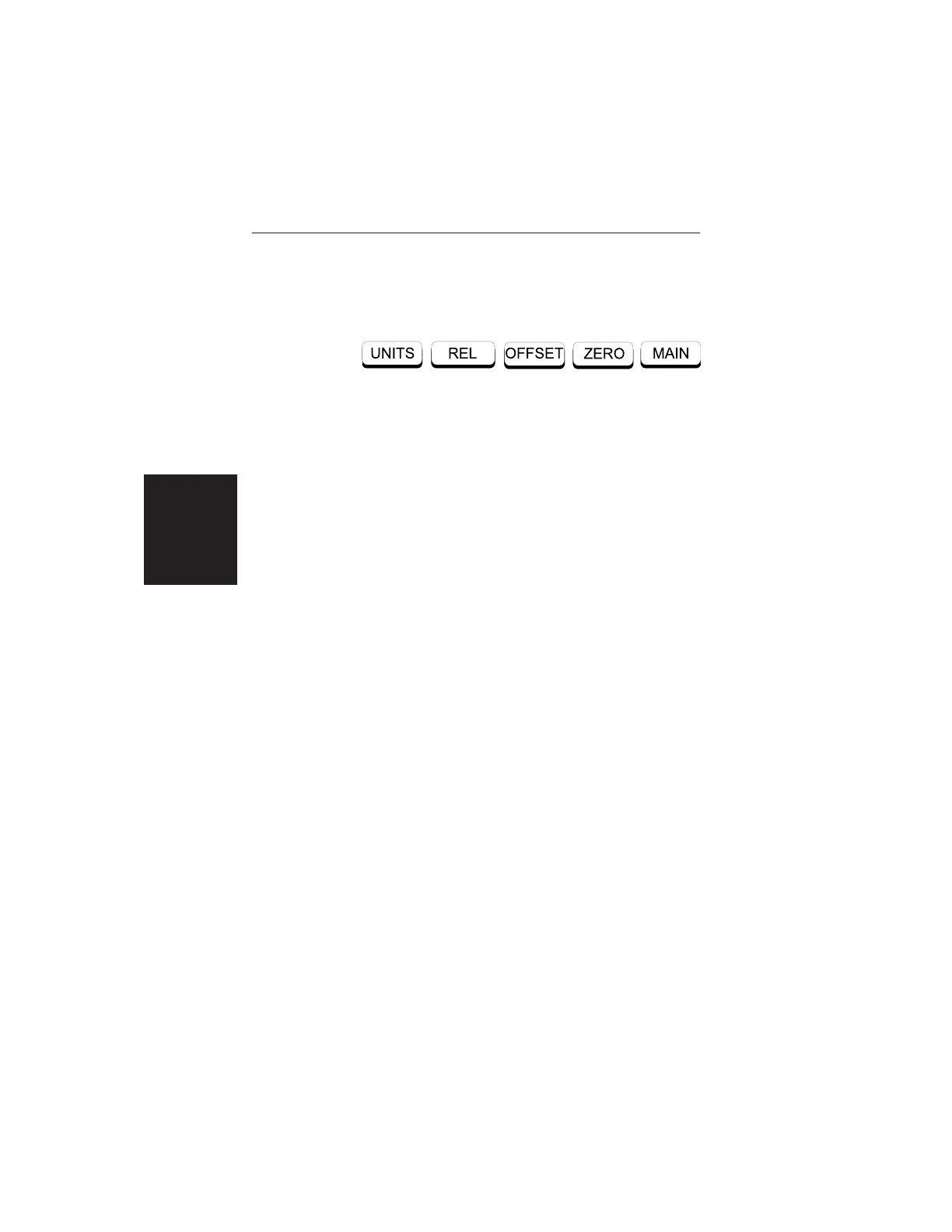
When the Power Monitor measurement mode is se-
lected, the Main Menu soft keys, below, are dis-
played, and the units, relative, offset, and zero adjust
status are shown in the message area.
q
UNITS — Toggles between dBm and Watts.
q
REL — Turns relative mode OFF, if currently
ON. If relative mode is currently OFF, turns it ON
and causes the power level to be measured and
saved as the base level. Subsequent measurements
are then displayed relative to this saved value.
With units of dBm, relative mode displays dBr;
with units of Watts, relative mode displays %
(percent).
q OFFSET — Turns Offset OFF, if currently ON.
If Offset is currently OFF, turns it ON and opens
the Offset parameter for data entry. Press ENTER
when data entry is complete.
Offset is the attenuation (in dB) inserted in the line
between the DUT and the RF detector. The at-
tenuation is added to the measured input level
prior to display.
q
ZERO — Turns Zero OFF, if currently ON. If
Zero is currently OFF, turns it ON and initiates
collection of a series of power level samples,
which are averaged and saved. This saved value is
then subtracted from subsequent measurements
prior to display.
q
MAIN — Returns to the Main Menu.
2-10
Chapter 2 Operation













 To Next Page