Frequency
Menu
(FREQ)
Provides for setting sweep frequency end-points. Se-
lected frequency values may be changed using the
keypad or Up/Down Arrow key. All frequency en-
tries are in GHz.
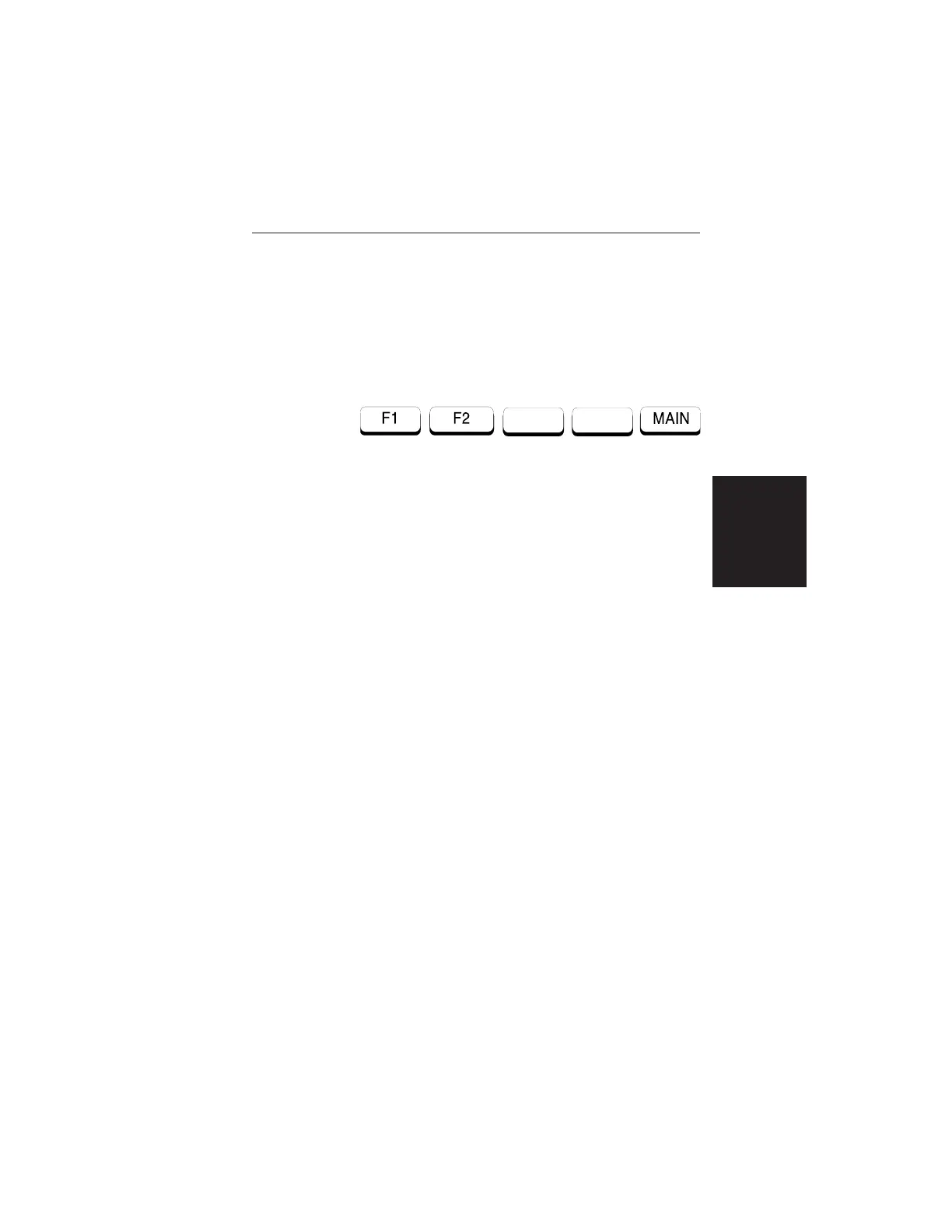
Choosing FREQ causes the soft keys, below, to be
displayed and the corresponding values to be shown
in the message area.
q
F1 — Opens the F1 parameter for data entry. This
is the start value for the frequency sweep. Press
ENTER when data entry is complete.
q
F2 — Opens the F2 parameter for data entry. This
is the stop value for the frequency sweep. Press
ENTER when data entry is complete.
q MAIN — Returns to the Main Menu.
2-11
Chapter 2 Operation













 To Next Page