Scale Menu
(SCALE)
Provides for changing the display scale. Selected
values may be changed using the keypad or
Up/Down Arrow key.
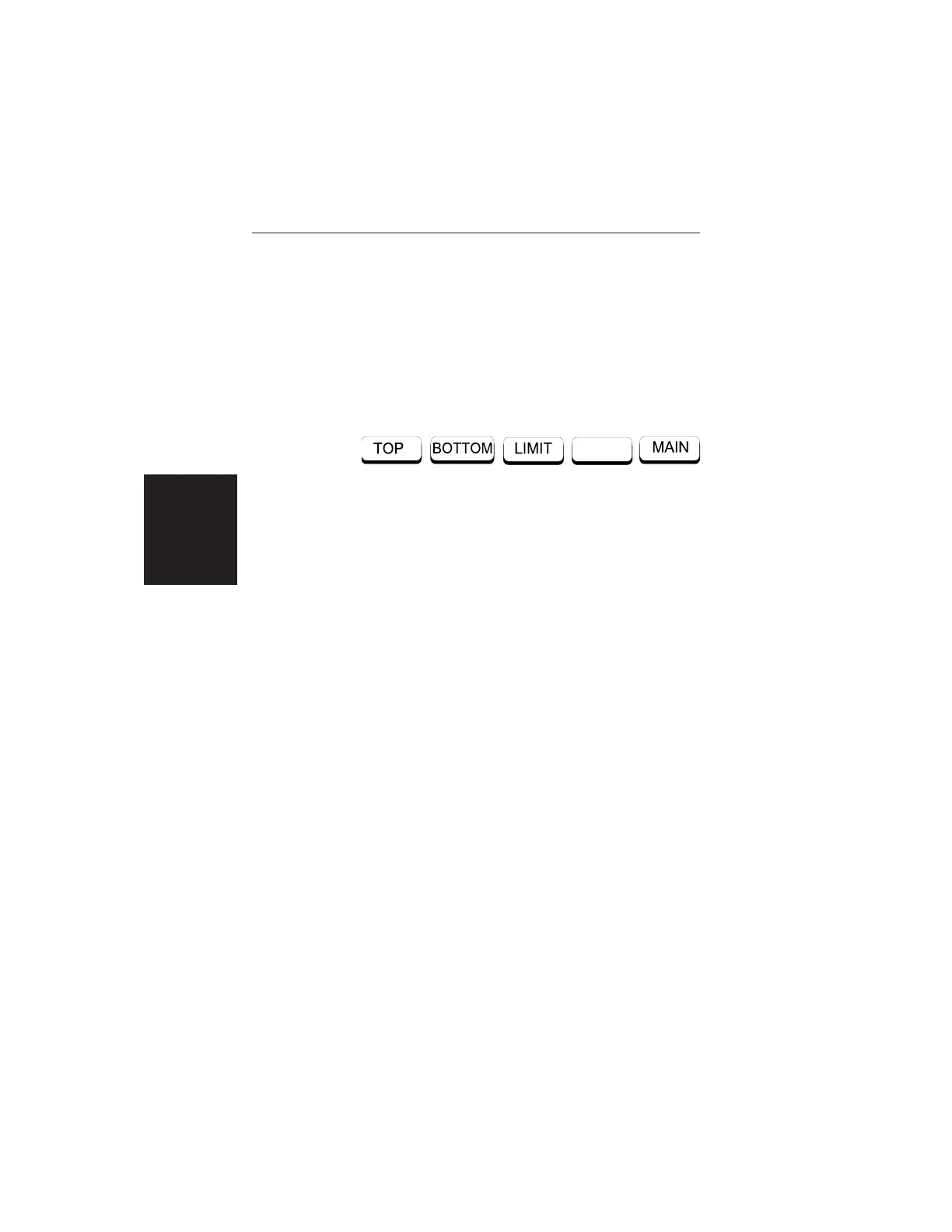
Choosing SCALE causes the soft keys, below, to be
displayed and the corresponding values to be shown
in the message area.
Pressing the LIMIT key on the keypad will also call
up this menu.
q
TOP — Opens the TOP parameter for data entry
and provides for setting the top scale value. Press
ENTER when data entry is complete.
q
BOTTOM — Opens the BOTTOM parameter for
data entry and provides for setting the bottom
scale value. Press ENTER when data entry is
complete.
q
LIMIT — Turns Limit OFF, if currently ON. If
Limit is currently OFF, turns it ON and opens the
Limit parameter for data entry. Press ENTER
when data entry is complete.
q
MAIN — Returns to the Main Menu.
2-12
Chapter 2 Operation













 To Next Page