Distance
Menu
(DIST)
Provides for setting Distance to Fault parameters.
Selected distance values may be changed using the
keypad or Up/Down Arrow key. Entry can be in feet
or meters, depending on the setting of the B5 soft key
in the Option Sub-Menu (page 2-15).
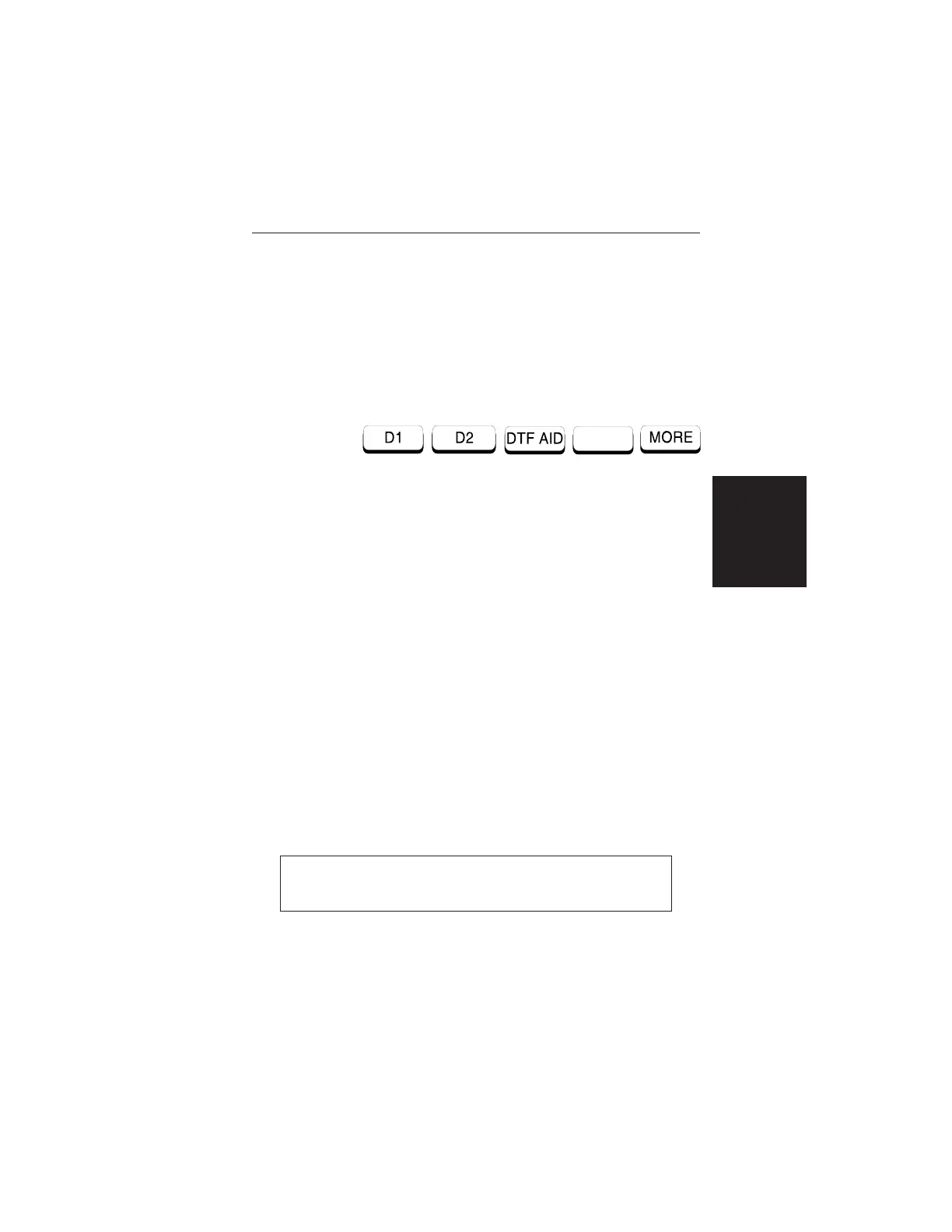
Choosing DIST causes the soft keys, below, to be
displayed and the corresponding values to be shown
in the message area.
q
D1 — Opens the start distance (D1) parameter for
data entry. This is the start value for the distance
range. Press ENTER when data entry is complete.
q D2 — Opens the end distance (D2) parameter for
data entry. This is the end value for the distance
range. Press ENTER when data entry is complete.
q DTF AID — Provides interactive help to optimize
DTF set up parameters. User is prompted for sys-
tem parameter values of maximum distance, cen-
ter frequency, cable or waveguide type, or
propagation velocity or group velocity. Frequency
parameters are then calculated to optimize both
range and resolution.
q
MORE — For coaxial cable, selects the Distance
Sub-Menu 1, described on page 2-16. For
waveguide, selects the Distance Sub-Menu 2, de-
scribed on page 2-17.
NOTE: Refer to Appendix A for coaxial cable and
waveguide technical data.
2-15
Chapter 2 Operation













 To Next Page