Distance
Sub-Menu 1
Provides for setting the cable loss and relative propa-
gation velocity of the coaxial cable. Selected values
may be changed using the keypad or Up/Down Ar-
row key.
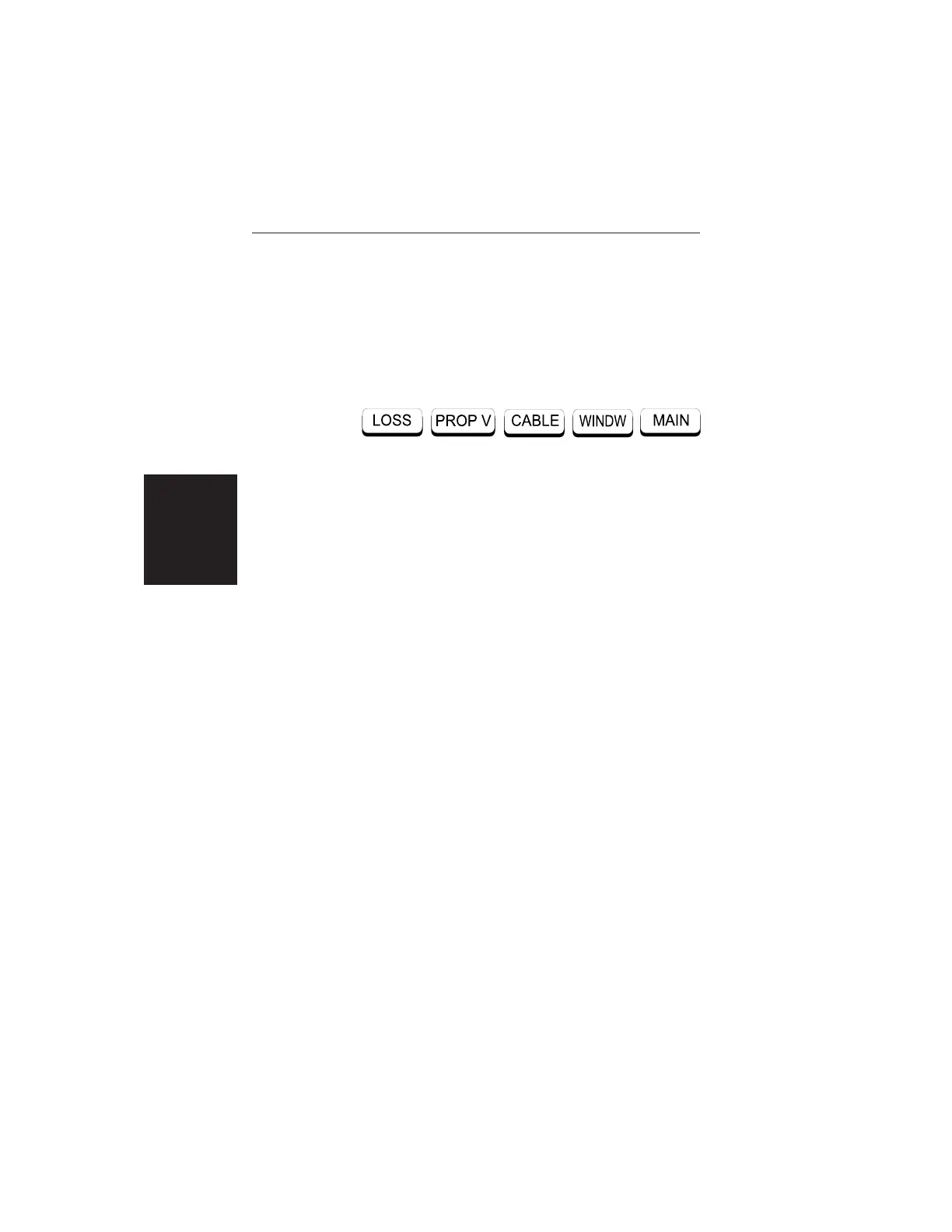
Choosing MORE causes the soft keys, below, to be
displayed and the corresponding values to be shown
in the message area.
q
LOSS — Opens the Cable Loss parameter for
data entry. Enter the loss per foot (or meter) for
the type of transmission line being tested. Press
ENTER when data entry is complete. (Range is
0.000 to 5.000 dB/m)
q PROP V (relative propagation velocity) — Opens
the Propagation Velocity parameter for data entry.
Enter the propagation velocity for the type of
transmission line being tested. Press ENTER
when data entry is complete. (Range is 0.010 to
1.000)
q
CABLE — Opens a menu of common coaxial ca-
bles. Use the Up/Down Arrow key and ENTER
key to make a selection. This feature is provided
as a rapid means of setting both cable loss and
propagation velocity.
q
WINDW — Opens a menu of FFT windowing
types for the DTF calculation. Use the Up/Down
Arrow key and ENTER key to make a selection.
q
MAIN — Returns to the Main Menu.
2-16
Chapter 2 Operation













 To Next Page