Markers
Menu
(3rd Level)
Provides selections for placing the selected marker at
the frequency or distance with the maximum or mini-
mum SWR, RL or CWL.
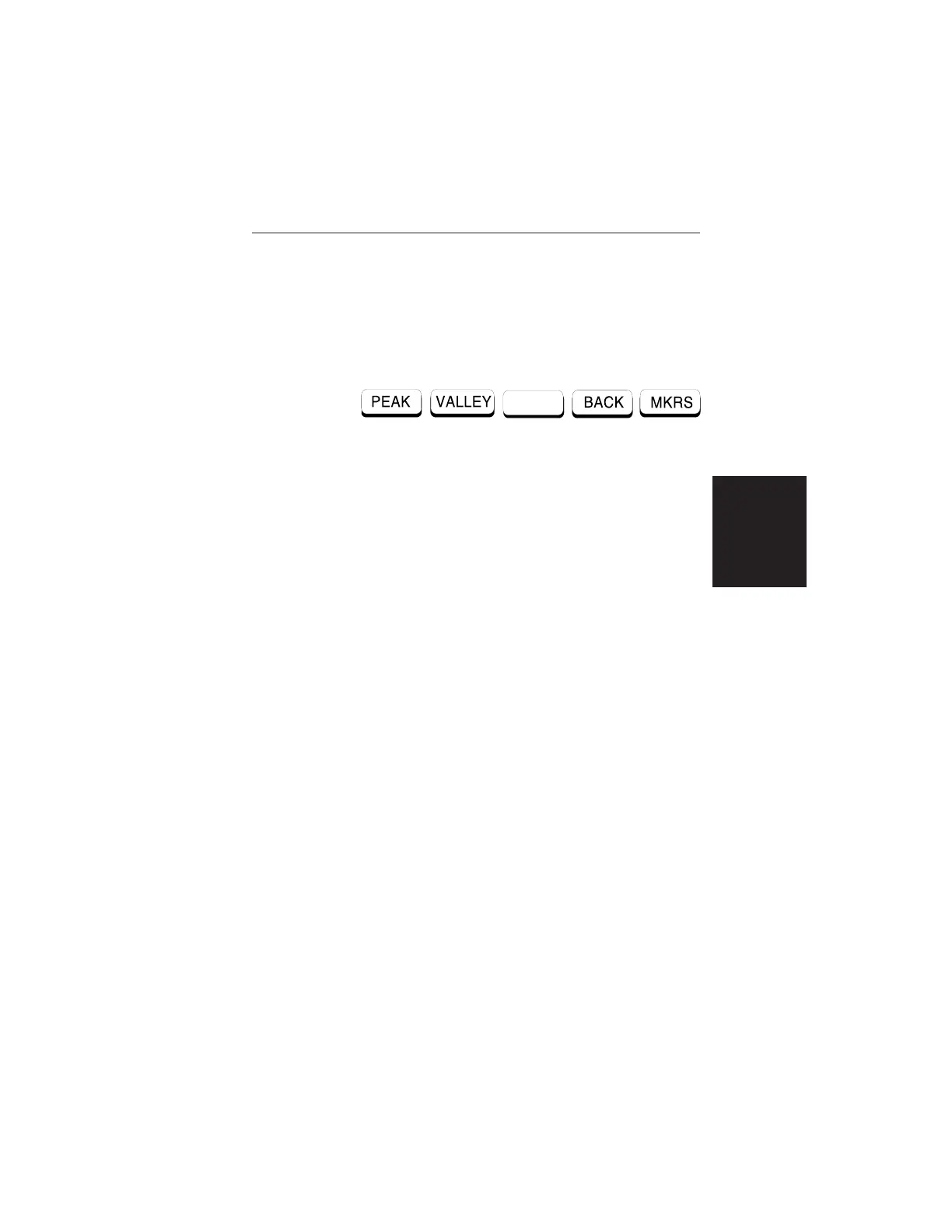
Choosing MORE causes the soft keys, below, to be
displayed and the corresponding values to be shown
in the message area.
q
PEAK — Places the selected marker at the fre-
quency or distance with the maximum SWR, RL,
or CWL.
q
VALLEY — Places the selected marker at the fre-
quency or distance with the minimum SWR, RL,
or CWL.
q
BACK — Returns to the Markers 2nd Level
Menu.
q MKRS — Returns to the Main Markers Menu.
2-23
Chapter 2 Operation













 To Next Page