Patient monitor User’s manual
Chapter 17-4
Note: Once the sensors have been secured to the skin, attach the
colour-coded wires on the patient cable to the appropriate
17.3.3 Connecting Patient Cable
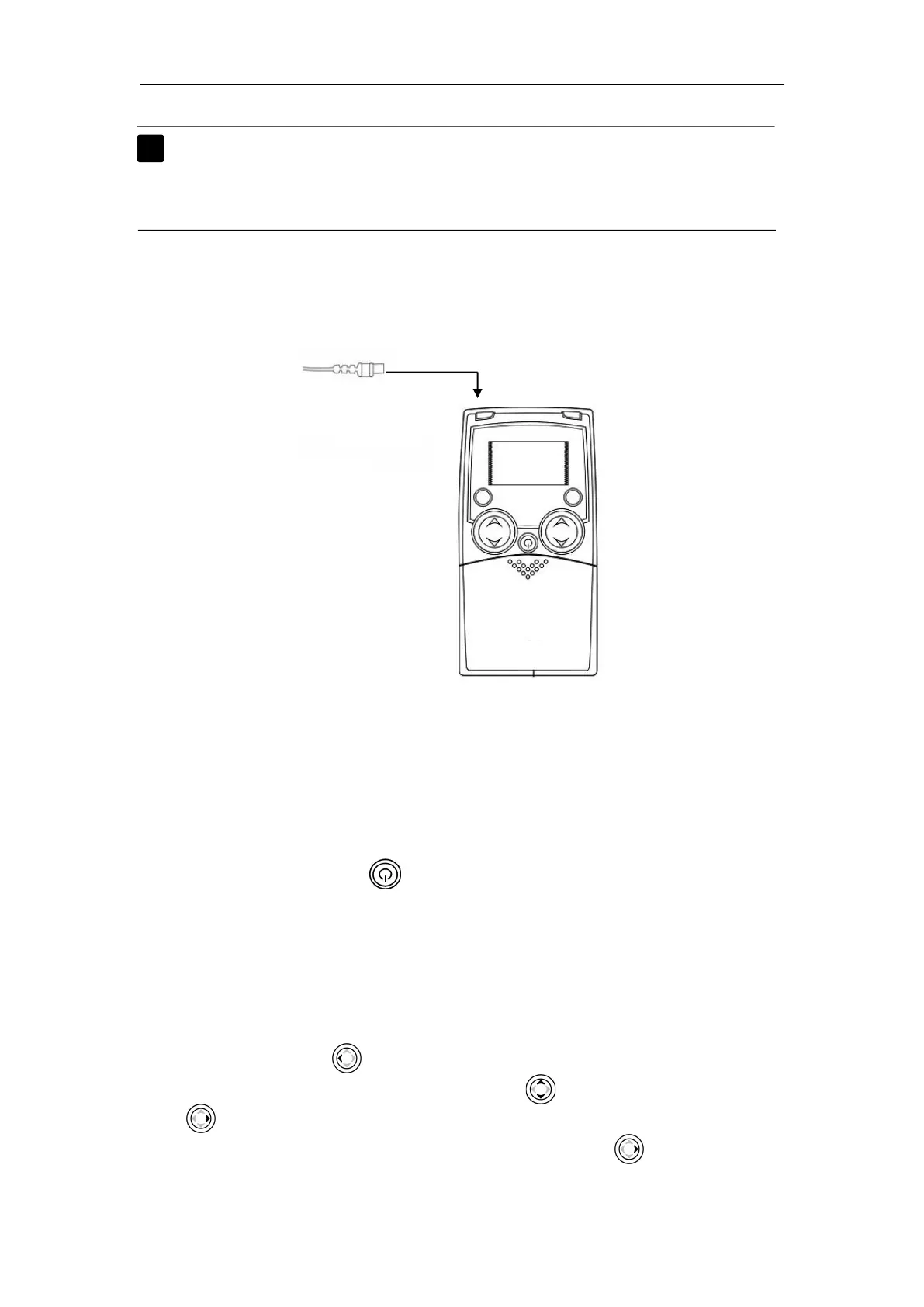
Connect the patient cable to the CSM module. Shown as follow:
17.3.4 Plugging the CSM connection module
Plug the CSM connection module to the plug-in module slot on the host
monitor.
17.3.5 Sarting the Cerebral state monitor
Press the Power button on the cerebral state monitor to start up it.
The default setting is that the Cerebral state monitor connects the CSM
connection module automatically. The light on the CSM connection module
will be on, and then you can conduct the Cerebral state monitoring. If the light
is off, please check the settings of the cerebral state monitor.
The steps is as follows:
1. Press the control key to enter【Menu】.
2. In the options of Menu, press the control key to choose
【
Config
】
,and
press to confirm it.
3. Select【AutoLNK】in the options of Config, and press to confirm it.
4. Check the option is “Active” or not, if not, select “Active”.



 To Next Page