Patient monitor User’s manual
Chapter 19-14
Set the position of ST point and ISO point.
Enter the main menu, select【Module Setup】→【ECG Setup】→【ARR
Setup】→【ARR Switch】, turn on or off the ARR switch.
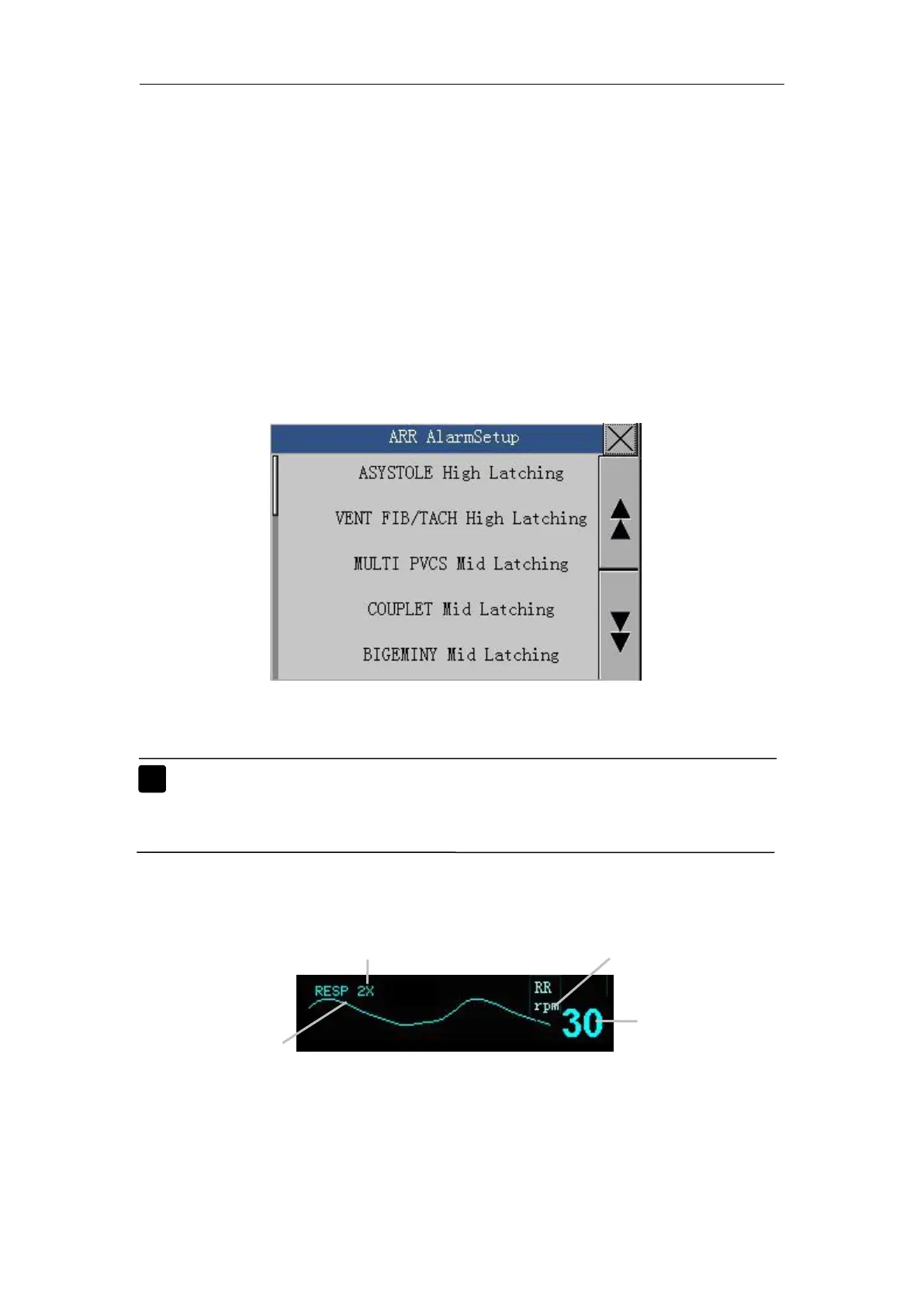
Enter the main menu, select【Module Setup】→【ECG Setup】→【ARR
Alarm Setup 】 to enter the arrhythmia alarm level setup. You can set various
arrhythmia alarms under the screen. The setup window is as follows:
Note: More details about the Resp measurement principle, safety
information and monitoring steps turn to Chapter 8: Section
Enter the main menu, select
【
Module Setup
】
→
【
RESP Setup
】
,then the
Resp setup window appears. You can set the Resp measurement in the



 To Next Page