Patient monitor User’s manual
Chapter 7-15
Initiating Arrhythmia Relearning Manually
During monitoring, if you have any question on the analysis result of
arrhythmia, you can start the arrhythmia relearning manually. Select
【
ARR
Analysis 】in the ECG setting menu, and select【 Arr. Relearning】. Then, a
prompt message of “ARR is relearning” will be displayed in the technical
Automatic Arrhythmia Relearn
The arrhythmia relearning can be automatically started in the following
1. The arrhythmia function is switched on;
2. The lead type is changed manually;
3. After lead-off, reconnect the lead;
4. The primary lead is changed.
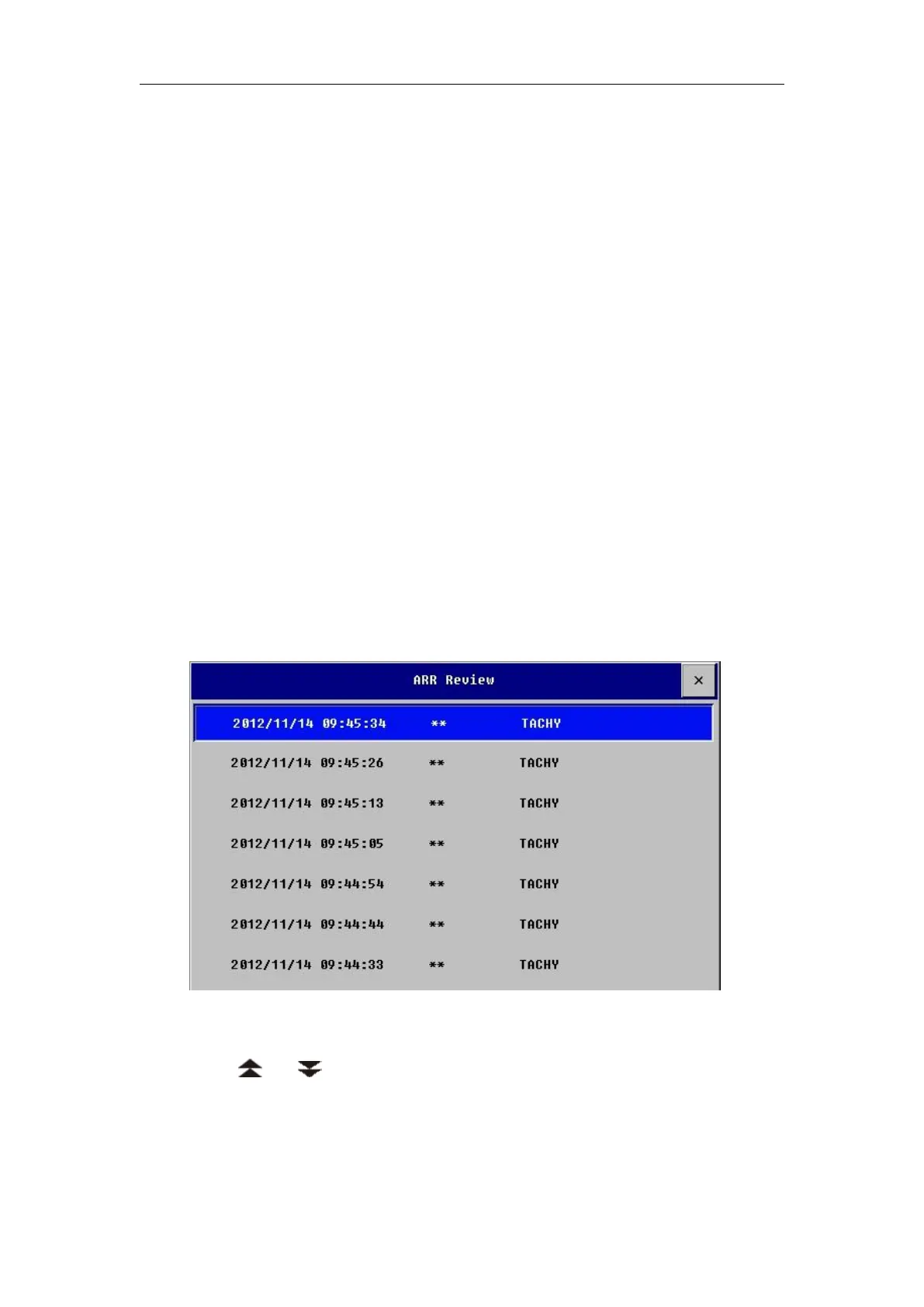
Select【ARR Analysis】in the ECG setting menu, and then select【ARR
Review】to view the Arrhythmia events happened before. Shown as follows:
In the ARR Review window, you can:
——Select an ARR event and then select【Delete】to delete the event.
——Select or to turn up or turn down the displaying window.
— — Select an ARR event and then select 【 Wave 】 to enter the ARR Wave
window which is as follows:



 To Next Page