23
10.3 ANZ POS MOVE BASIC FUNCTIONS
• POWER ON: Hold ENTER button for 3 seconds
• POWER OFF: Remove terminal from powered base or direct power and hold down
the FUNC and CLEAR buttons together for 3 seconds
Note: If the terminal is placed back on a powered base, the terminal will turn on.
• If the terminal is in idle or sleep mode, press ENTER to wake up.
10.4 TERMINAL KEYPAD
NUMBER KEYS
Use the number keys to enter in the transaction amounts, authorisation numbers and
hand key transactions.
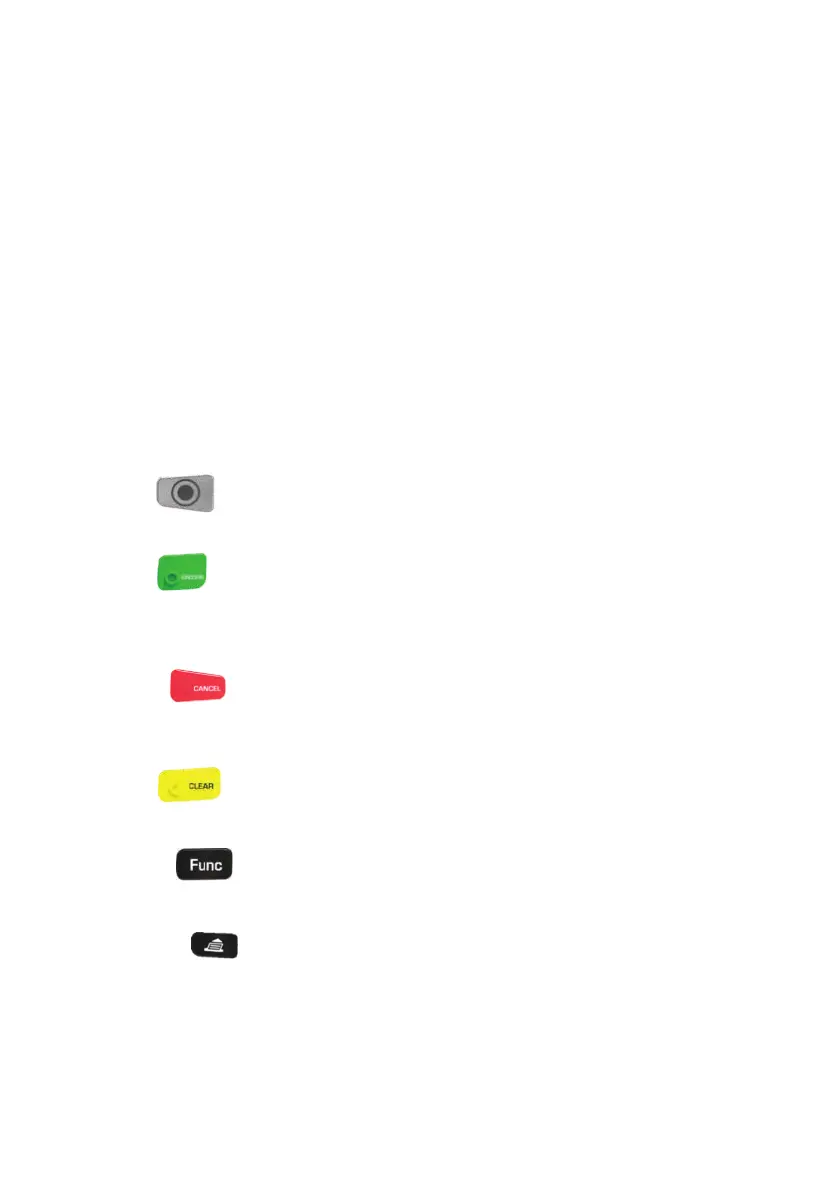
MENU
Use the MENU key to access the ANZ POS Move terminal menu.
ENTER
The ENTER key validates input selection and information. The ENTER key is also used to
power on the terminal.
CANCEL
The CANCEL key is used to cancel the current function and return the terminal to the
idle screen.
CLEAR
Press the CLEAR key to correct any invalid data entry.
Function
The Function key is used to perform certain advanced functions on the terminal.
Paper Feed
Press the paper feed key to advance the paper a few centimetres



 To Next Page