14
SETTING
- Access the selected menu
- Confirm changes and go back to previous menu
- Go back to previous menu
- Quit without confirming the changes
Pressed in sequence:
- Scroll the pages of a menu
- Change a value (increase)
Move the cursor during a change (press a
few times)
PROGRAMMING KEYSPROGRAMMING KEYS
12 SETUP MENU
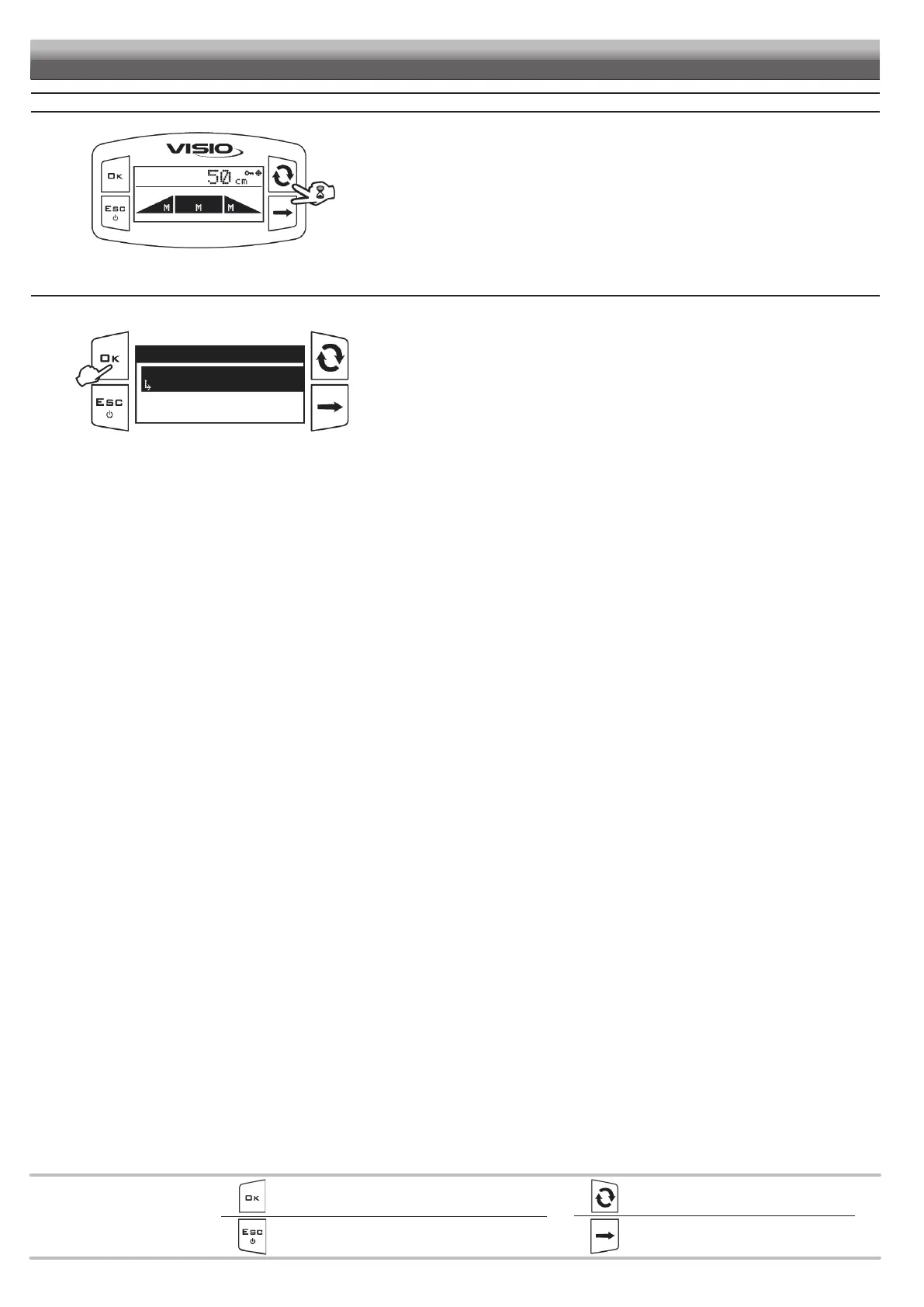
Fig. 24
From the main page, press keys at the same time for 2 seconds to access.
12.1 BLC settings
This menu allows entering the mechanical characteristics of the spraying boom and the headland detection mode.
Fig. 25
Setup menu
BLC settings
...
Options
Setup management
Access the Setup menu.
Press to access the
BLC settings menu.



 To Next Page